













































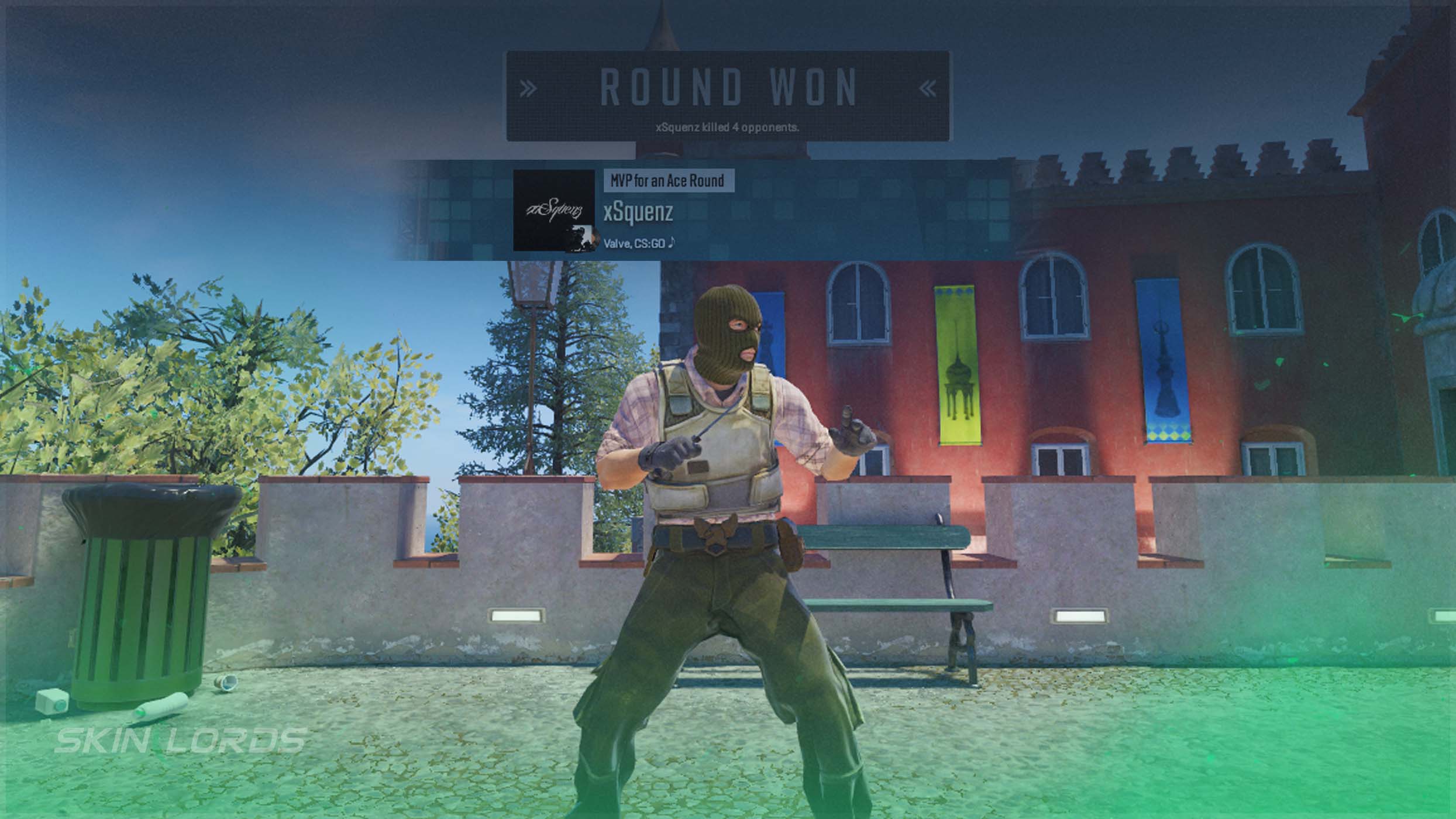
How to Turn Off MVP Music in CS2
In this guide, we will look at how to turn off MVP music in CS2’s audio settings. A somewhat annoying reminder of another player’s triumph, MVP music can affect your gameplay more than you’d think.

Check out more CS2 settings and gameplay guides on our blog:
How To Turn Off MVP Music
The process of changing this CS2 audio setting is rapid and easy:
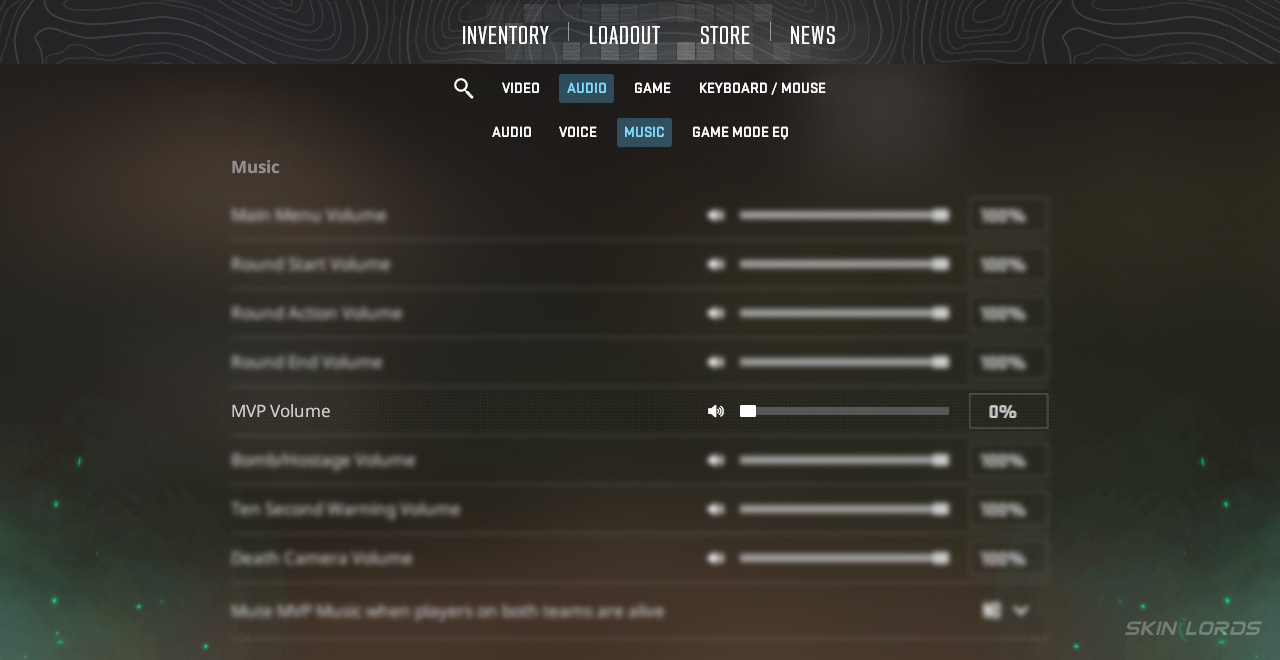
- Boot CS2 and locate the settings wheel at the top of the screen
- Navigate to Audio Settings
- Scroll to “Music”
- Now adjust the MVP Volume slider to 0%
Just like that, your audio settings have been changed, and you will no longer hear MVP music at the end of a round!
Why Should You Turn off MVP Music in CS2?
As simple as it may seem, a simple elimination of music can win a game! MVP Music targets your mental well-being in Counter-Strike. Especially when losing, hearing the same loud celebration at the end of every round can be more than just demotivating. Simply eliminating distractions and taunting celebrations, turning off MVP Music volume, is a brilliant choice.
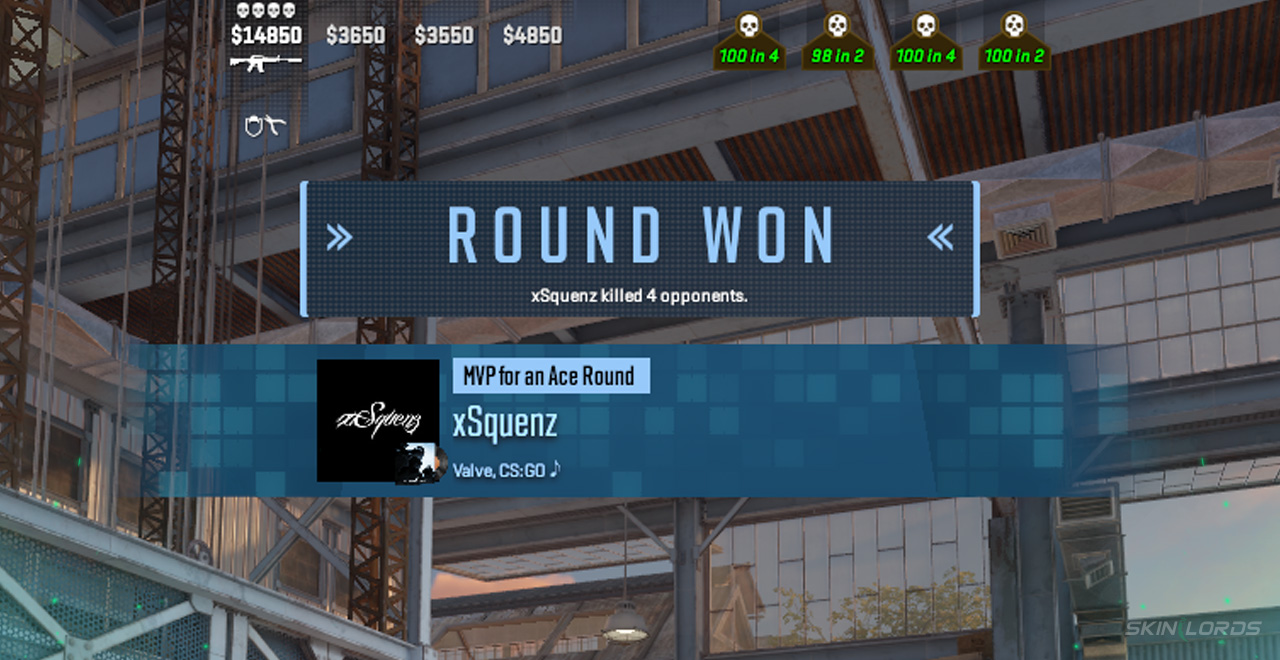
Can You Turn CS2 MVP Music Volume Down?
This is another helpful approach to MVP Music. Still allowing you to hear your own MVP moments, while not getting distracted by others, lowering MVP Music is a great choice. Playing around with your CS2 music settings is highly recommended, as preferred settings will differ for each person.
Even the simplest audio settings can make the biggest difference in your CS2 gameplay. If you have enjoyed this CS2 settings guide and would like to see more like it, feel free to leave a comment down below on the settings you’d like to see covered next!

Similar Articles
See all
Guides
Which CS2 Cases Have Bloodhound Gloves?
07.31.2026
0
32
Guides

Every CS2 Skin With A Blue Gem Pattern
07.31.2026
0
42
Related Casinos


 Stake
Stake
Leave a reply