













































How to Play Game Audio in the Background in CS2
Does your game audio mute when you switch away from Counter-Strike 2? If so, you can use the following guide to enable or disable the game audio from playing in the background when CS2 is not in focus.
Note that some players have encountered issues when changing this setting, such as the game crashing or the setting not working correctly. If you experience these problems, you can use a simple command at the bottom of this guide to change the setting.

Find the best CS2 guides on our blog!
Follow the Steps Below
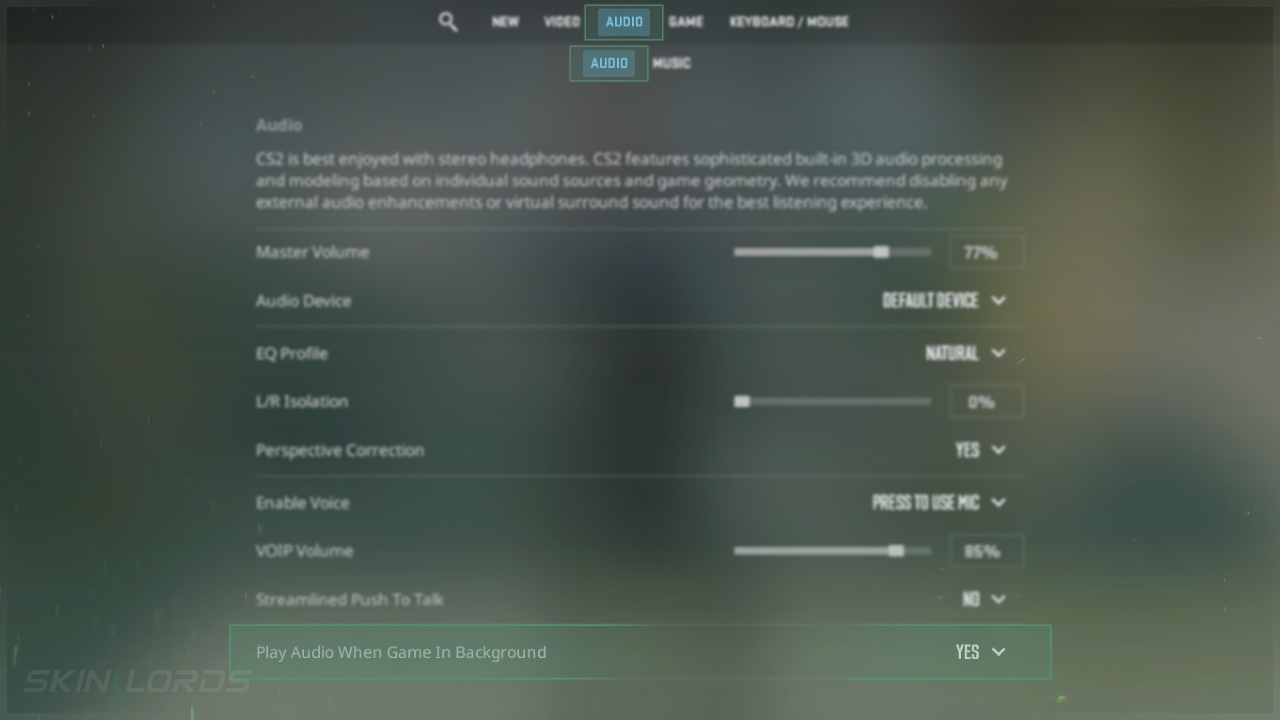
- Open the Settings Menu and click on Audio in the top menu
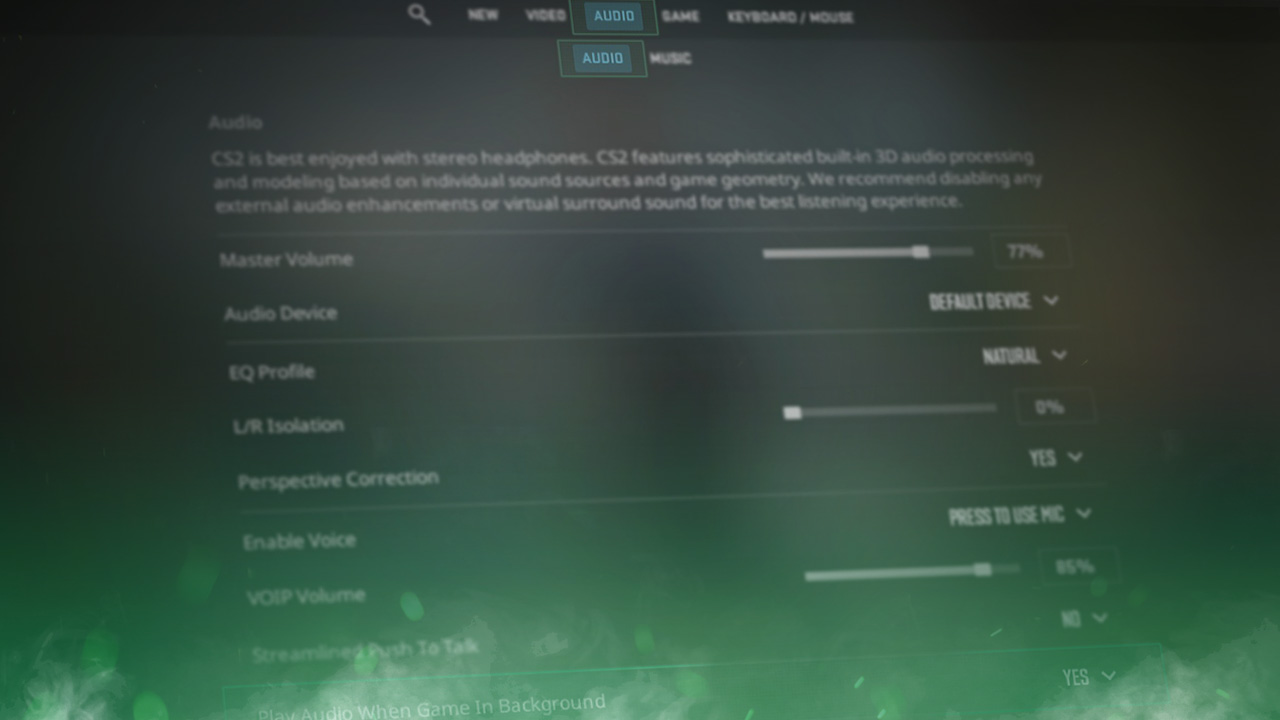
- Towards the bottom of the Audio page, find Play Audio When Game in Background
- Enabling this setting will continue to play all game audio even when a separate window is in use
Using the Developer Console
If you are unsure how to open the developer console in CS2, view our quick guide.
- Open the Developer Console
- Type
snd_mute_losefocus falseinto the console to enable game audio in the background- Type
snd_mute_losefocus trueto disable game audio in the background
- Type
We hope you found our quick guide on enabling or disabling game audio from playing in the background in Counter-Strike 2 useful. If we missed any important information or if you encountered any issues while following the instructions in this guide, please don’t hesitate to leave a comment.

Similar Articles
See all
Game Customization

How to Change CS2 Sniper Crosshair Thickness
04.16.2026
0
234
Game Customization
How to Disable CS2 Silencer Removal
04.16.2026
0
759
Related Casinos

 Stake
Stake
Leave a reply