













































How to Disable CS2 Silencer Removal
Today, we will teach you how to disable silencer removal in CS2. Available since some of the earliest days of Counter-Strike, the M4A1-S and USP-S are classic pieces of the franchise. Found across thousands of famous clips, moments, and loadouts, these silenced weapons are absolutely fantastic. Both ranked among the best weapons in CS2. Why not learn a little more about how they can be adjusted in settings?

Check out more CS2 settings and gameplay guides on our blog:
Why Disable Silencer Removal
Although it’s interesting that you can remove the silencer while in active play, perfect for confusing enemies with strange gun noises, at times, it’s more of a hindrance. Easily misclickable binded two right clicks, the accidental press of a silencer mid clutch is a tragedy far too common. Disabling silencer removal is less of a play boost and more of a sacrifice for security, since no accidental fumbles can occur when it’s disabled. The only downside of removing this ability is that you will no longer be able to remove the silencer from your CT weapons, but for most, this is not a large sacrifice.
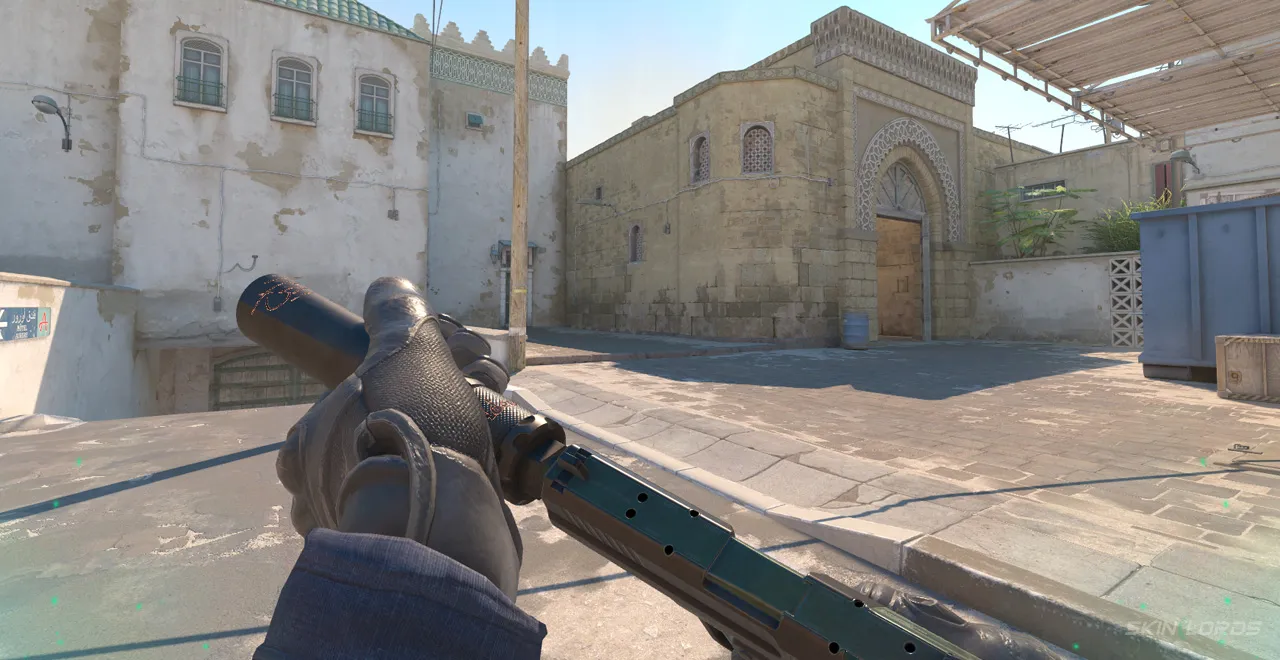
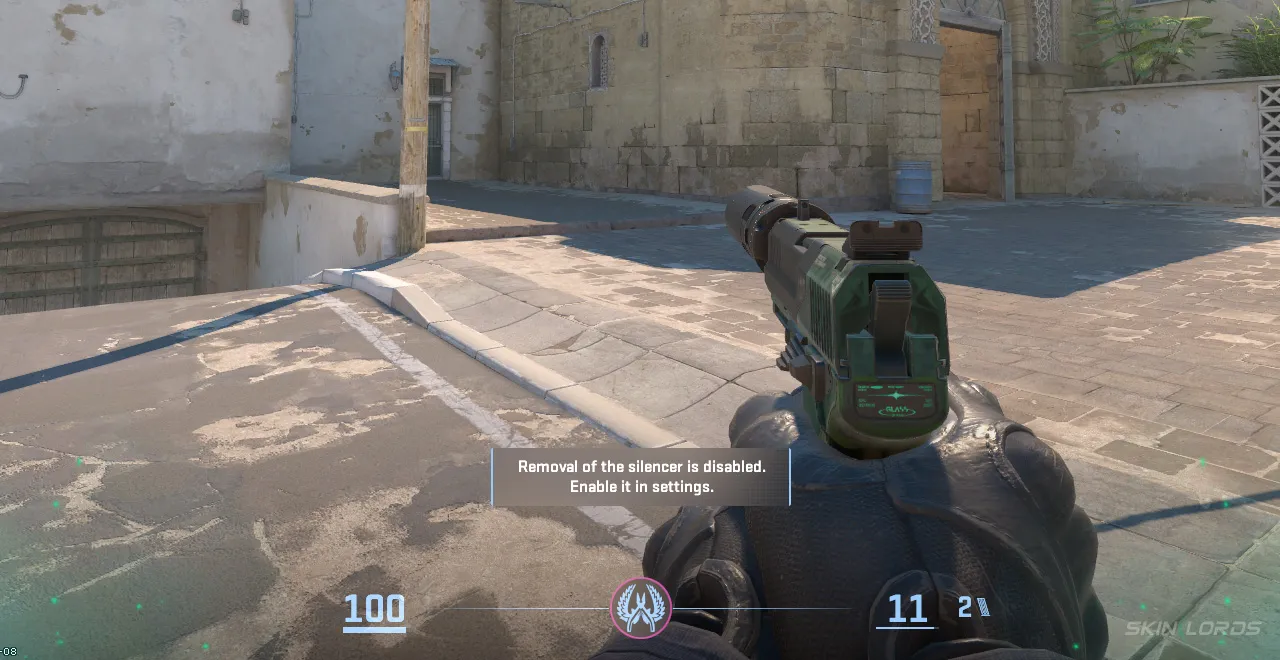
How to Change CS2 Silencer Removal Settings
Changing your Silencer Removal settings is quick and easy. Simply:
- Launch CS2 and locate the settings wheel in the top left corner of the menu screen
- Once in the settings menu, navigate to the “Game” tab
- In-game settings, there is a tab titled “Item.”
- Under Item settings, disable the setting ” Detach Silencer on M4A1-S and USP-S.”
- If ever desired to remove a silencer in the future, simply re-enable the setting
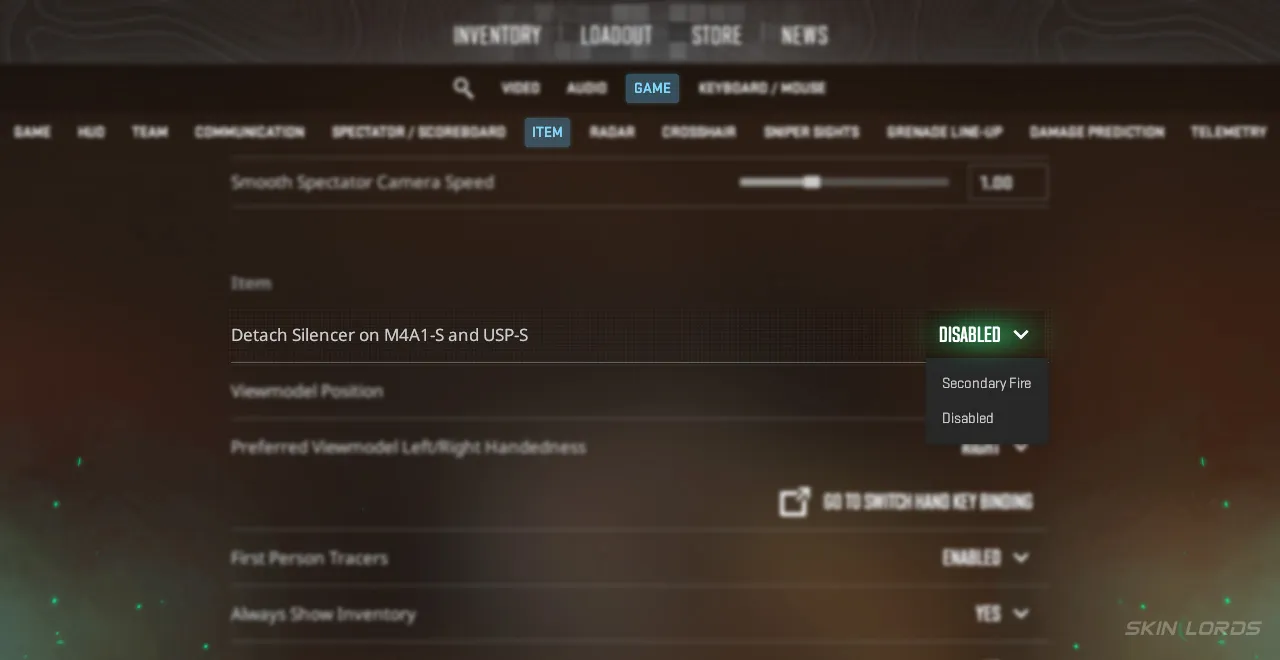
As you can see, it really only takes a few short, easy-to-disable detachable silencers in CS2. Additionally, now you have the knowledge to quickly pop in and change the setting at your convenience! If you have found this settings guide useful and would like to see more settings guides like it, feel free to leave a comment down below on the setting you’d like to see covered next.




Similar Articles See all
Guides

Guides

What Makes CS2 Case Opening Sites Different From CS2 Cases?
09.09.2026
0
47
Related Casinos

 Stake
Stake
Leave a reply