













































How to Make the CS2 Bomb Louder
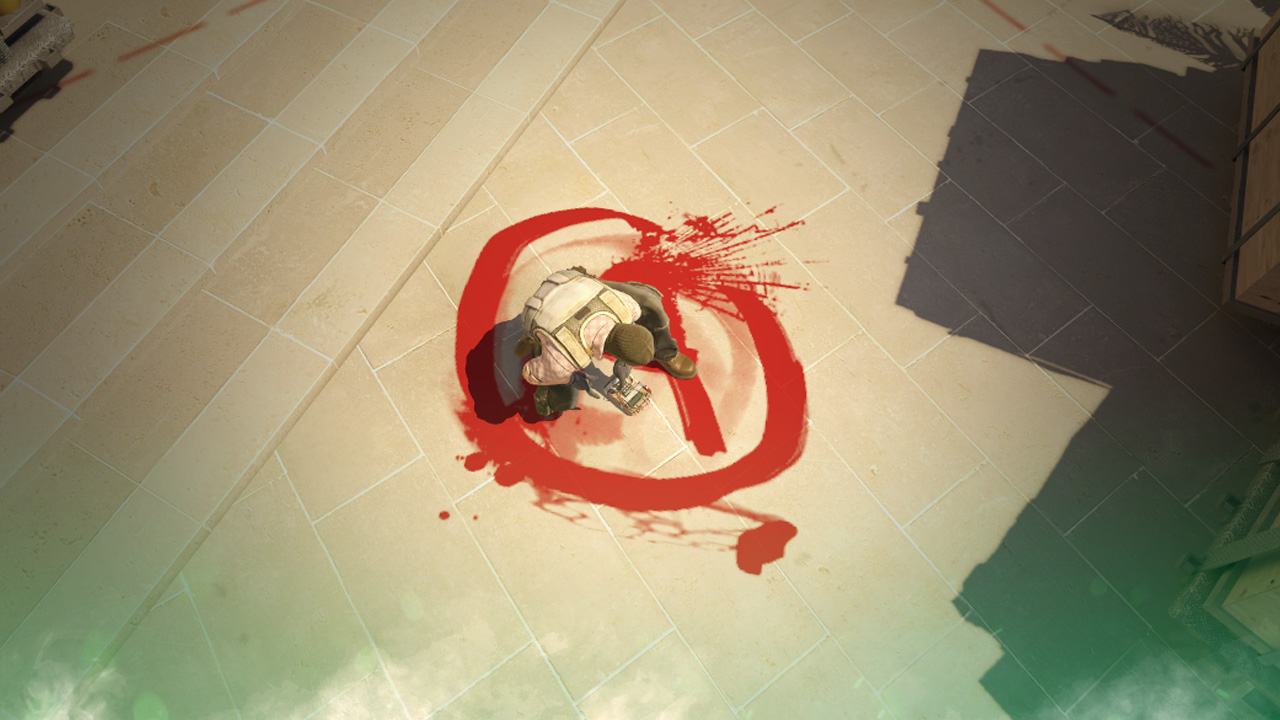
In a game hyper-focused on competitive play, even something as simple as making the CS2 bomb louder can tilt the balance towards victory. A simple setting that alerts you of bomb location, fake plants, and much more, who wouldn’t want to change this CS2 audio setting? Today, we will look at how to make the CS2 bomb louder.

Check out more CS2 settings and gameplay guides on our blog:
CS2 Bomb Volume Settings
At a glance, adjusting Bomb volume settings in CS2 can seem quite simple, but in reality, unfortunately, CS2 does not have a single bomb-specific volume! Here’s a short guide to two alternatives that still help you detect the bomb more effectively!
Turn Up General Game Volume Settings
- Once in CS2, locate game settings via the gear icon in the menu
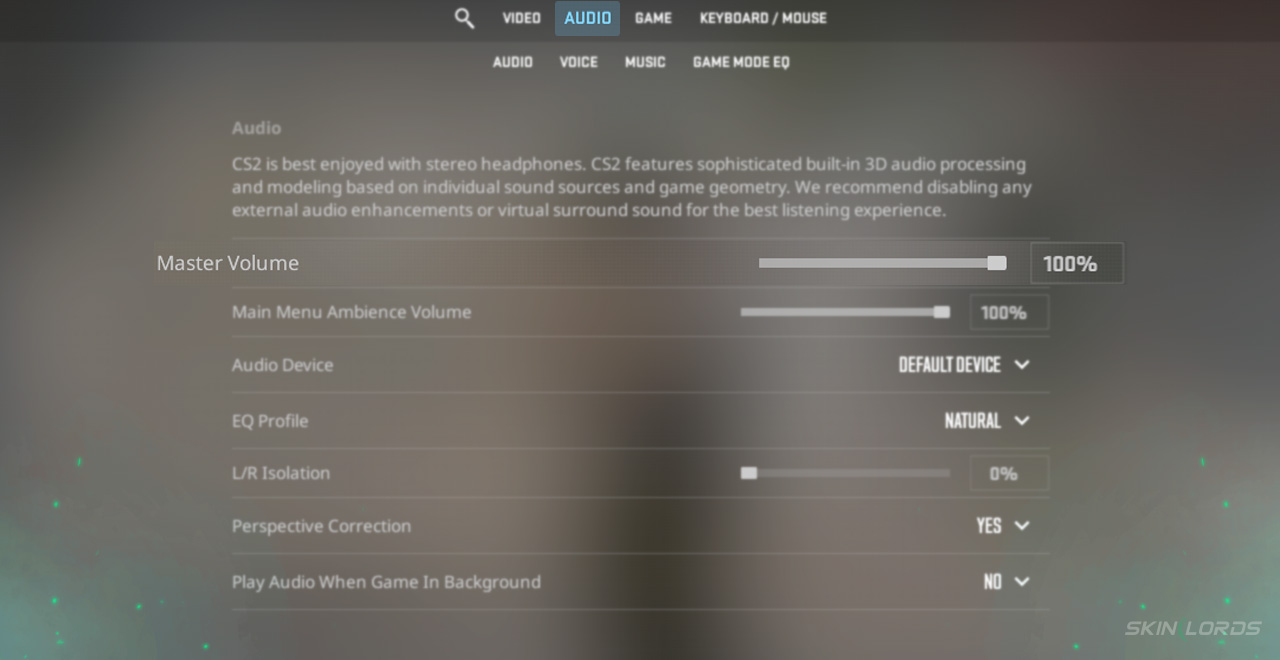
- After entering the settings menu, click “Audio”
- Scroll down and turn up either the master volume or the ambient game settings
How to Enable CS2 Bomb Music
The bomb music setting is quite helpful as it plays music when the bomb is planted, allowing the player to know the time till the explosion, or simply alerting them of the plant. To do this:
- Locate game settings via the gear icon in the menu
- After entering the settings menu, click “Audio”
- Under the music category, drag the “Bomb/Hostage Volume” slider to the max

Although it is unfortunate that CS2 does not have any direct settings for the bomb noise, these tips will surely help! Even a ten-second warning volume from the music can be pretty valuable for competitive play. If you have enjoyed this article and would like to see more CS2 audio setting guides or general CS2 guides, feel free to leave a comment down below on the guide you’d like to see next!

Similar Articles
See all
CS2 Guides

Which CS2 Cases Have Bloodhound Gloves?
07.31.2026
0
32
CS2 Guides

Every CS2 Skin With A Blue Gem Pattern
07.31.2026
0
42
Related Casinos

 Stake
Stake
Leave a reply