













































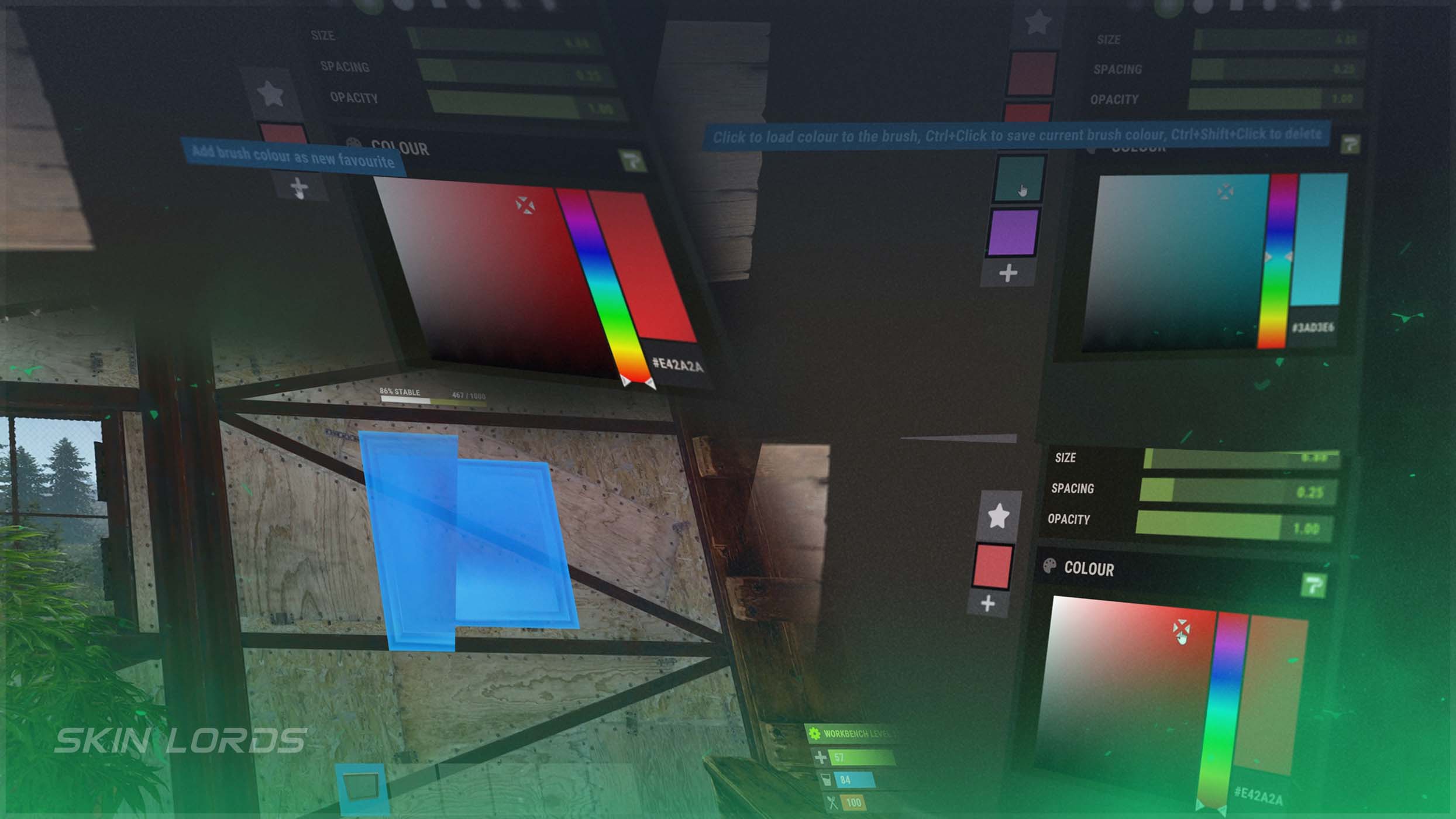
All Rust Painting Overhaul Changes
In previous game updates, Rust’s painting system has been gradually improved, giving the artistic feature a much-needed overhaul. The new quality-of-life features include a paint color wheel for in-depth color selection, the option to favorite specific color choices, an autosave feature, and the ability to rotate paintings between landscape and portrait orientations.

Check out the rest of the Pivot or Die update in our update guide:
Paint Color Wheel
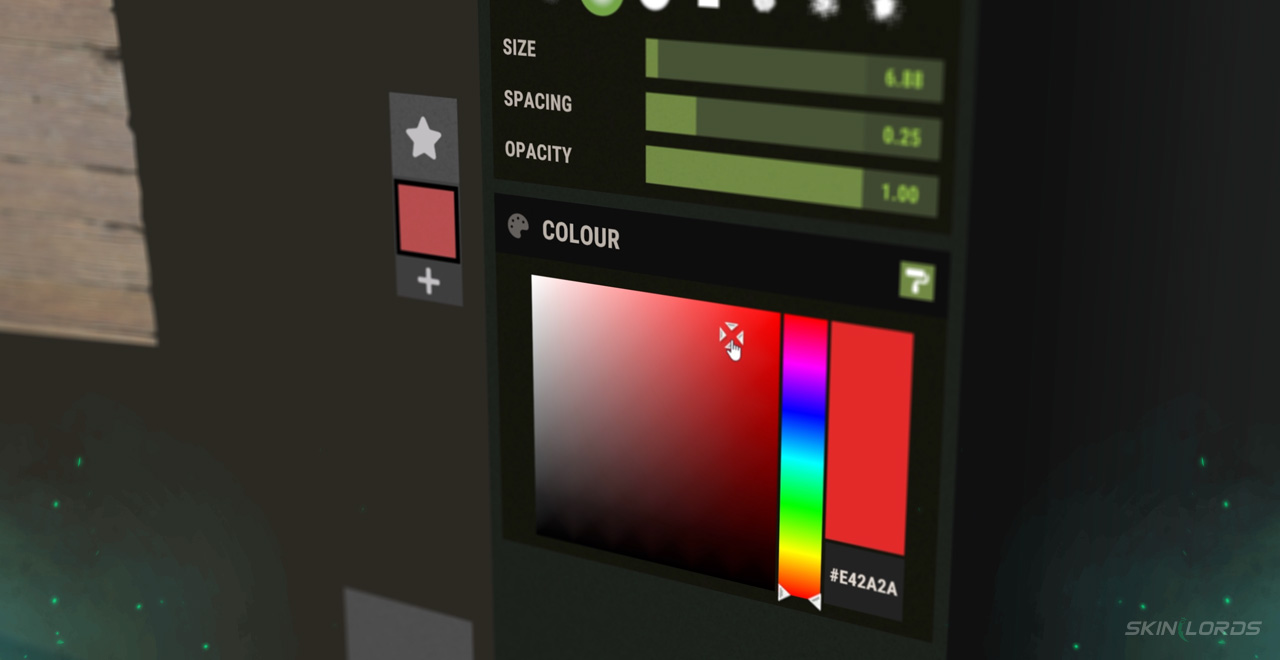
In Rust’s November Pivot or Die update came the addition of a color wheel to Rust’s painting system. The wheel works similarly to Rust’s workshop scene, allowing you to pick any color from the wheel by using a color picker. The feature also includes hex codes with the ability to copy and paste them to make sure you’re getting the proper color.
Favorite Color Settings
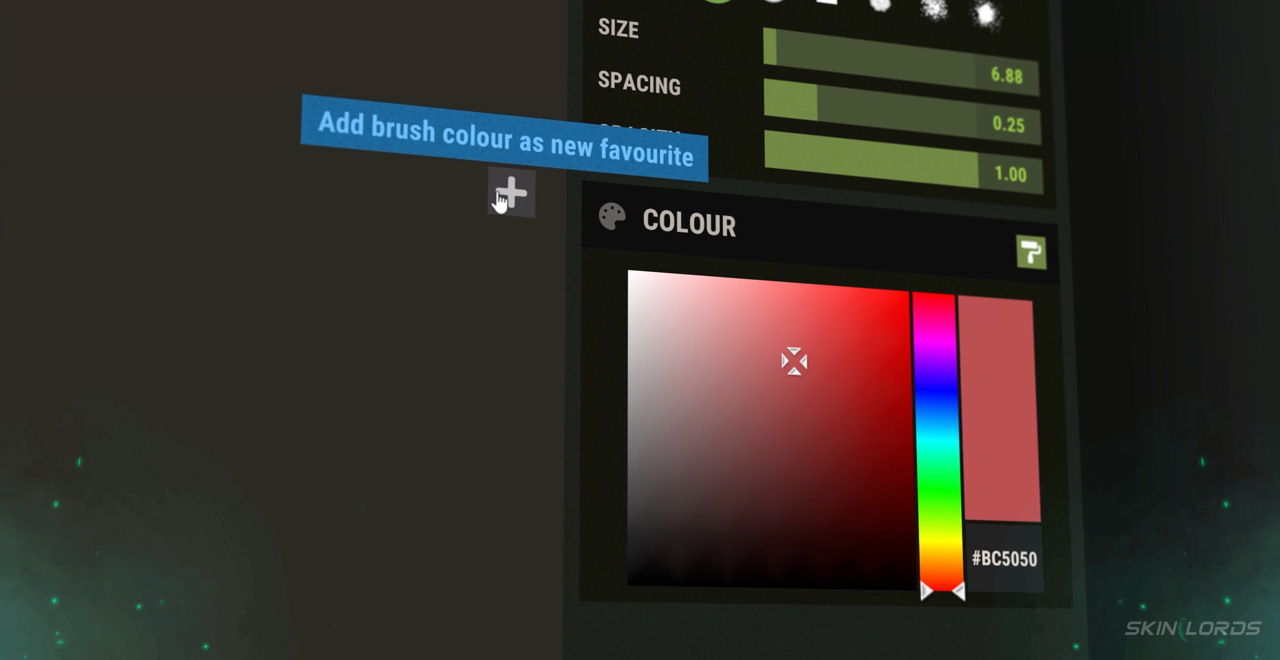
Along with the color wheel came the addition of favorite colors. Each favorite color can be found next to the color wheel, allowing you to easily swap between your favorite shades. Players have the ability to instantly favorite any selected color on the wheel, create binds to instantly swap their brush between favorited colors, and save up to a total of 10 colors at once.
Painting Auto-Save
A helpful feature added to Rust’s painting overhaul back with the Harder Core update was the auto-save option. This feature saves your painting progress in case of a sudden death, disconnect, or any other issue that might set back your progress. The feature can be found and toggled in the top-left of the painting menu, left of the undo button.
Rotatable Paintings
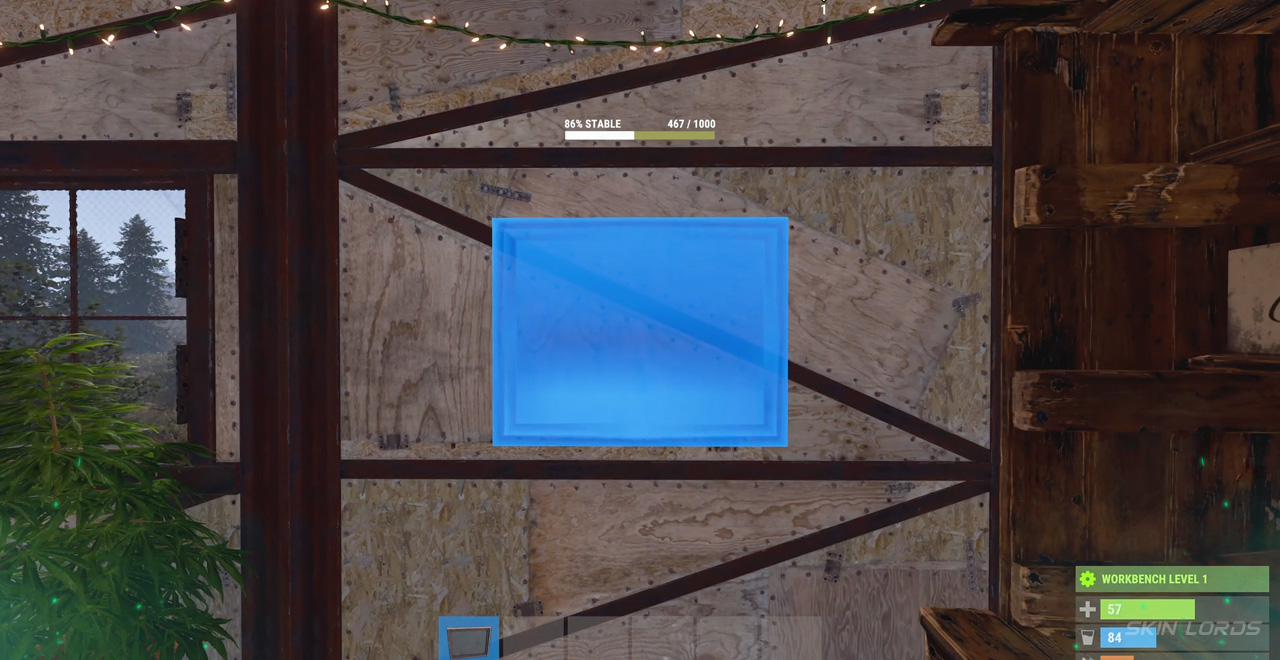
In the Meta Shift update, the ability to rotate paintings before you place them came. This allows you to swap each frame between a portrait or landscape selection before placing them. The feature also brought along hot-keyed controls to the painting menu, allowing you to rotate, pan, and reset the position of your painting.
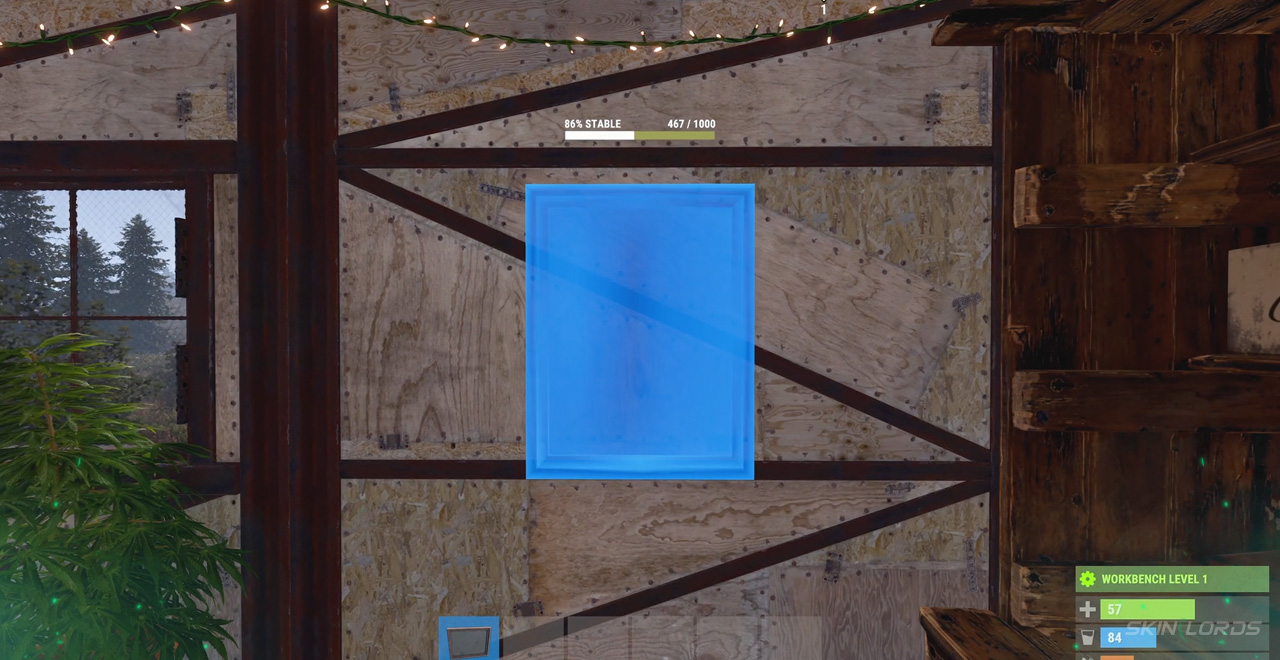
That covers all of the overhauls made to Rust’s Painting system. With changes trickling slowly over the past months, who knows what other plans the developers could have for the system? If you’re looking to spice up the environment around your painting, check out our blog covering the Exhibit Decor Pack DLC. See you next time!

Similar Articles
See all
Rust Updates
Rust Workbench Upgrades: Every Upgrade and How to Get Them
08.07.2026
0
8
Rust Updates
Rust Apartment Complex: How to Rent and Use Shops
08.07.2026
0
8
Related Casinos
 Stake
Stake
Leave a reply