













































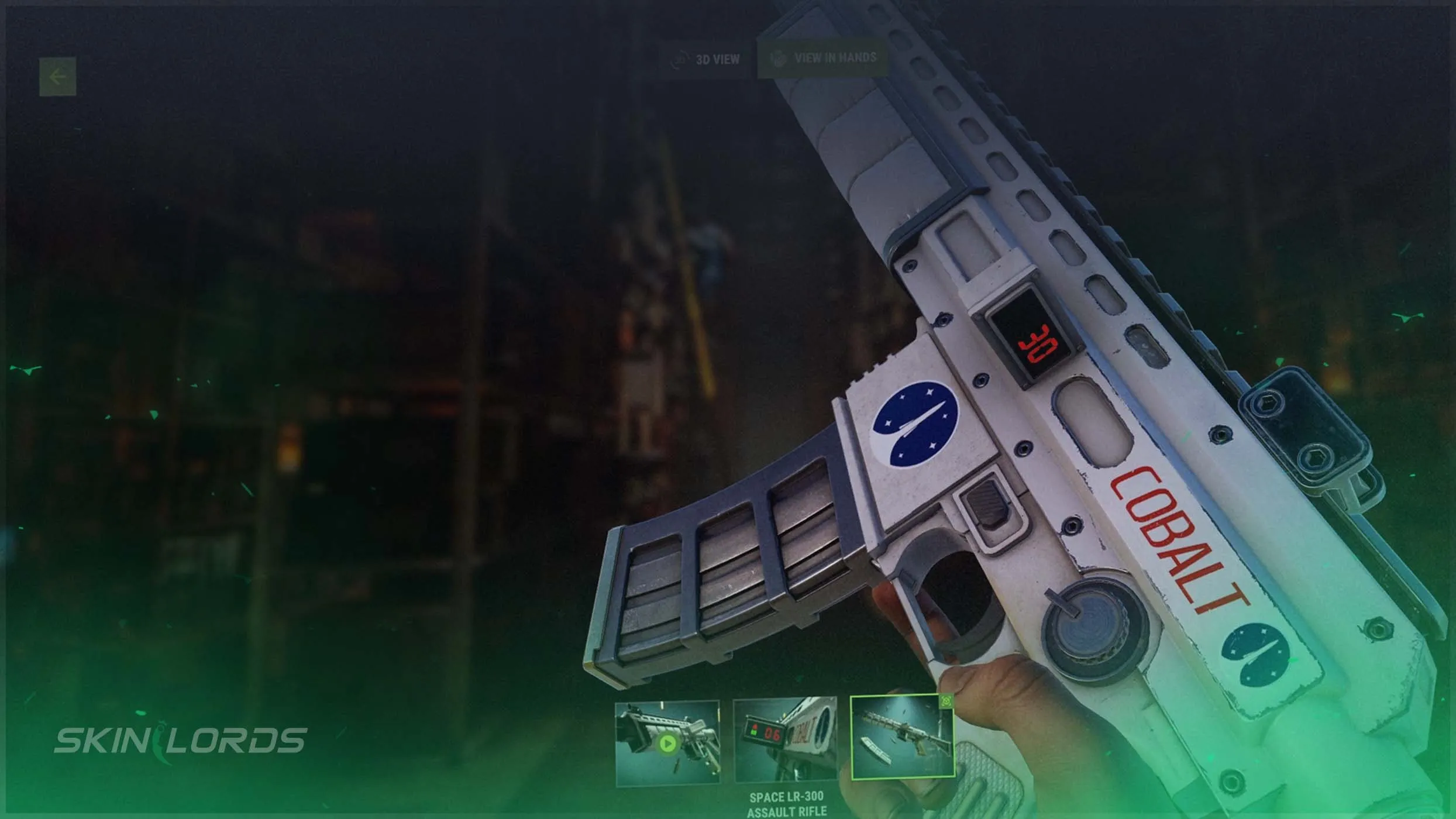
Rust Skin Viewer: Skin Inspector and Updated HUD Guide
Rust recently released June’s Built Different update. The new update added an abundance of features, including an update to the in-menu skin viewer. This quality-of-life feature aims to make skins more accessible for those getting introduced to them. Follow along as we cover everything you need to know about the skin viewer update.

For more coverage of everything in this Rust update, check out our blog
What is the Rust Skin Viewer?
The skin viewer allows you to inspect any Rust item in your inventory or inside of the Rust shop. To use the skin viewer, simply select the skin on the main menu, then click the skin’s model to fully open the skin viewer. Once in the skin viewer, a rotatable 3D model will be available for players to inspect as well as the skin’s tags and description.

What Did Rust’s Skin Viewer Update Add?
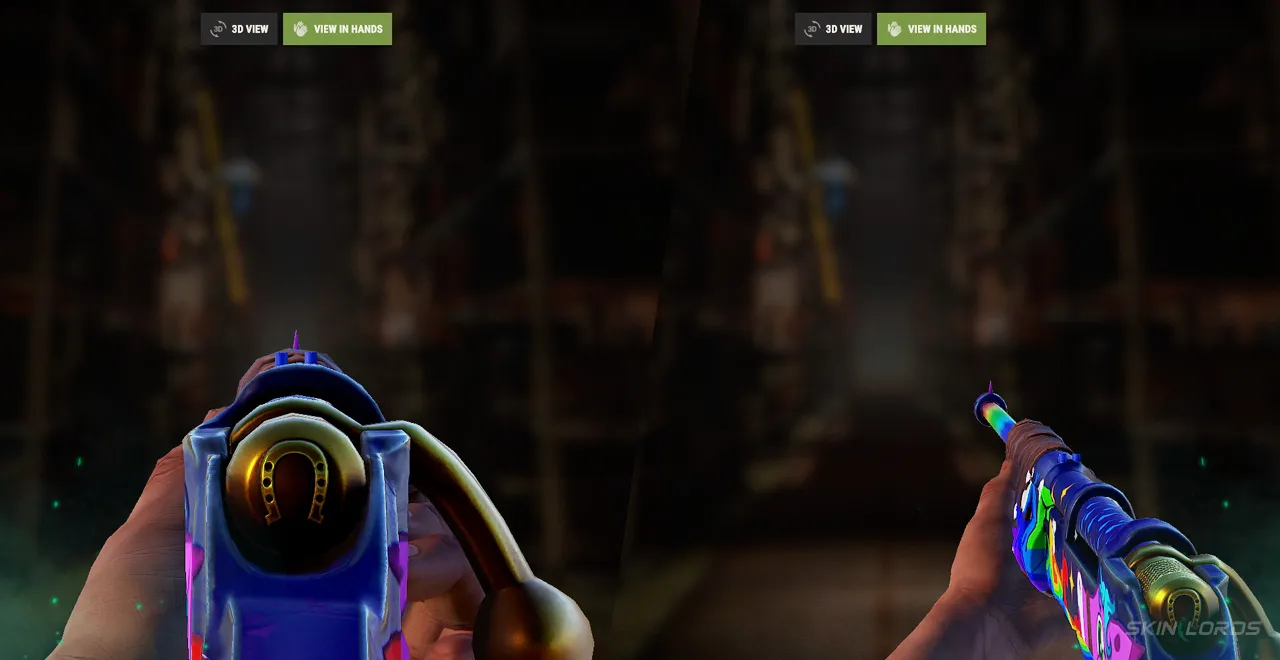
The new update to Rust’s skin viewer added the ability to inspect skins in your hand. This gives you the option to check out how your skins will look in-game firsthand before purchasing. This can make decisions easier for players who are on the fence about a certain skin. It can also increase accessibility for players looking to learn about Rust skins.
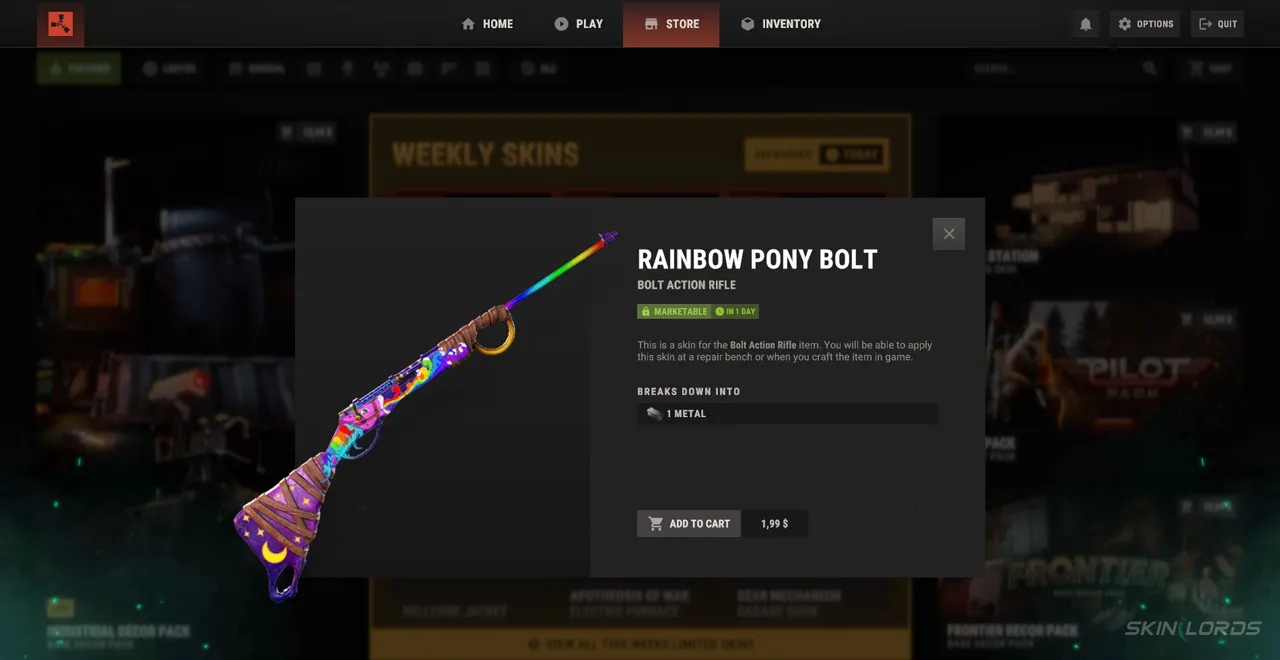
How to Hold Skins in Your Hand In The Rust Skin Viewer
To hold skins in your hand while using Rust’s skin viewer, you first must select a skin from the main menu. Once selected, open the skin viewer to find the “View In Hands” button near the top-middle of the menu. While inspecting, you can aim down the sights or examine the skin using your set keybinds.
That covers everything you need to know about the updated skin viewer. Enjoy the newfound ability to inspect crisp skins in-game before making any final decisions. Let us know what you think about the new skin viewer by leaving a comment below. If you enjoyed this blog, feel free to check out our blog covering the update recently made to Rust’s tech tree. See you next time!

Similar Articles
See all
Rust Guides
Rust Workbench Upgrades: Every Upgrade and How to Get Them
08.07.2026
0
32
Rust Guides

Rust Apartment Complex: How to Rent and Use Shops
08.07.2026
0
30
Related Casinos
 Stake
Stake
Leave a reply