













































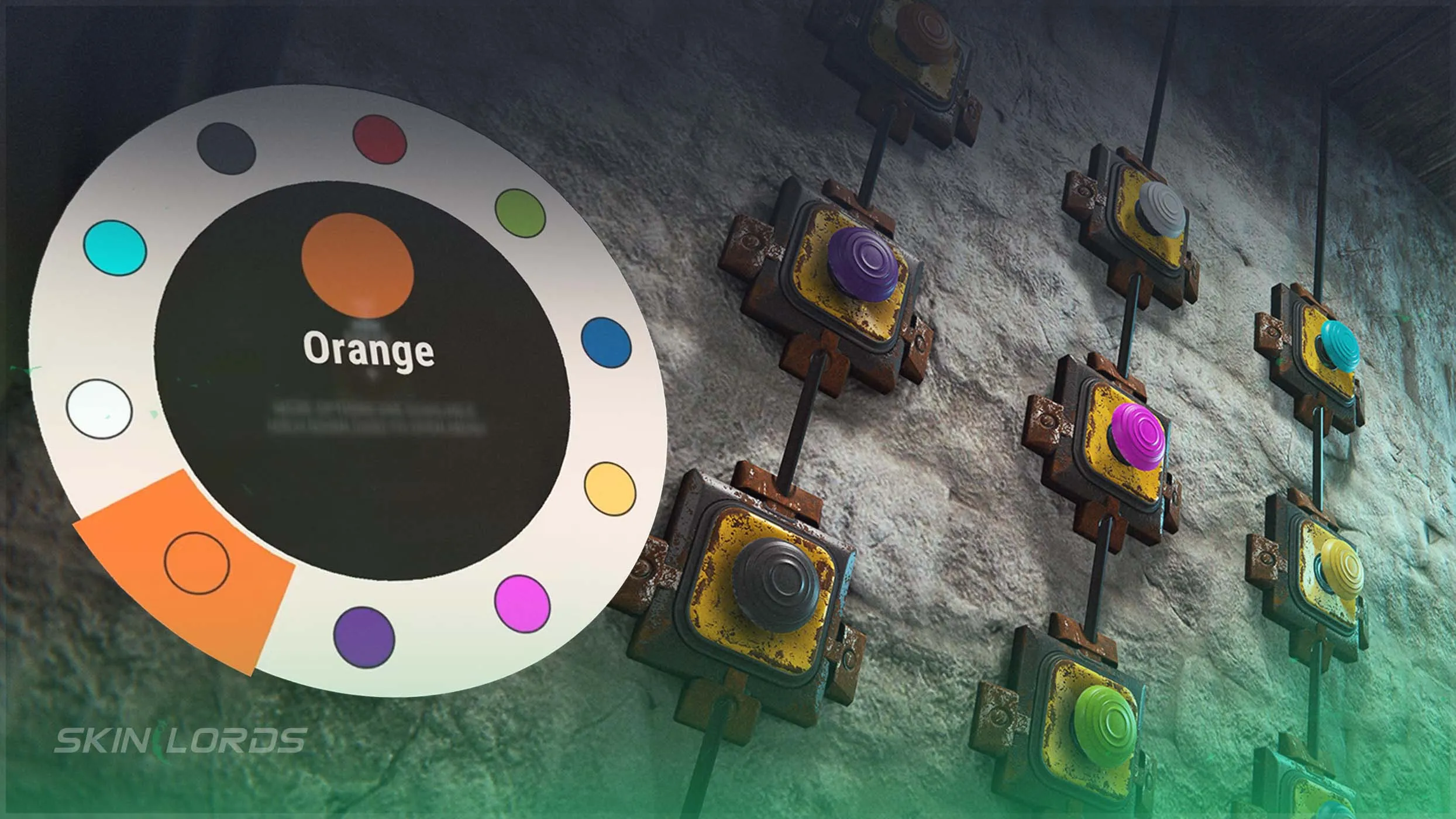
Rust Adds Colored Button Variations
The button has been an integral part of Rust’s electricity system ever since it was added. As the game has progressed, many quality-of-life features have been brought to the system, slowly improving it over time. Most recently, we have received colored button variations as part of Rust’s Spring Clean update, a feature long-awaited by the community. Follow along as we teach you everything you need to know about the button and its colored variations.

For more coverage of everything in this Rust update, check out our blog
How to Obtain Rust’s Button
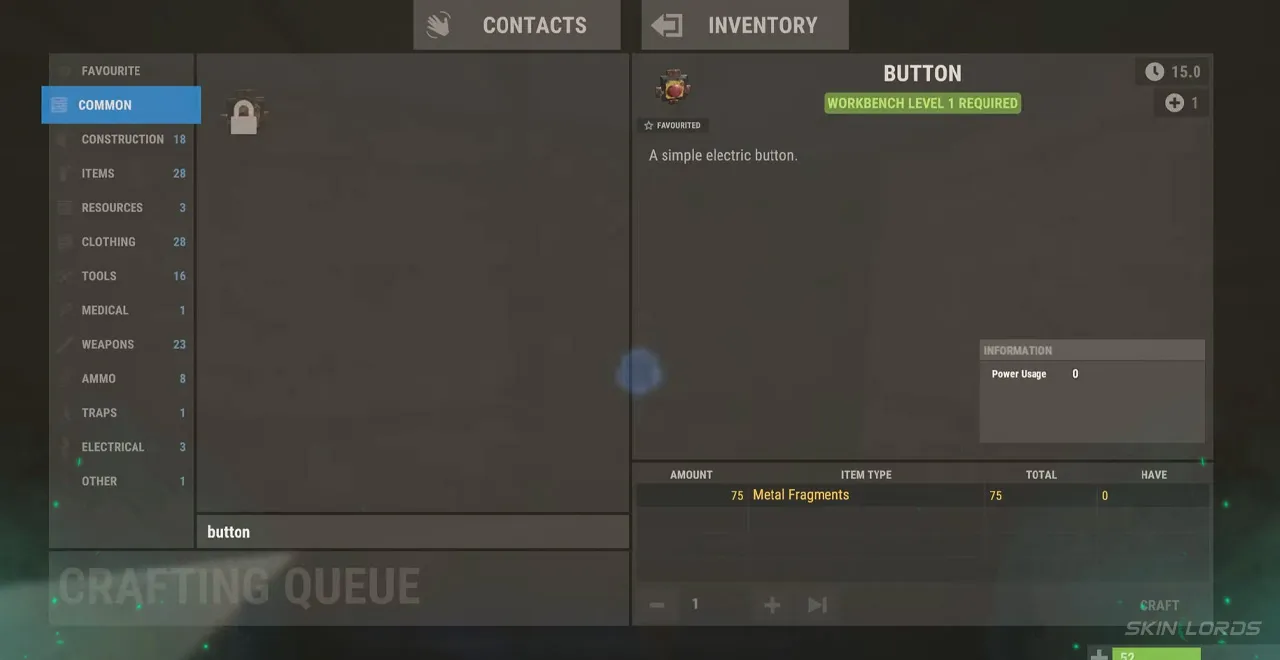
The button is one of the easiest electrical items to obtain inside of Rust. It can be found commonly amongst brown crates or on the bodies of Scientists. The button requires 15 Scrap to research once obtained. However, it can also be learned through the Engineering Workbench’s tech tree with a total path cost of 180 Scrap. Once learned, the button can be crafted at any workbench using 75 Metal Fragments.
How to Use Rust’s Button
Once obtained, the button can be placed on any wall. The button is one of the simplest electrical items, featuring two inputs: power in and power out. Once pressed, the button will release power for several seconds until it eventually deactivates. It is most commonly used to toggle deployables connected through other electrical items.
Rust Button Color Variations
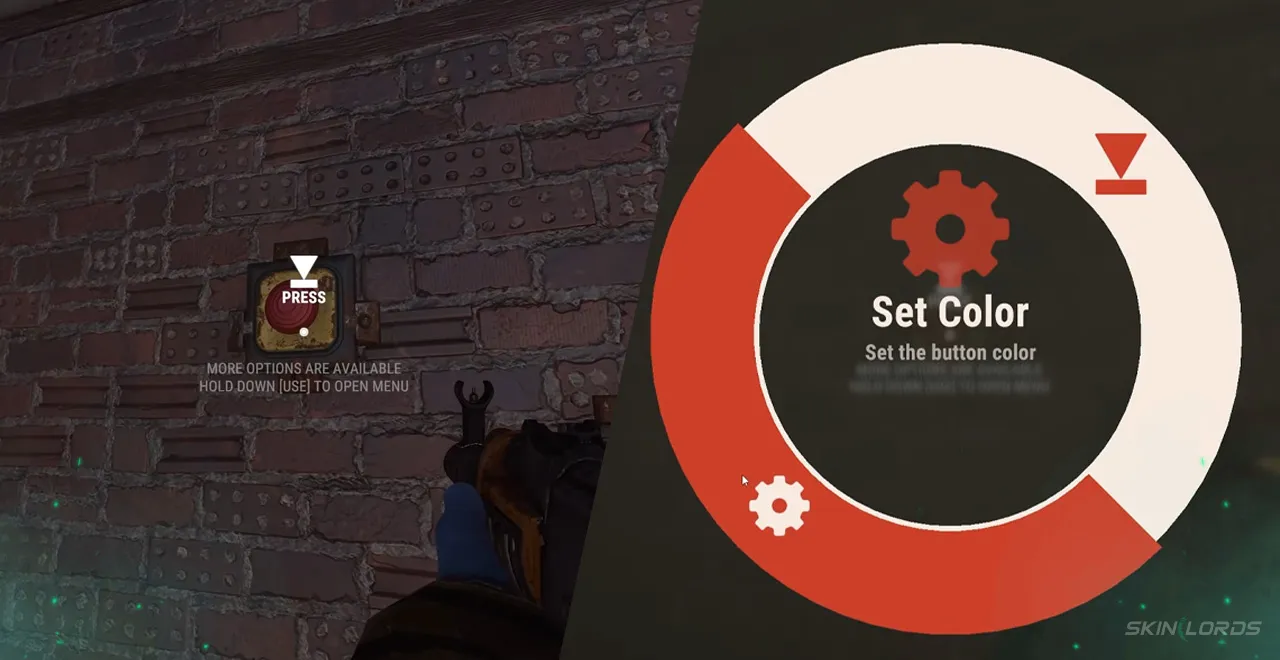
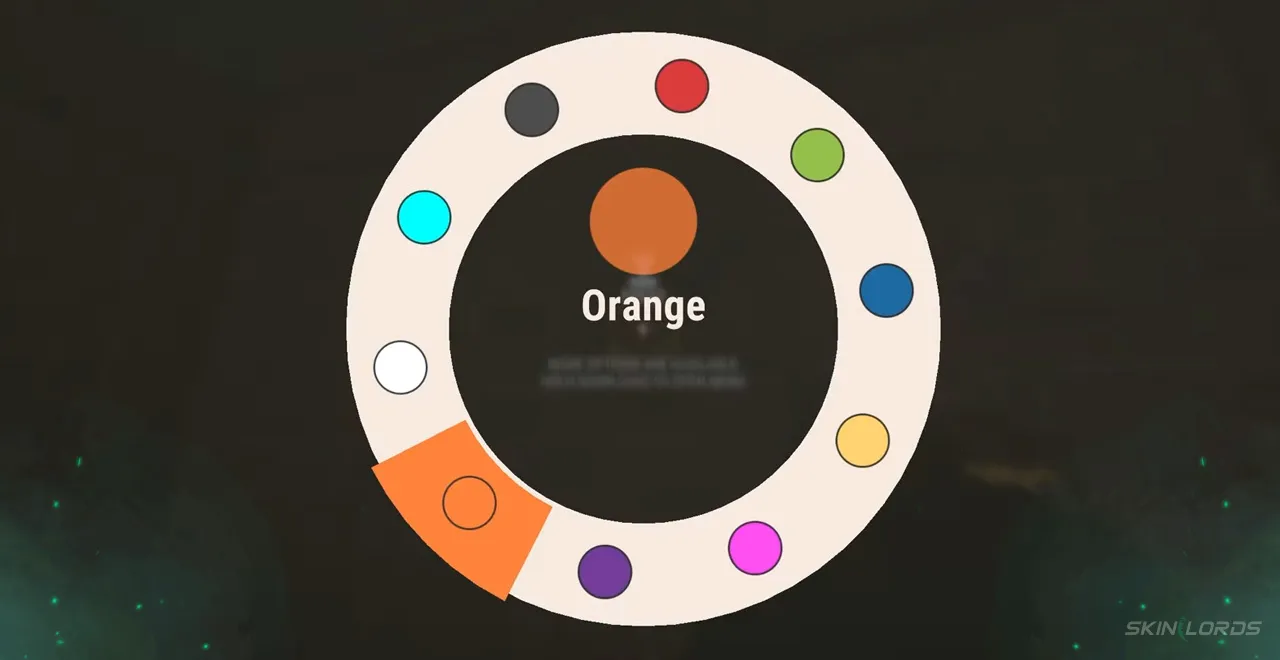
A total of 8 additional color variations are now available alongside the standard red. The color of the button can be changed at any time, assuming you have building privilege, by interacting with it, opening the radial menu, and choosing the “Select Color” option. White, cyan, purple, pink, black, green, and blue button colors can be selected using the radial menu. The variations can be extremely useful for color-coding and organizing several buttons.
That covers everything you need to know about Rust’s colored button variations. Enjoy a little more organization in the chaos that is Rust’s electrical system. If you enjoyed this blog, feel free to check out our electric furnace guide. See you next time!

Similar Articles
See all
Rust Guides
Rust Workbench Upgrades: Every Upgrade and How to Get Them
08.07.2026
0
32
Rust Guides

Rust Apartment Complex: How to Rent and Use Shops
08.07.2026
0
30
Related Casinos
 Stake
Stake
Leave a reply