













































How to Take and Find Steam Screenshots
As gamers, we all feel proud at times and want to capture wonderful online moments. A simple snapshot of a moment can be truly amazing, whether it’s displayed on your profile as art or kept for future reference. Steam screenshots are truly wonderful.

Find more Steam Guides on our blog!
How To Take A Screenshot on Steam
Taking screenshots on Steam is unlike many other gaming software. Instead of requiring a complex button mash to take a simple screenshot, Steam offers a more straightforward process:
-
1Have a Steam game open
-
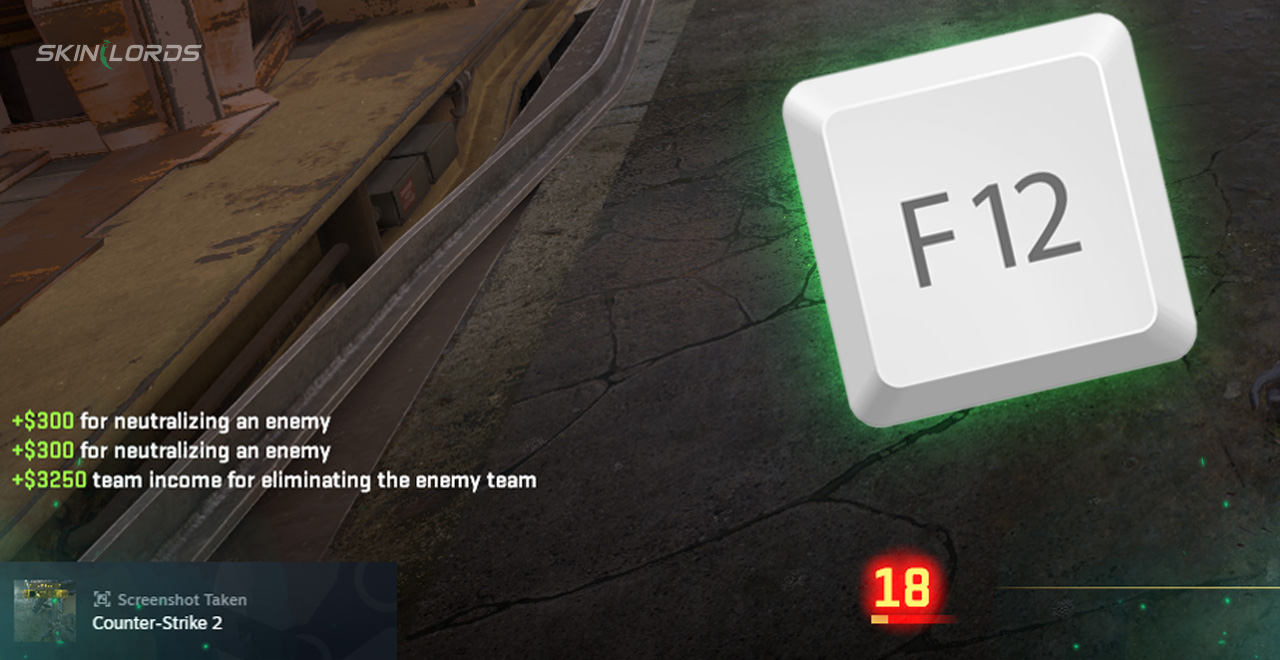
2Press the default Steam screenshot hotkey (F12) on your keyboard
-
3Enjoy the new screenshot
Where To Find Your Steam Screenshot
Now that the hard part is out of the way, a screenshot can be found in a few different ways. Who wouldn’t want to see the fruits of their labour? Simply:
-
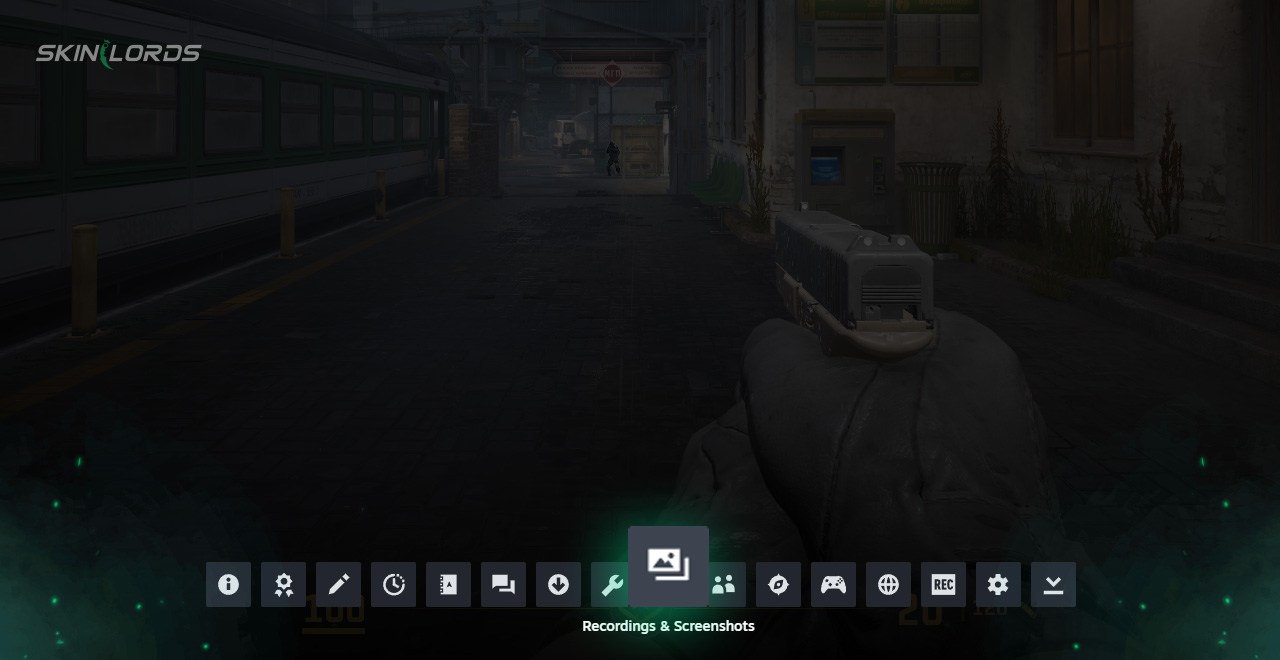
1Press Shift + Tab to open the Steam overlay
-
2Locate the ” Screenshots” tab in the bottom menu
Or if the game has already been closed, you can:
-
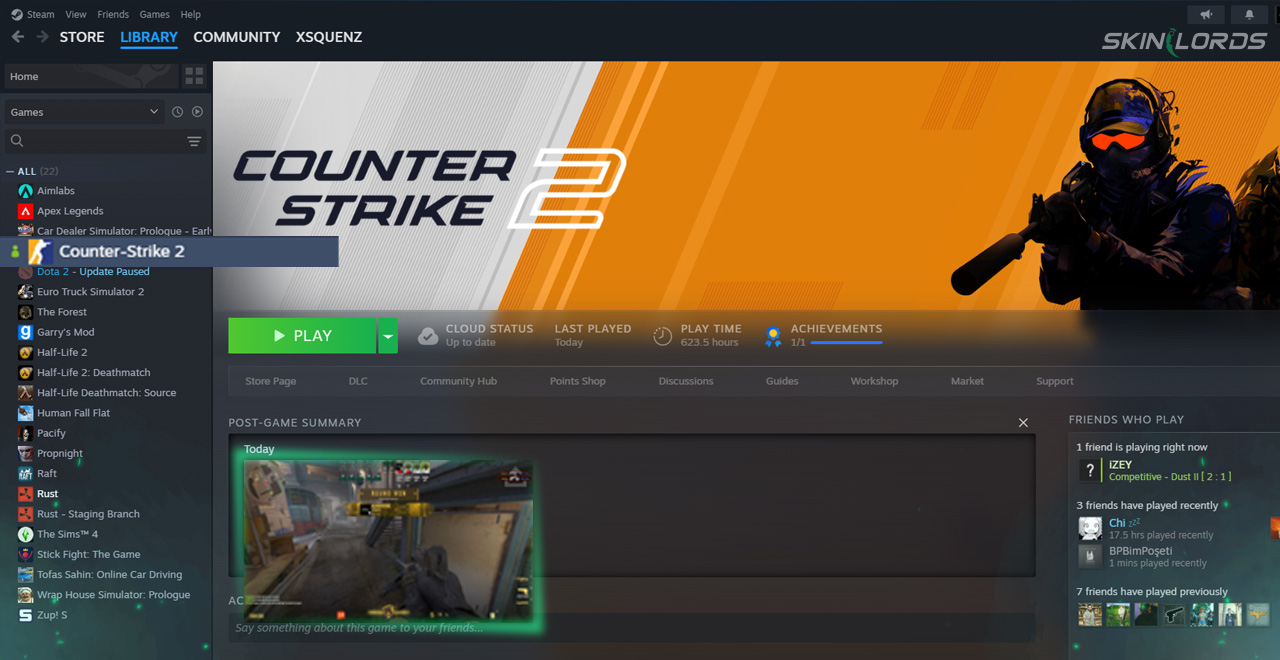
1Click on the game in which the screenshot was taken
-
2Scroll to the “Post-Game Summary” and find your desired screenshot
-
3For older screenshots, you can search through “Activity” to find them
You can also find screenshots in your Steam screenshot folder:
-
1Open the Steam app on your computer
-
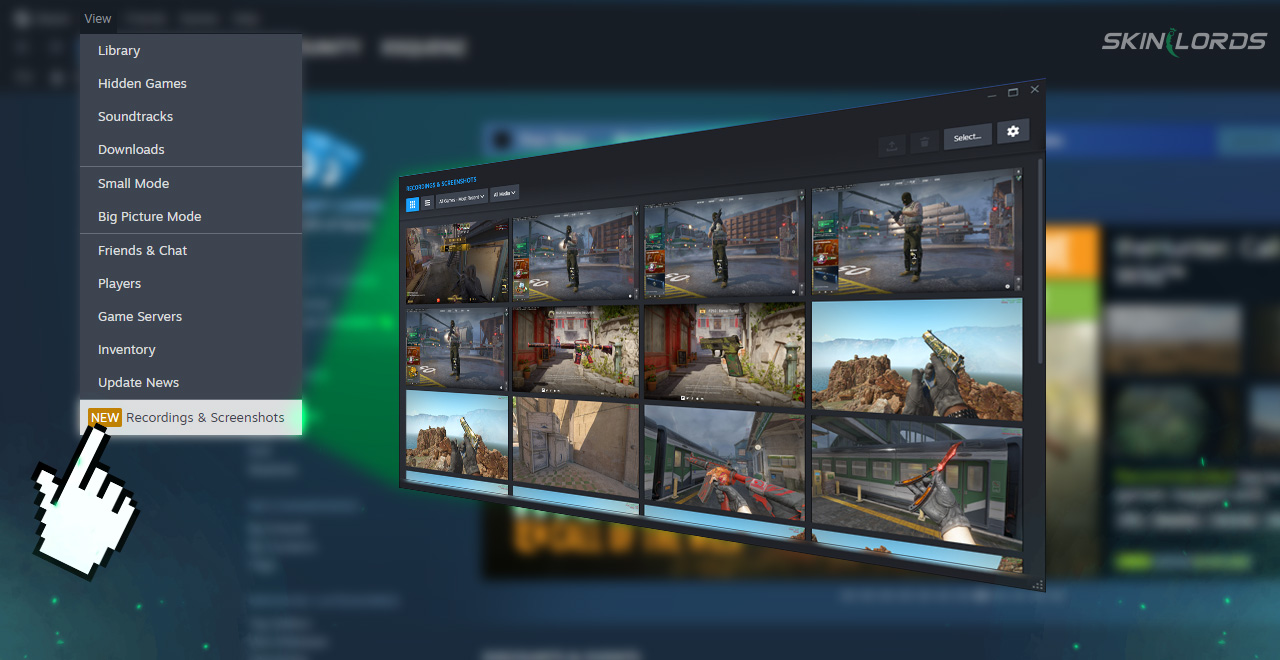
2Click View on the top left of the application
-
3Click “Recordings and Screenshots” on the far bottom of the view menu
Can The Screenshot Hotkey Be Changed?
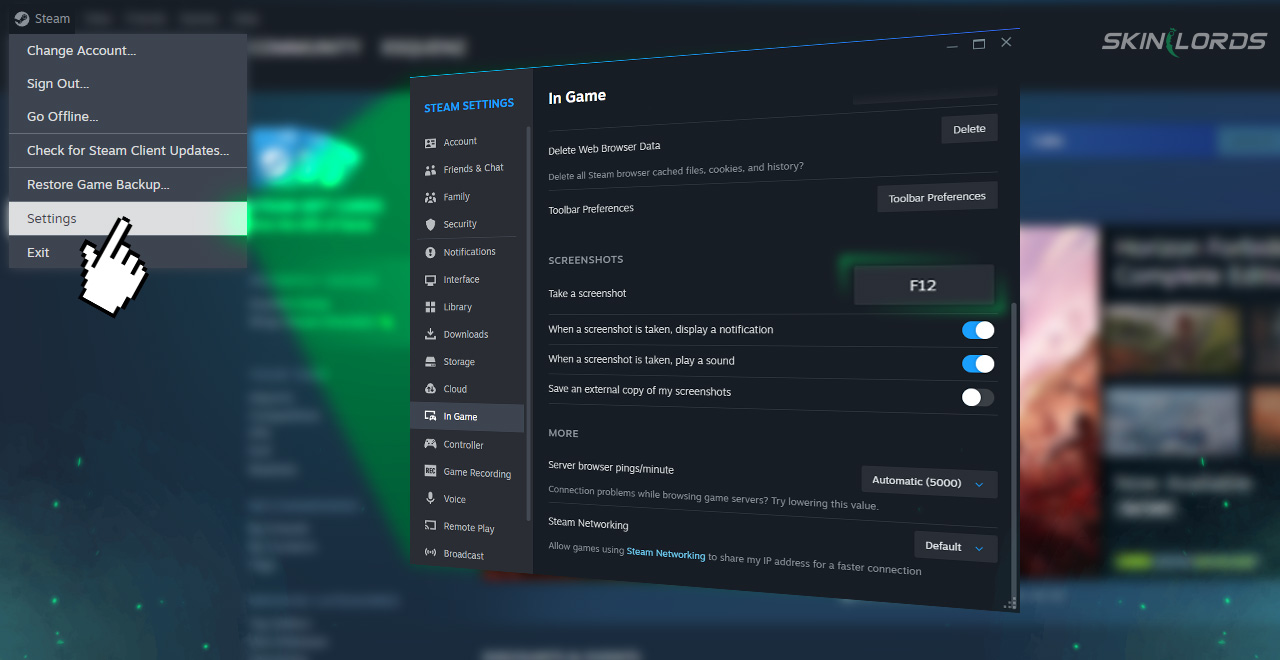
Changing your screenshot hotkey from F12 to one of your liking is a relatively simple process, well worth your effort. Start by:
-
1Open Steam and look to the top left corner where a Steam logo can be found
-
2Open the settings menu
-
3In the sidebar, locate the tab “In Game”
-
4Scroll to the bottom where the hotkey can be changed to your preferred key
How Can Steam Screenshots Be Helpful?
Screenshots don’t have to be tedious pictures reminding you of the mundane facts of boring games. They can be beautiful works of art, capturing a stunningly built base, fantastic renders, displays of scenery, or even capturing simple bugs to laugh about in the Steam community! Screenshots can even be used to make guides or decorate your Steam profile! If you’re proud, sad, happy, confused, or feeling any way about a moment in game, screenshot it! Utilizing Steam’s screenshot feature is a must-do for all Steam users.
As you can see, taking screenshots on Steam is a quick and easy way to capture a moment in any game. If you’d like to see more Steam guides like this, please feel free to leave a comment down below on what you’d like to see next!

Similar Articles
See all
Steam Guides

Valve Releases Steam Community Market UI Update in Beta Testing
08.23.2025
0
647
Steam Guides

How To View Steam Wallet Activity
08.18.2025
0
669
Related Casinos


 Stake
Stake
Leave a reply