













































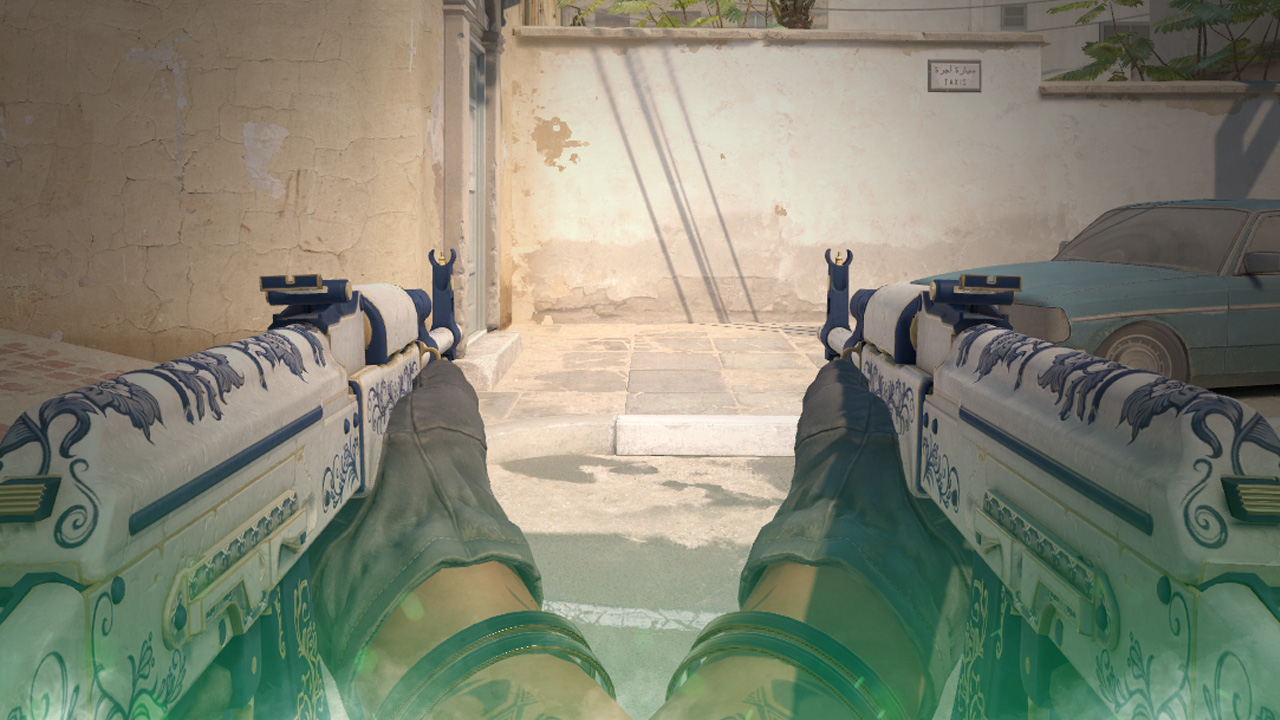
How to Switch Weapon Hands in CS:GO
Have you ever seen a CS:GO clip where a player has their weapon on the opposite side of their body? If so, this guide will help you replicate that in just a few easy steps. In under a minute, you’ll be able to learn how to do it yourself.
In Counter-Strike 2, you can switch your weapon to the other hand using the default bind “H”. Unfortunately, this feature was added late to CS2.
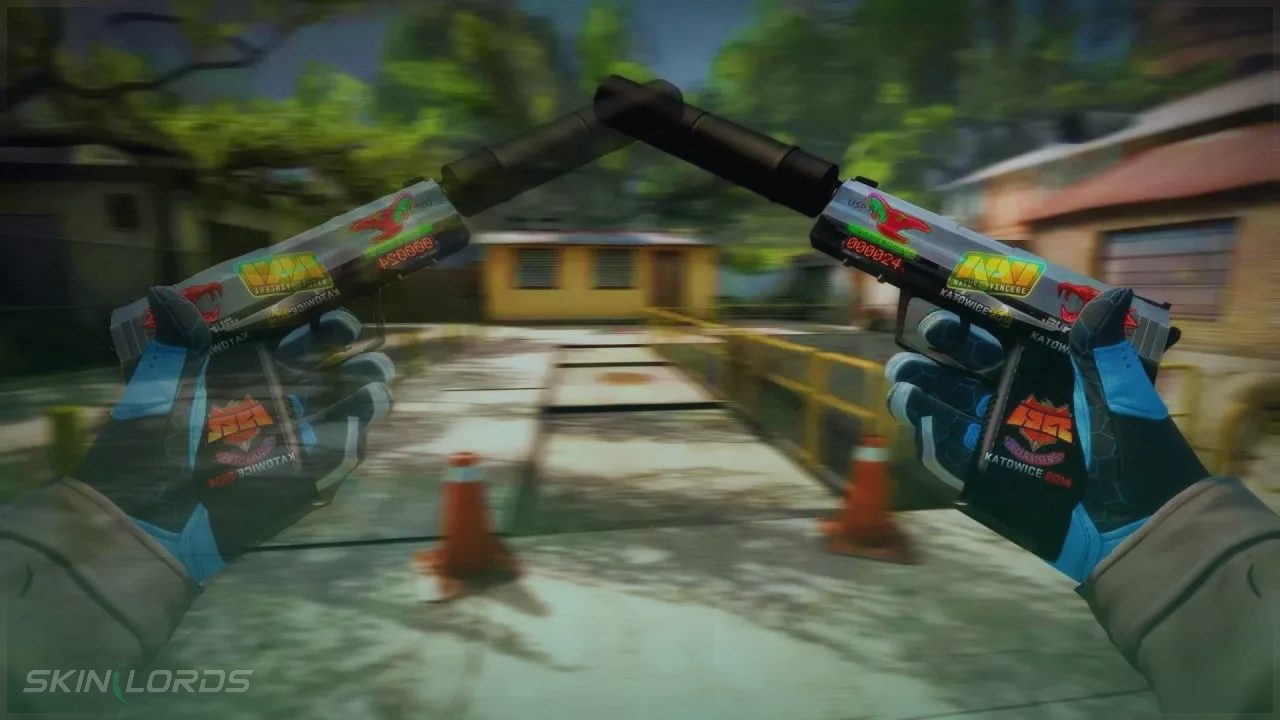
Follow the Steps Below
If you are unsure how to open the developer console in CS:GO, view our quick guide.
- Open the Developer Console
- To hold the gun in your left-hand type
cl_righthand 0 - To hold the gun in your right-hand type
cl_righthand 1

Find more CS2 guides on our blog!
Create a Keybind
If you want to switch weapon hands at the press of a key, this is how you can do it.
- Open the Developer Console
- Type
bind L "toggle cl_righthand 0 1"- Change “L” with whichever key you want to activate the keybind with
We hope you found our guide on how to change the hand you use to hold your weapon in CS:GO helpful. If you have any comments or concerns, please let us know.

Leave a reply
Similar Articles
See all
Game Customization
How to Change CS2 Sniper Crosshair Thickness
04.16.2026
0
231
Game Customization
How to Disable CS2 Silencer Removal
04.16.2026
0
751
 Stake
Stake
bind?