





































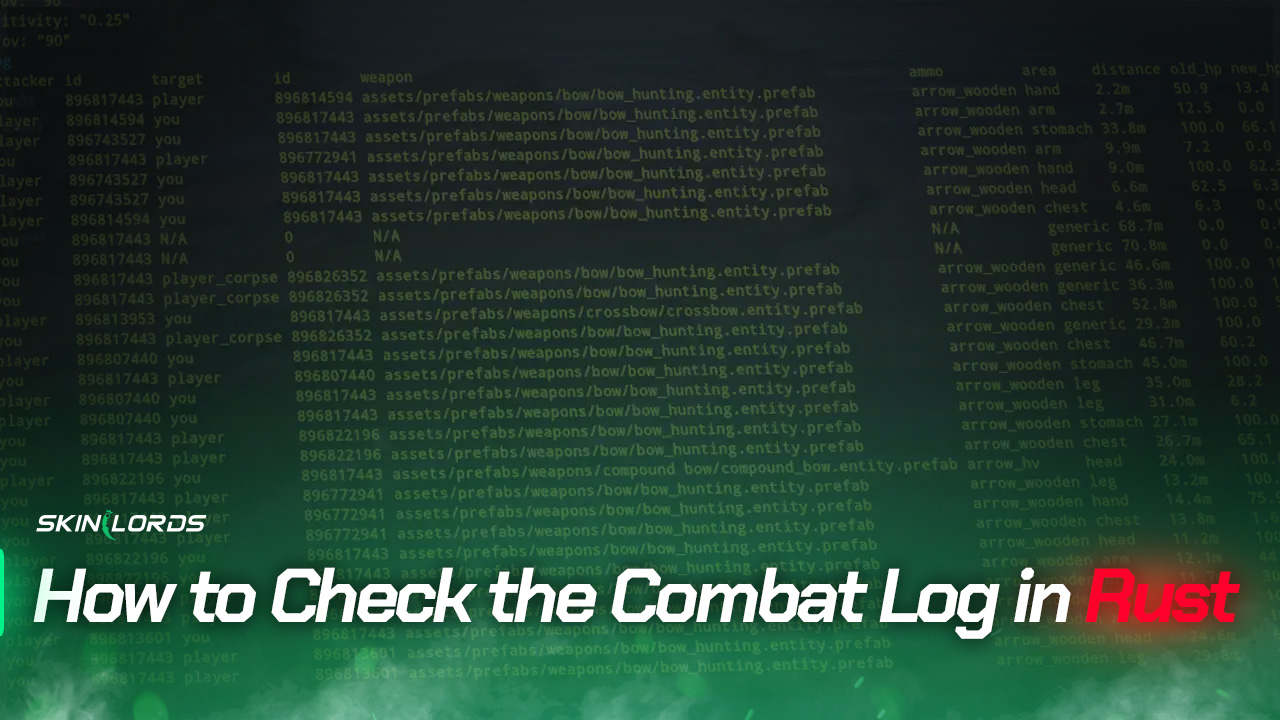
How to Check the Combat Log in Rust
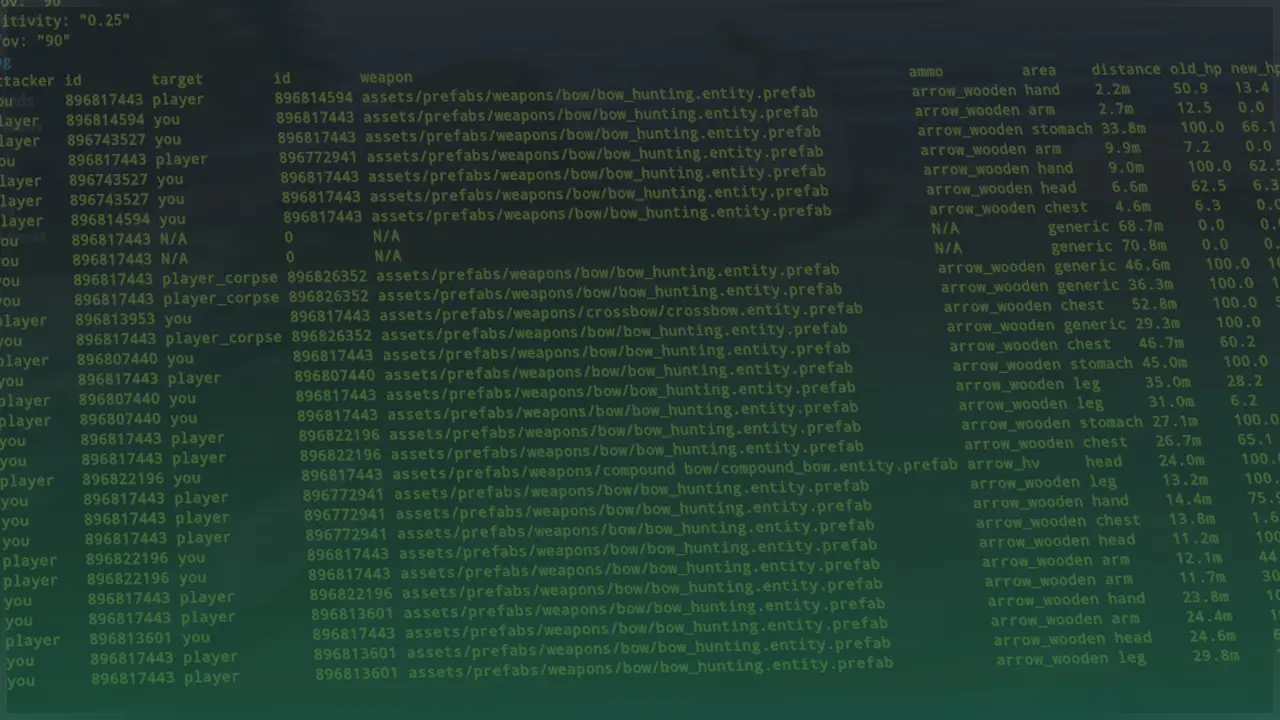
Viewing your combat log in Rust is hidden behind a simple command in the developer console. You’ll be able to view how much damage you have suffered or received from enemies and whether you’re a victim of a projectile invalid.
For those constantly checking their combat log, it might be a good idea to set up a key bind so that they can view the combat log at the press of a key.

Check out more Rust guides on our blog
Follow the Steps Below
You must open the developer console by pressing F1 on your keyboard. Click here to change the key to open the console.
- Open the Developer Console
- Type
combatloginto the console- Combat log stats are set to a ten-second delay
Create a Keybind
If you would like to open the combat log at the press of a key:
- Open the Developer Console
- Type
bind f2 "consoletoggle;combatlog"into the console- You can keep it as F2 or replace it with whichever key you would like to use
- To unbind a key type
bind L ""into the console- Replace “L” with whichever key you would like to unbind
We hope you enjoyed our quick guide on how to open the combat log in Rust. Feel free to comment if we missed out on an important setting or if you had any issues with our guide.

Leave a reply
Similar Articles
See all
Rust Guides
Rust Clan System: How to Create, Join, and Use Rust Clans
07.15.2026
0
19
Rust Guides

 Stake
Stake
what is the default key to open the developer console?
F1 key on your keyboard!