






















































What is Skinflow.gg?
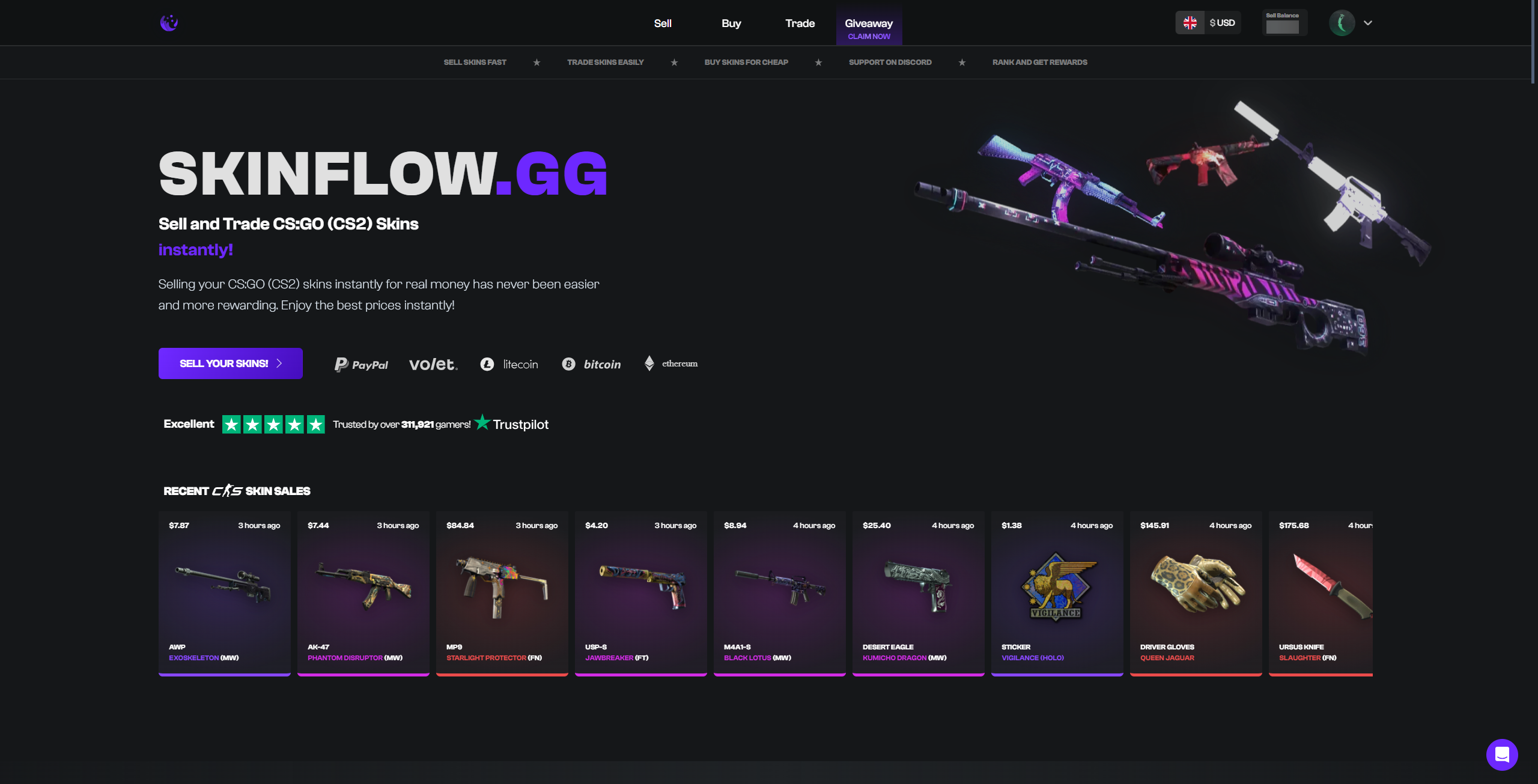
Skinflow.gg is a fairly well-established CS2 marketplace and instant cashout platform that allows users to buy, sell or trade CS2 skins instantly. Launched in 2021, the site quickly started gaining popularity thanks to its ease of use and involvement with the CS2 community, sponsoring content creators and hosting skin giveaways. The site sources its prices directly from Buff163 and charges a seller fee of 4%-7% on transactions, while hosting no additional buyer fees or deposit fees.
Skinflow.gg Fees & User Experience
Skinflow.gg Fees
Skinflow.gg charges a 4%-7% seller fee on transactions, which is applied by slightly decreasing the value of your skins to account for the fee percentage. The site also has a potential withdrawal fee that ranges from 10 cents to 5 dollars, depending on which withdrawal method the user has selected. Skinflow.gg claims to be fully transparent, and hosts no additional buyer fees or deposit fees when using the site.
Trading CS2 Skins on Skinflow.gg
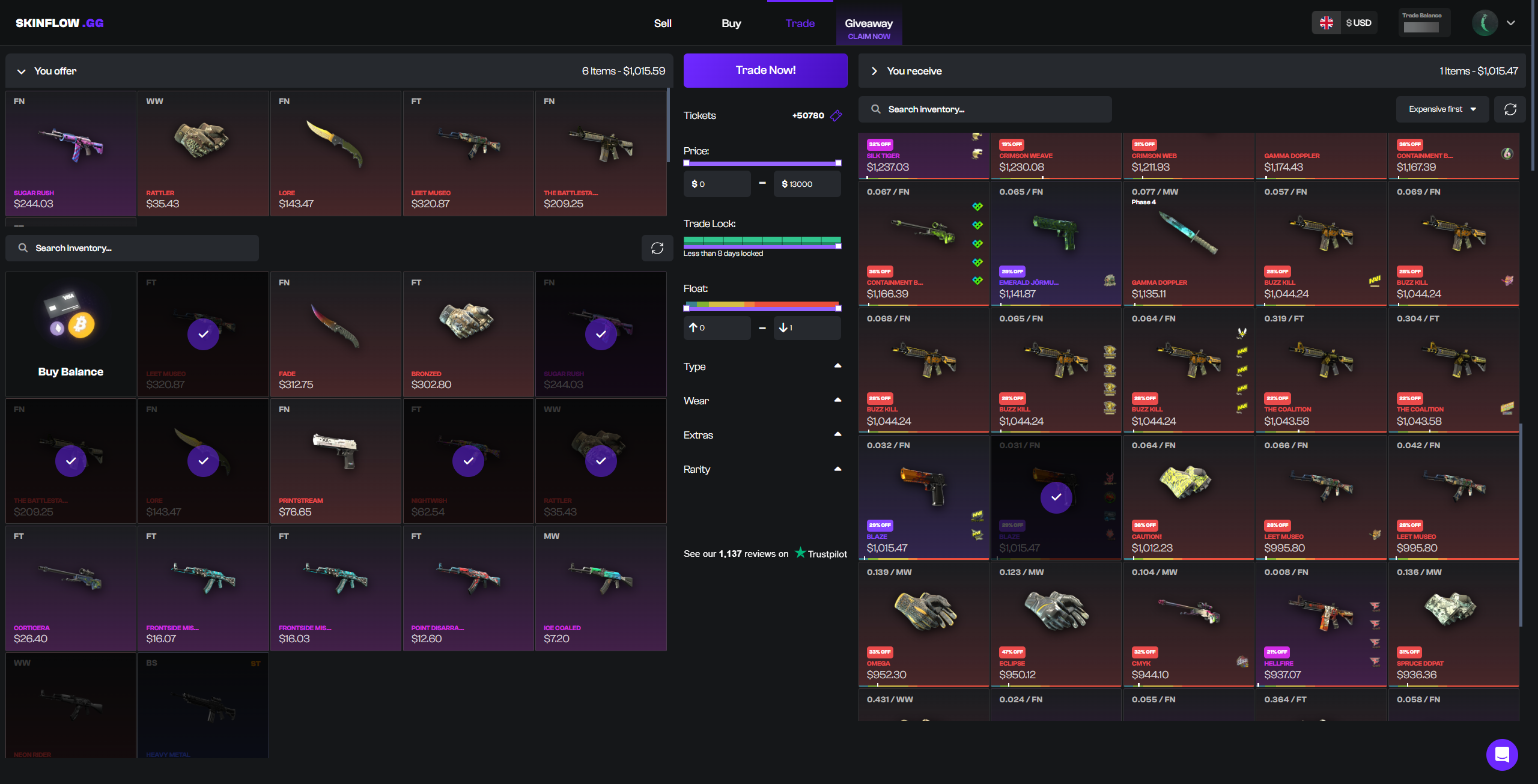
Trading skins on Skinflow.gg is a great way to refresh your CS2 inventory. To trade skins on Skinflow.gg:
- Go to Skinflow.gg using our link.
- Sign up with your Steam Account.
- Head to your profile, then add your Steam Trade URL.
- Go to the “Trade” menu.
- Select the skins that you want to trade from your inventory.
- Select the skins you want in return from the thousands of CS2 skins in Skinflow’s inventory.
- Click Trade. If the items you want to receive are worth more than the items you are trading, you will need to deposit.
- Accept the Steam trade offered to you by the Skinflow bot and confirm it in your Steam Guard Mobile Authenticator.
- Once you accept the trade, another bot will send you a trade offer for the skins that you requested. Accept the trade, and the items will go straight into your Steam Account Inventory.
Buying Skins on Skinflow.gg
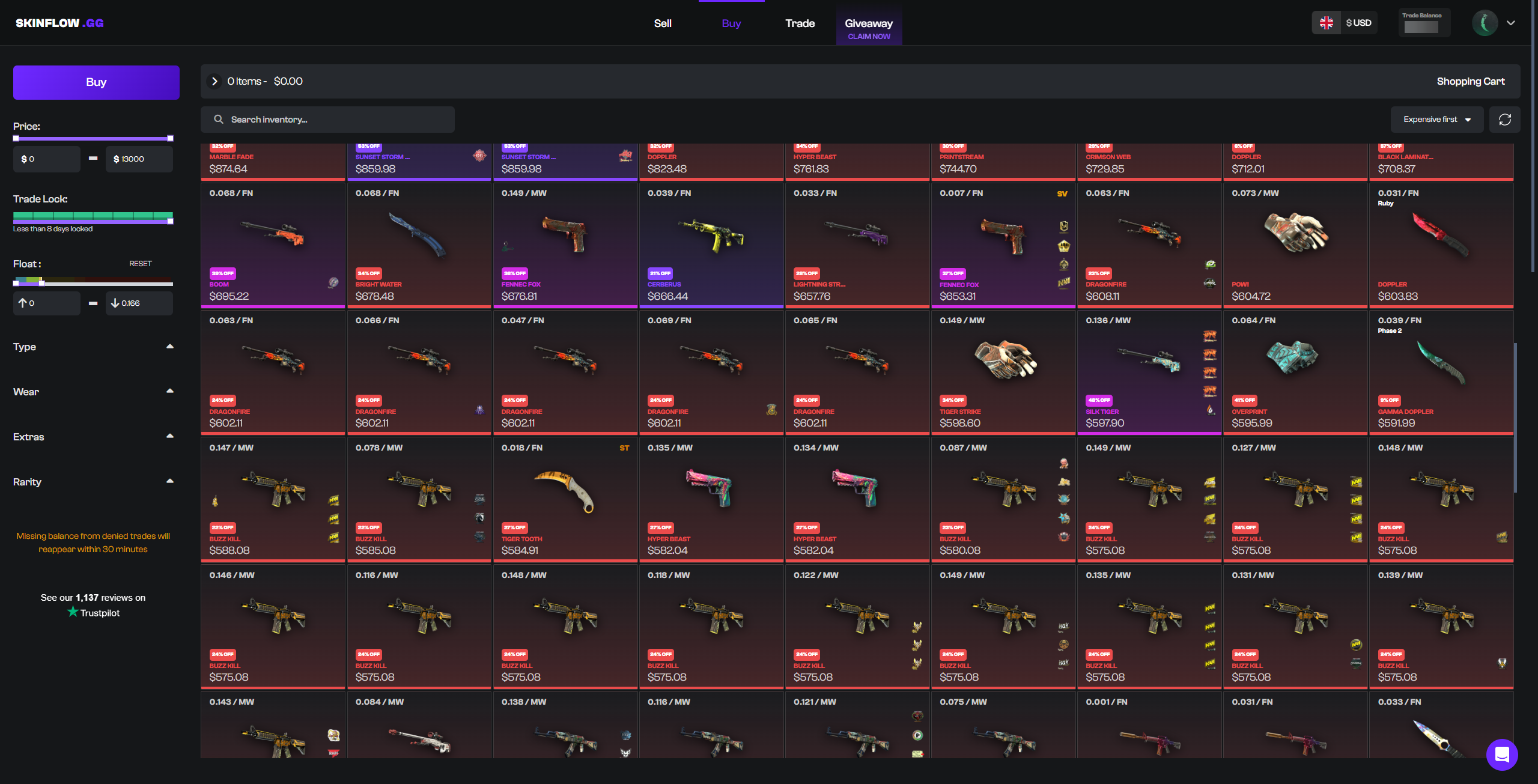
Skinflow.gg has an intuitive user interface that makes buying CS2 skins simple. To buy CS2 skins on Skinflow.gg:
- Go to Skinflow.gg using the correct link.
- Sign up with your Steam Account.
- Head to your profile, then add your Steam Trade URL.
- Go to the Buy tab.
- Search for the skins you want, or use the filters to search for the perfect skins at fair prices.
- Select the skins you’d like to purchase. When you are finished selecting skins, click Buy in the column on the left.
- Deposit using one of the four currencies or FIAT methods supported by Skinflow.gg.
- Purchase the skins, and within seconds, you will receive a trade offer with the skins you purchased.
Instant Selling CS2 Skins on Skinflow.gg
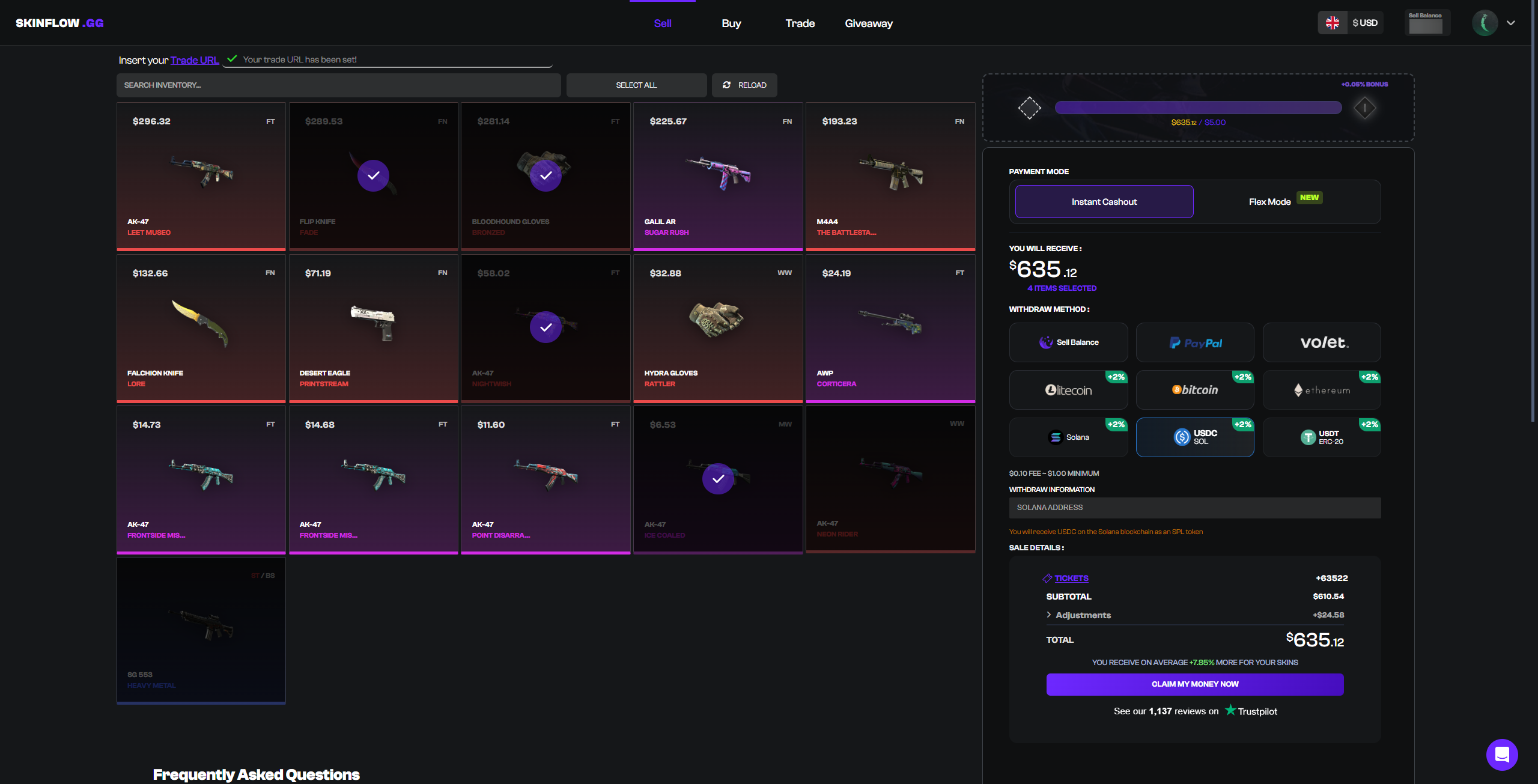
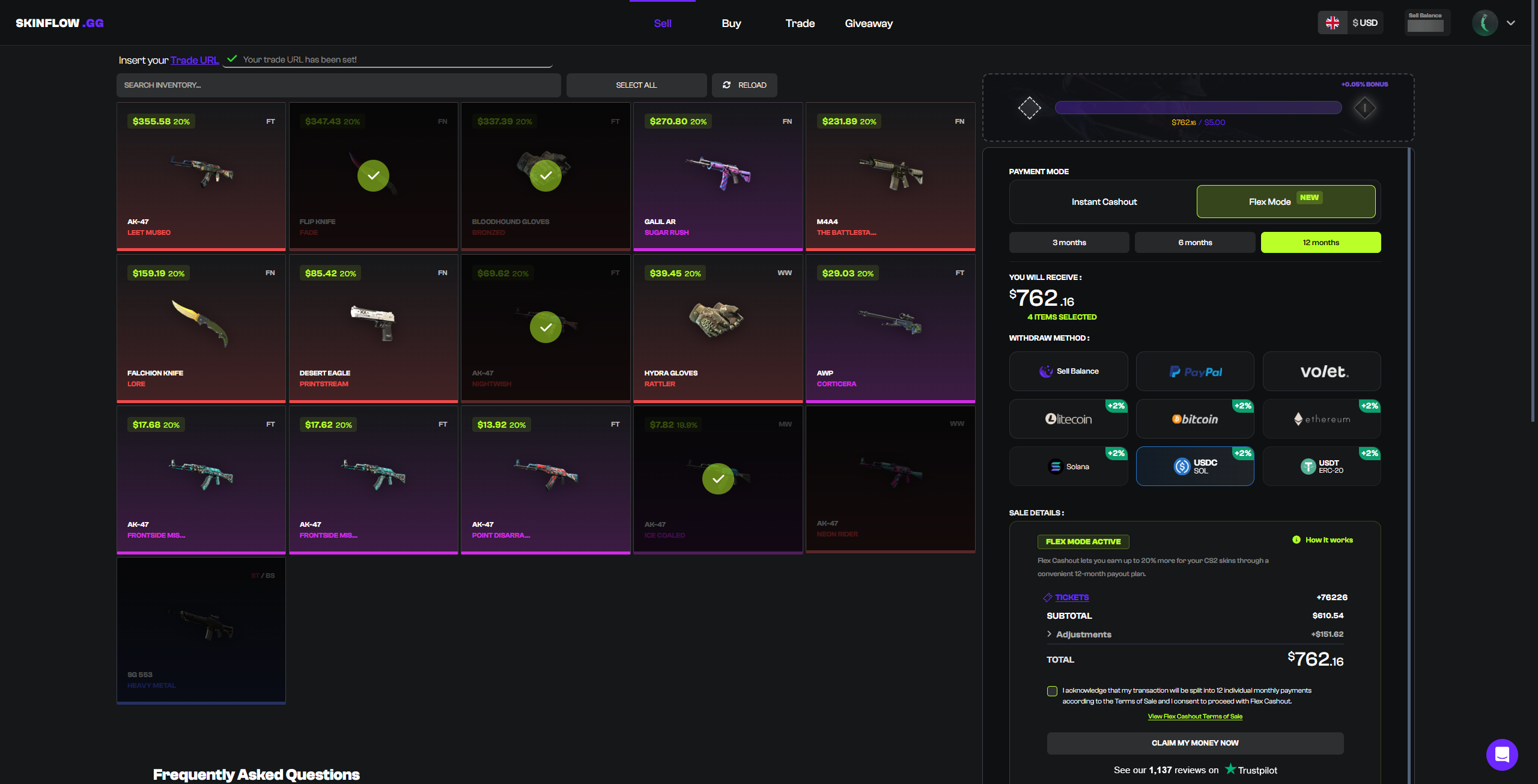
One of the best features of Skinflow.gg is the ability to instantly sell skins, allowing users to earn instant payouts for CS2 skins at some of the best prices across instant cashout sites. To instantly sell CS2 skins on Skinflow.gg:
- Go to Skinflow.gg using the correct link.
- Sign up with your Steam Account.
- Go to the Sell tab.
- Insert your Steam Trade URL.
- Select the skins from your inventory that you want to sell.
- Click sell, and accept the Steam Trade Offer on your Steam Guard Mobile Authenticator.
- Once the skins you traded are no longer reversible 7 days later, your balance will be sent to your withdrawal method of choice.
What Payment Methods Does Skinflow.gg Support?
Skinflow.gg supports deposits via four cryptocurrencies, as well as cash through Kinguin, a third-party service, and, of course, CS2 skins. Users can choose to withdraw their funds through a selection of six cryptocurrencies, FIAT through PayPal or Volet, or, if they’re selling a skin, to their site balance. For a complete list of all payment methods supported on Skinflow.gg, check out the “Payments” tab in the menu at the top of this review.
Who Owns Skinflow.gg & What Are Their Policies?
Who Owns Skinflow.gg?
Skinflow.gg is owned and operated by Crypture World Inc., and is registered at 1 Laprairie, Lac-Brome, J0E 1V0, Quebec, Canada under corporation number 13416046.
Does Skinflow.gg Require KYC?
No, Skinflow.gg does not require customers to complete Know Your Customer (KYC) verification, although KYC verification may be requested for payments or payouts over a certain amount, as well as high-value trades or transactions flagged as suspicious.
 Stake
Stake