













































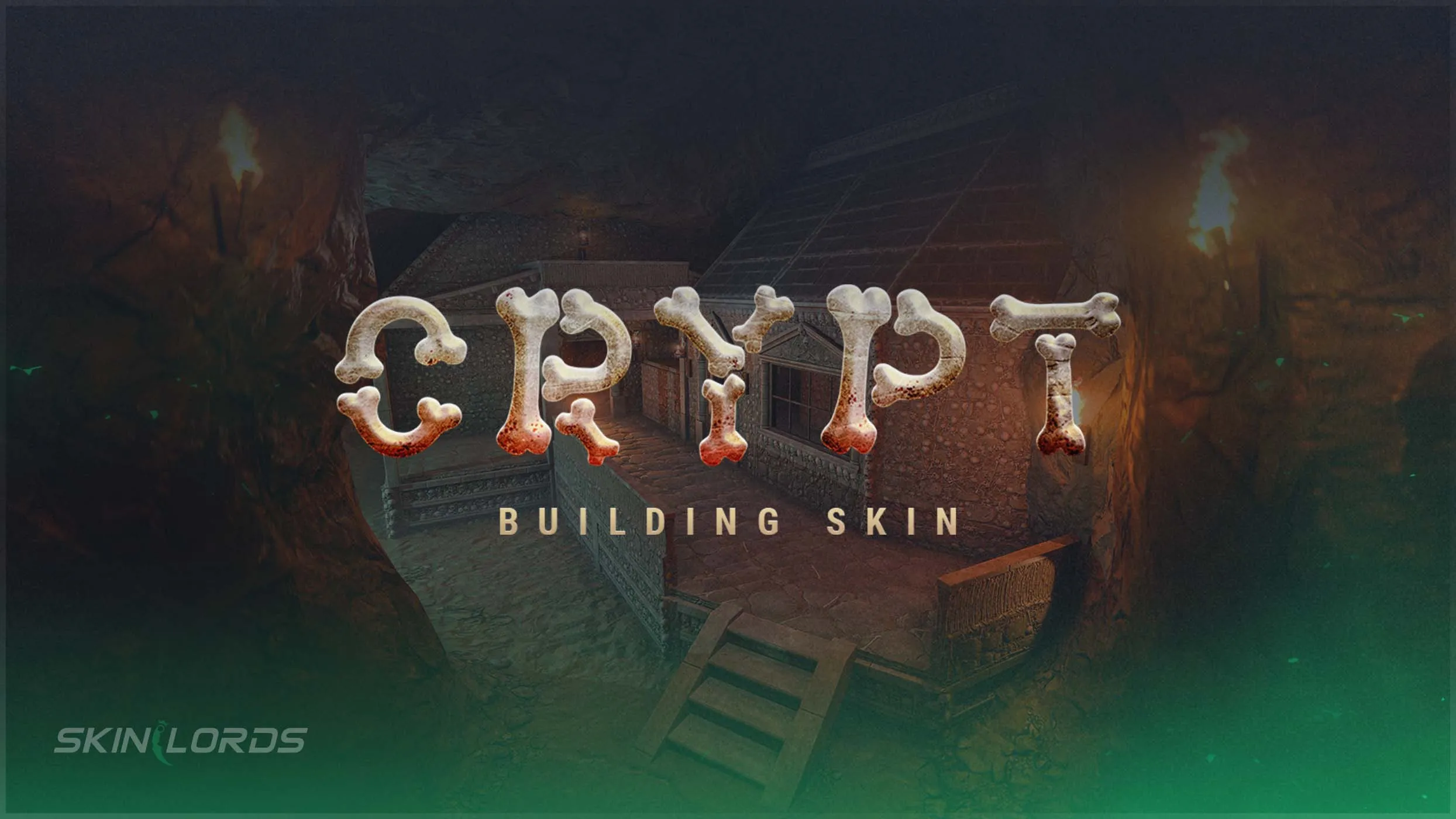
Rust Crypt Stone Building Skin DLC Overview
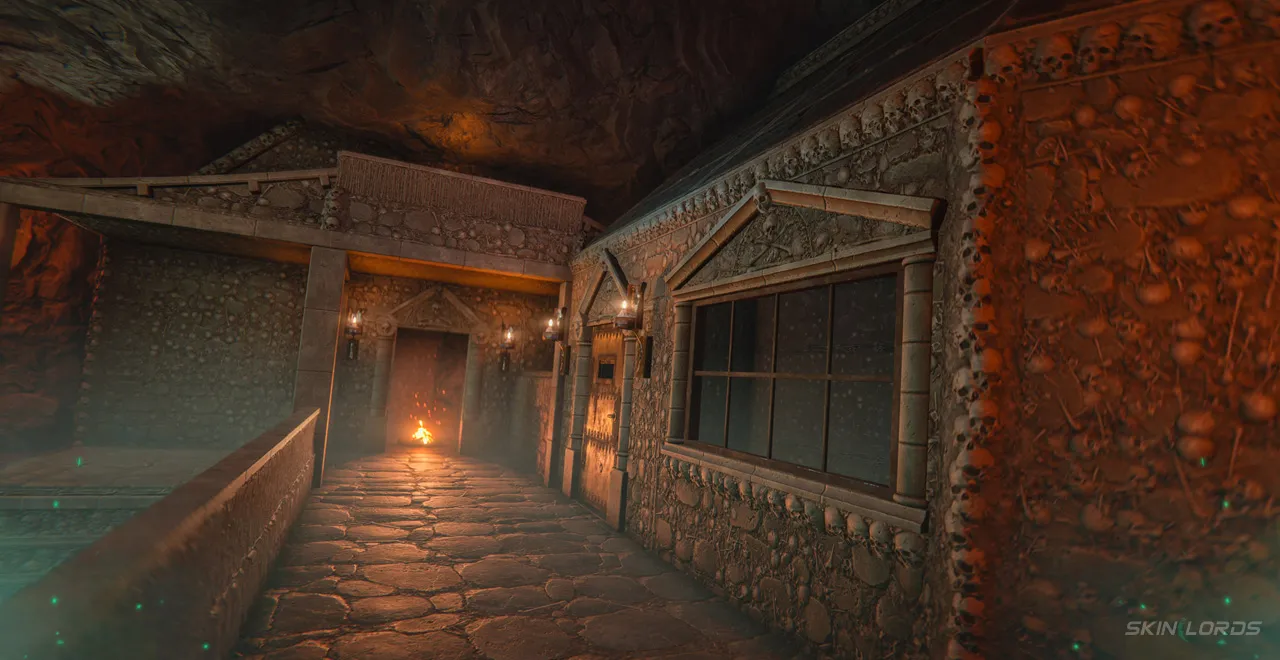
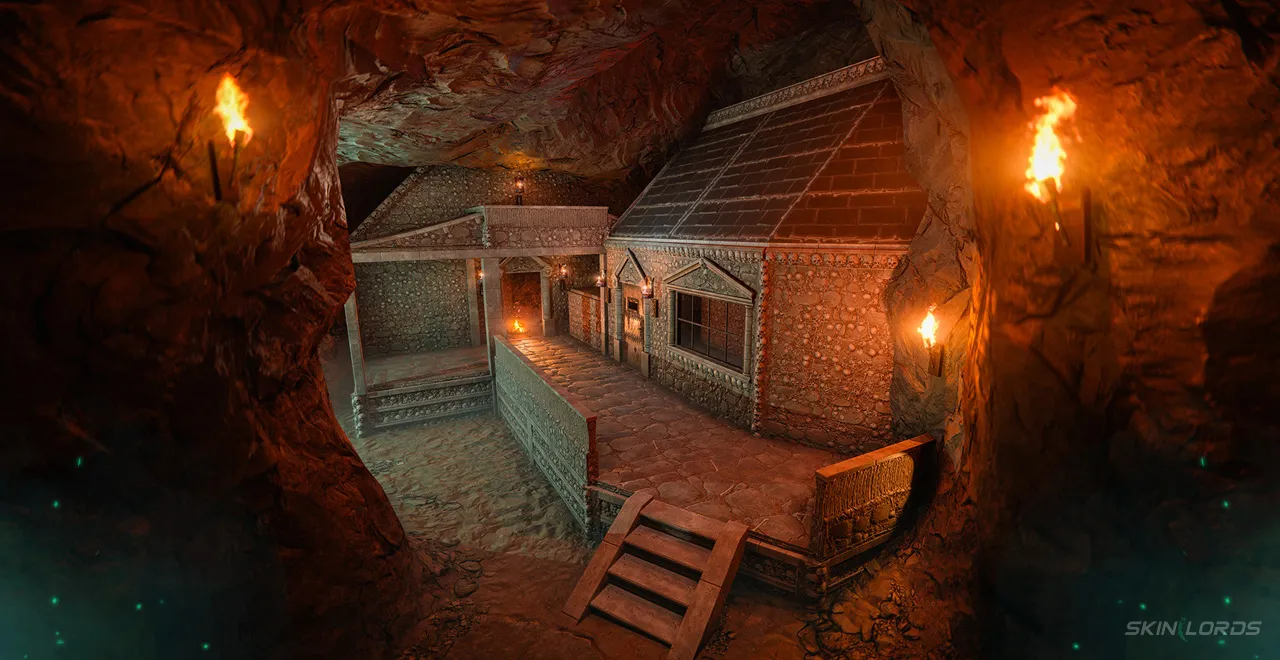
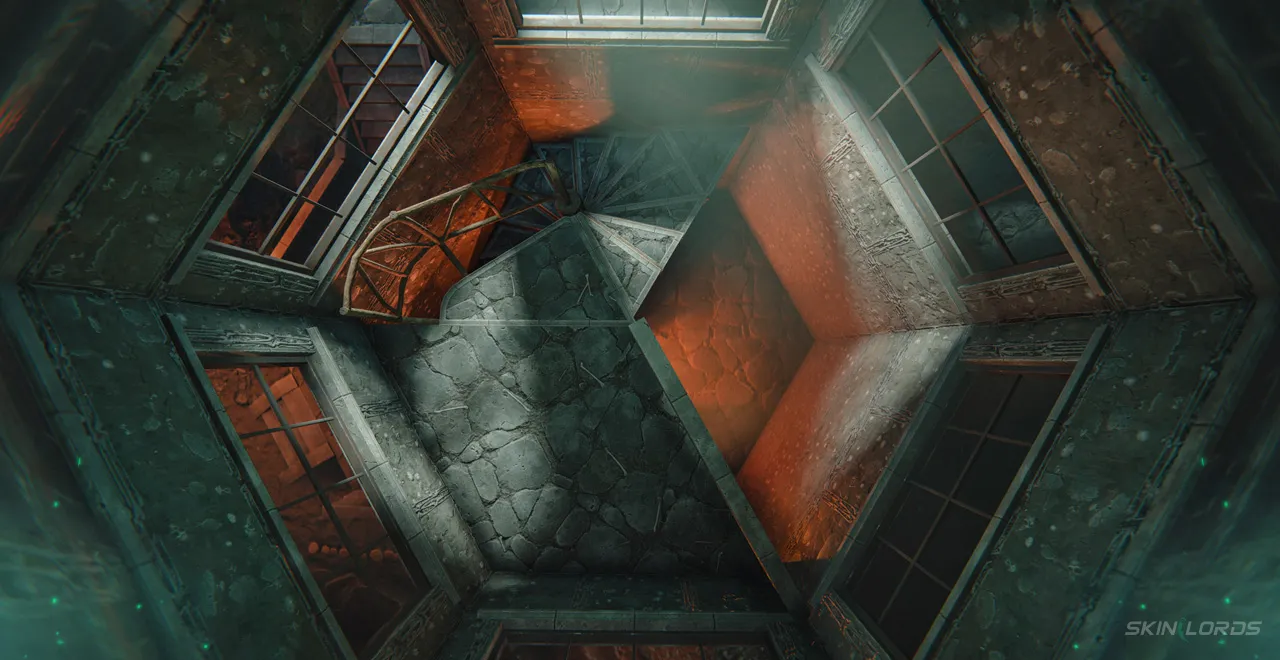
With the May monthly Rust update, a new stone building skin was added for players to purchase. The Crypt Stone Building Skin brings a dark and edgy look to the stone building tiles. It serves as the 4th stone building skin alongside Brutalist, Brick, and Adobe. Follow along as we cover everything you need to know about the new Crypt Stone Building Skin.

For more coverage of everything in this Rust update, check out our blog
How to Obtain the Crypt Stone Building Skin DLC
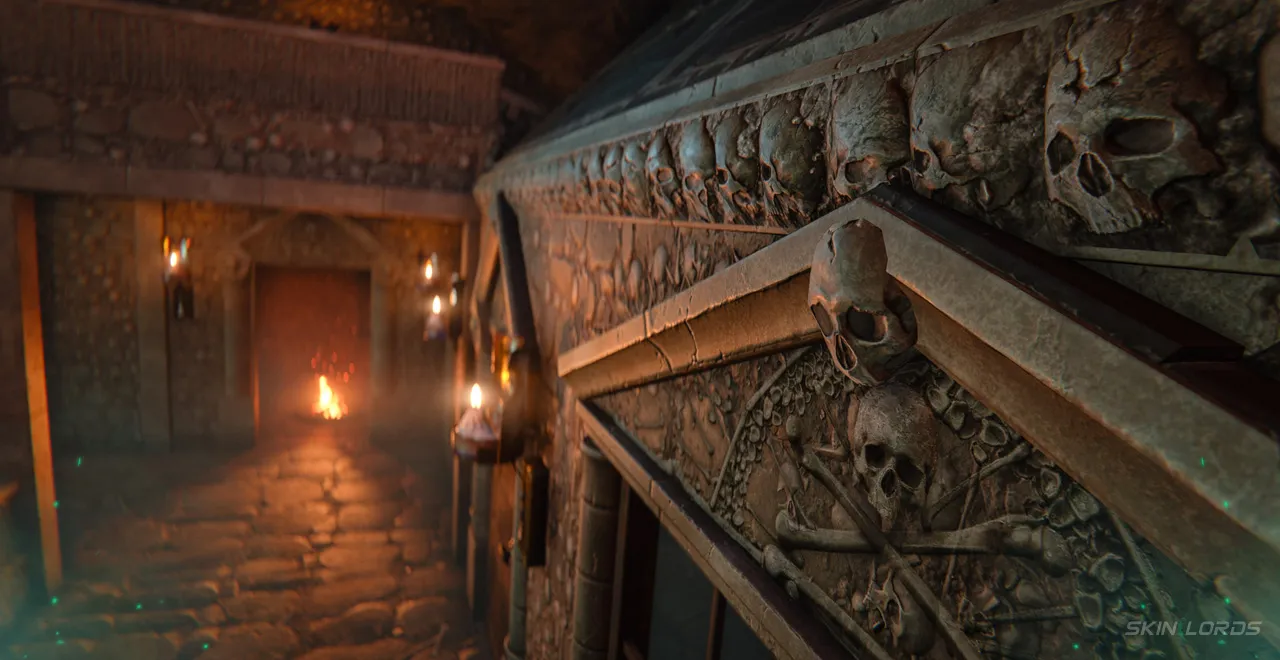
The Crypt Stone Building Skin can be purchased from the Rust item store as a DLC. Once purchased, the DLC will appear in your Steam inventory, allowing you to use it. The DLC is not tradeable or marketable. The building skin itself is made of a mixture of stone and fossilized bones, giving off a haunting aura. For those looking to further elevate the building skin, consider pairing it with Skull Spikes or Wall Torches to add to the ominous crypt look.

How to Apply Rust’s Crypt Stone Building Skin
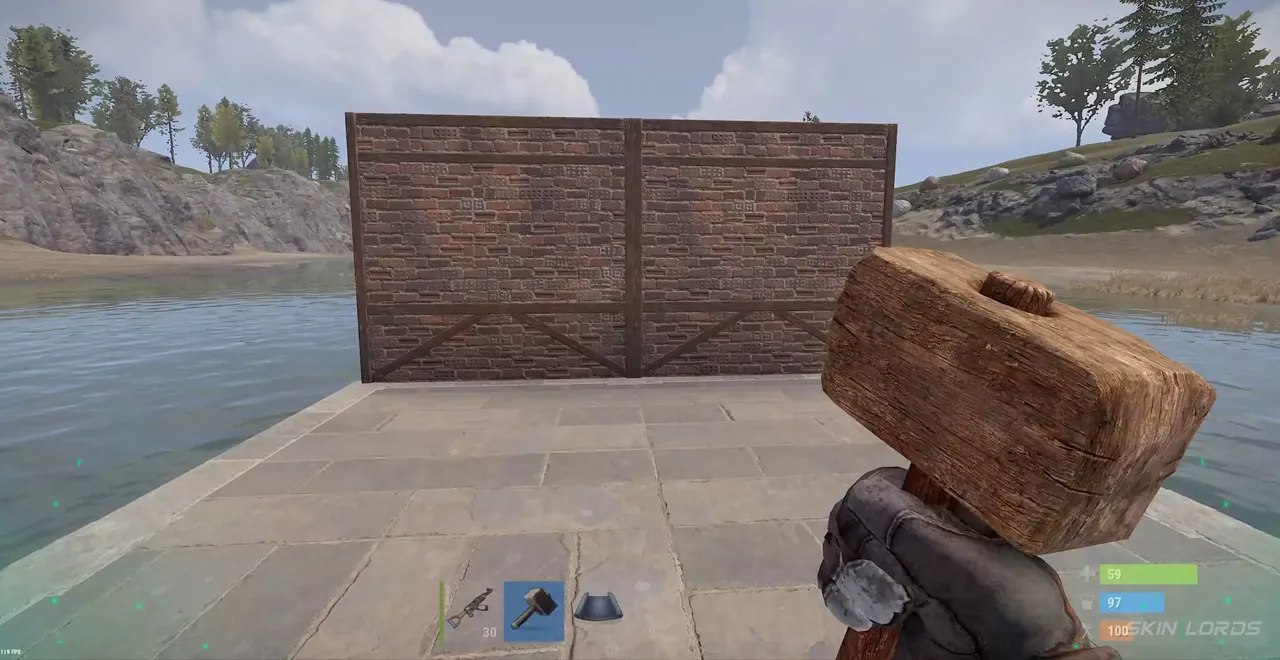
To apply the Crypt Stone Building Skin, you will first need to find a Hammer, as it is the only tool able to apply building skins. Hover over any stone or lower building tile while holding the hammer to highlight it. Once highlighted, hover over the stone option from the radial menu, then use Q and E to cycle through building skins. Finally, click the Crypt Stone Building skin option to instantly apply it to the selected tile.
That covers everything you need to know about Rust’s new Crypt Stone Building Skin DLC. Remember, if you want to purchase the skin for yourself, it can be found inside the Rust item store. If you enjoyed this blog feel free to checkout our blog covering Rust’s other building skins. See you next time!

Similar Articles
See all
Rust Skins

Rust Workbench Upgrades: Every Upgrade and How to Get Them
08.07.2026
0
8
Rust Skins

Rust Apartment Complex: How to Rent and Use Shops
08.07.2026
0
8
Related Casinos


 Stake
Stake
Leave a reply