













































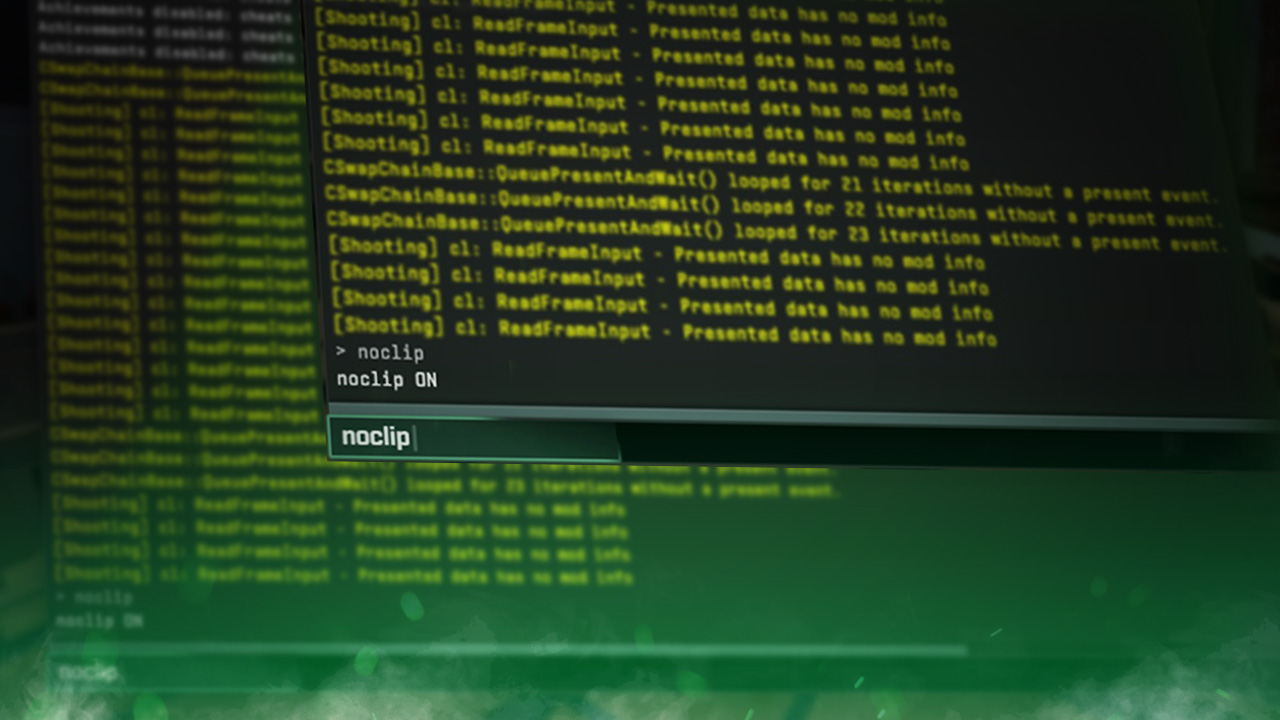
How to Use the NoClip Command in CS2
The NoClip command in Counter-Strike 2 allows you to fly through any wall, floor, or object in the map. This can be useful for exploring the map or finding to move quickly. Here is a straightforward guide on how to enable and disable NoClip on offline or community servers:

Check out more CS2 guides on our blog:
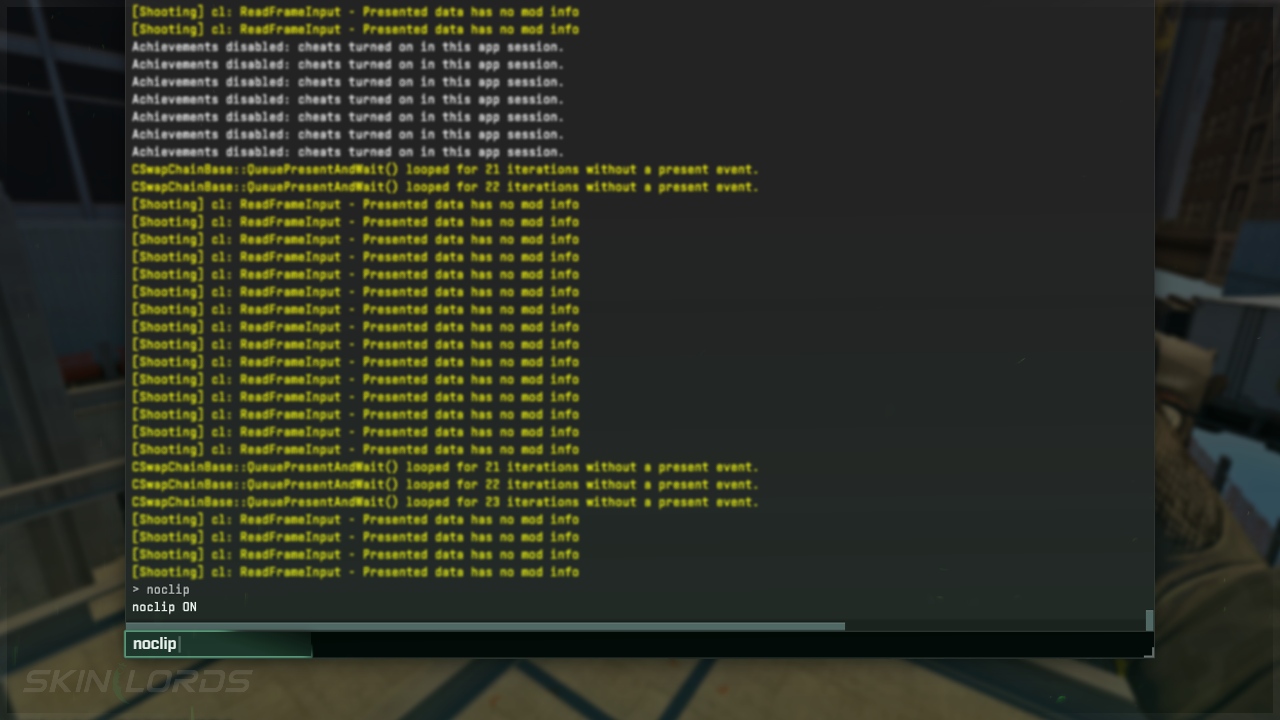
Follow the Steps Below
If you are unsure how to open the developer console in CS2, view our quick guide.
- Open the developer console
- Type
noclipinto the console- To turn off NoClip, re-type
noclipin the console
- To turn off NoClip, re-type
- You will need to enable
sv_cheats truein the console, if you’re in a private match- Disable sv_cheats by typing
sv_cheats falseinto the console
- Disable sv_cheats by typing
Create a Keybind
If you would like to enable and disable NoClip at the press of a key:
- Open the Developer Console
- Type
bind L "noclip"into the console- Replace “L” with whichever key you would like to use
We hope you found our simple guide on how to enable and use the NoClip command in Counter-Strike 2 useful. If we missed any important information or if you encountered any issues while following the instructions in this guide, please don’t hesitate to leave a comment.




Similar Articles
See all
Game Customization
How to Change CS2 Sniper Crosshair Thickness
04.16.2026
0
253
Game Customization
How to Disable CS2 Silencer Removal
04.16.2026
0
785
Related Casinos

 Stake
Stake
Leave a reply