













































How to Show Your FPS in Rust
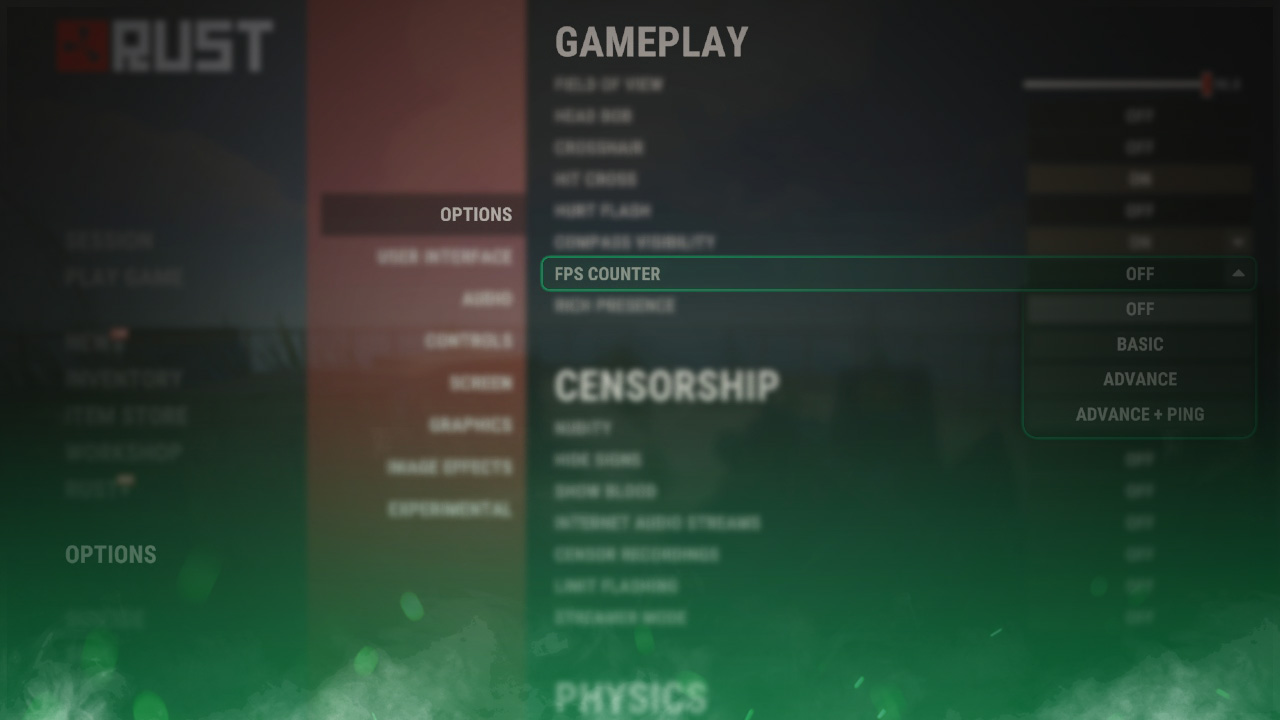
An FPS (frames per second) counter can be useful in Rust to show you how well the game runs on your computer. You can display your FPS and ping in-game by going to the Rust settings menu or by entering a command in the console.

Check out more Rust guides on our blog
Follow the Steps Below
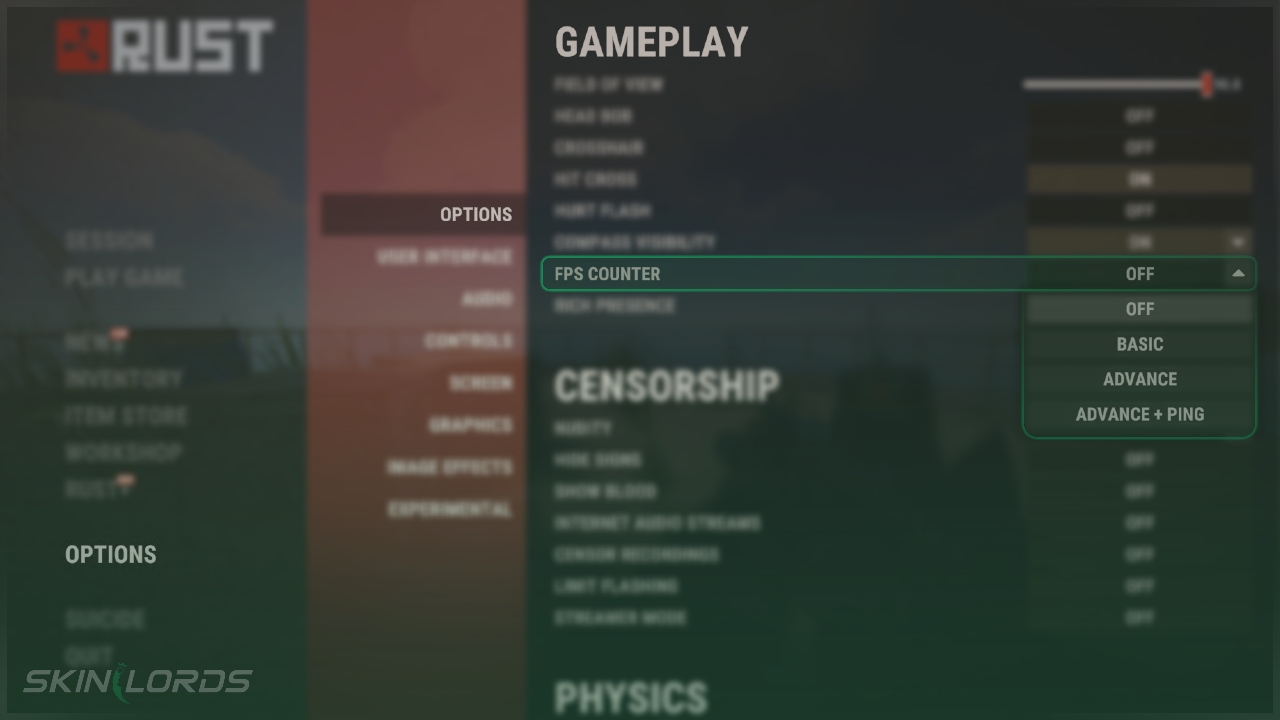
- Open the Settings Menu and click on the Options page
- Under the Gameplay settings, find FPS Counter
- Using the drop-down menu button, decide how much data you want to display
Using the Developer Console
You’ll need to open the developer console by pressing F1. Click here to change the key for opening the console.
- Open the Developer Console
- Type
perf 1- FPS will display in the bottom left
- Type
perf 0to stop displaying the FPS counter
We hope you found our guide on how to view your FPS in Rust to be helpful. If you have any questions or if you think we missed an important setting, please feel free to leave a comment.

Similar Articles
See all
Rust Guides
Rust Workbench Upgrades: Every Upgrade and How to Get Them
08.07.2026
0
32
Rust Guides

Rust Apartment Complex: How to Rent and Use Shops
08.07.2026
0
30
 Stake
Stake
Leave a reply