













































How to Remove the Game Tip Tutorial in Rust
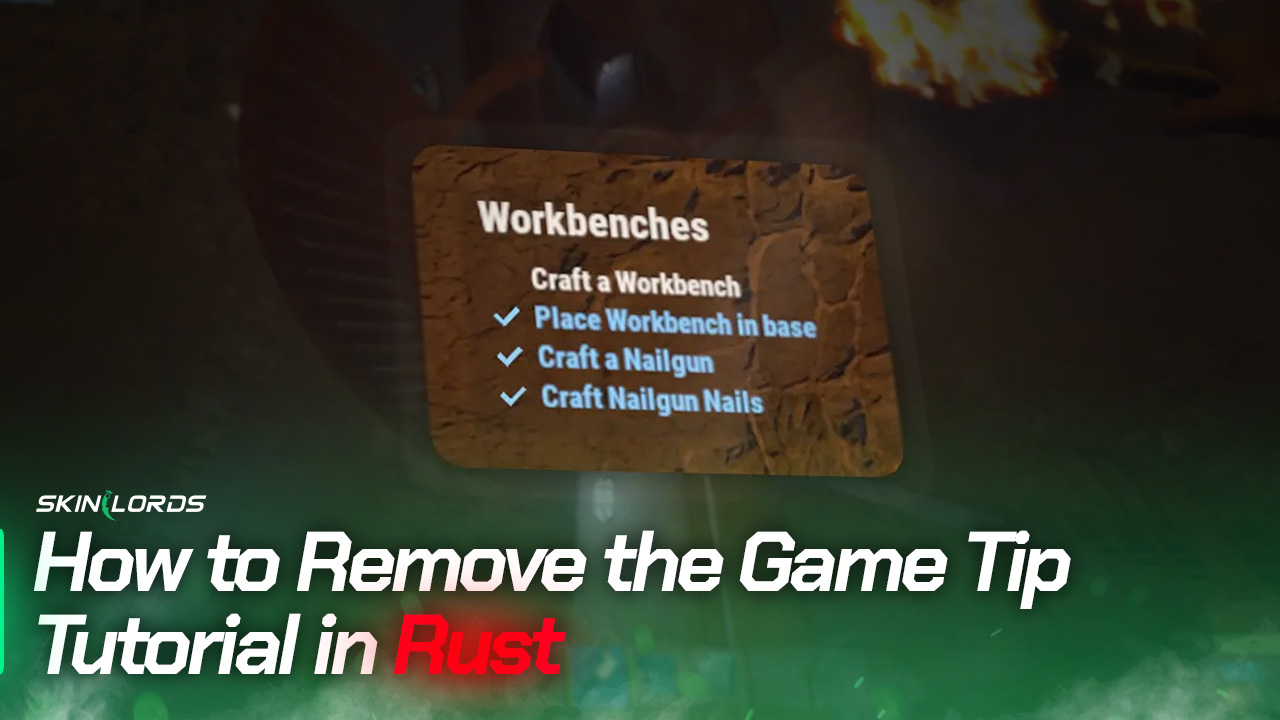
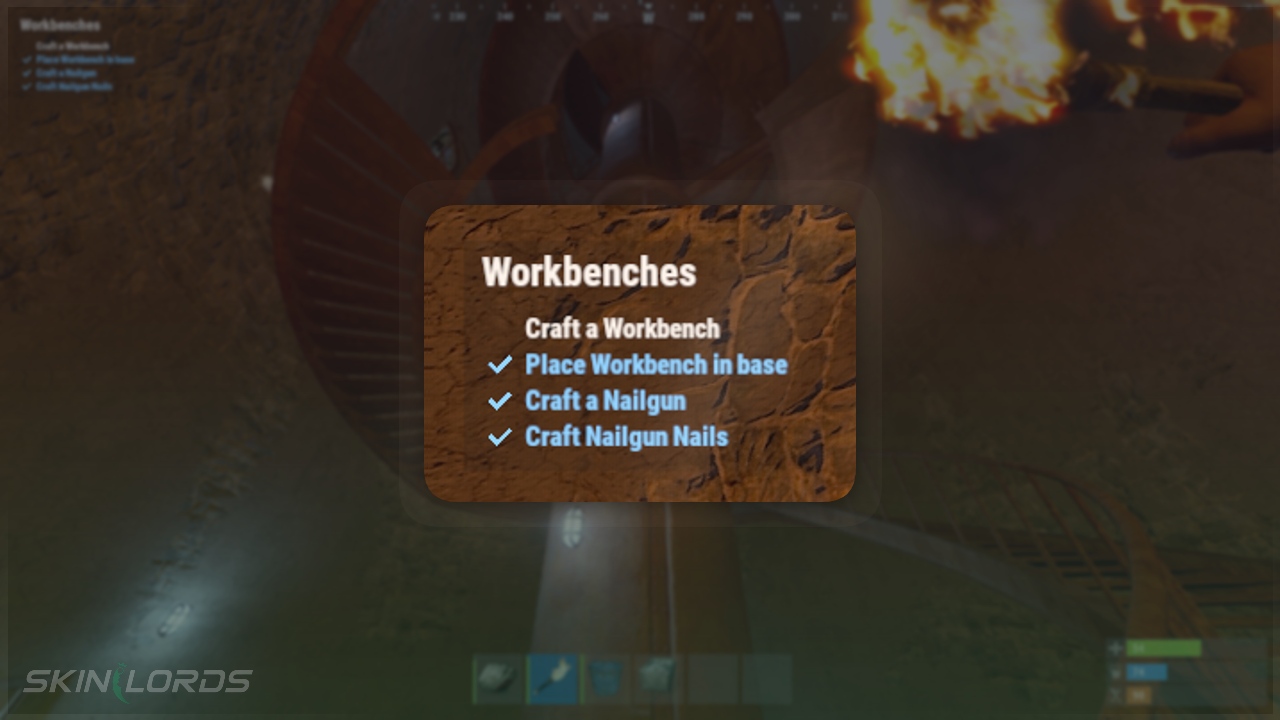
If you’ve played Rust, you’ve probably noticed the tutorial tasks appearing in the game screen’s top-left corner. These tasks are meant to guide new players through the game and provide helpful tips, but they can become annoying for experienced players who haven’t played official servers.
The good news is that you can remove these tasks from your screen with an in-game setting or by completing the tasks on an official server.

Check out more Rust guides on our blog
Follow the Steps Below
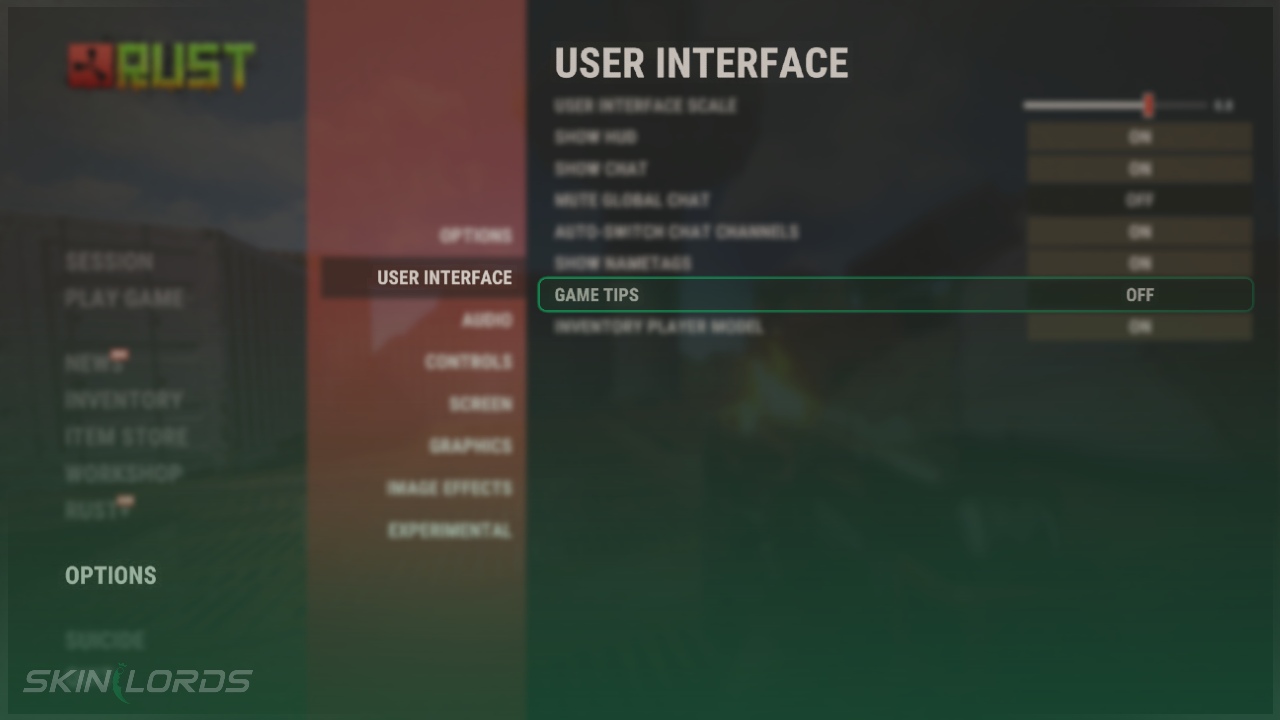
- Open the Settings Menu and click on the User Interface page
- Under the User Interface settings, find and turn off Game Tips
- Open and close your in-game map! The tips will be removed from your screen
Using the Developer Console
You’ll need to open the developer console by pressing F1. Click here to change the key for opening the console.
- Open the Developer Console
- Type
gametip.showgametips falseinto the console - Open and close your in-game map
We hope you enjoyed our quick guide on removing game tips from your screen in Rust. Feel free to comment if we missed out on an important setting or if you had any issues with our guide.

Similar Articles
See all
Rust Guides
Rust Workbench Upgrades: Every Upgrade and How to Get Them
08.07.2026
0
31
Rust Guides
Rust Apartment Complex: How to Rent and Use Shops
08.07.2026
0
30
 Stake
Stake
Leave a reply