













































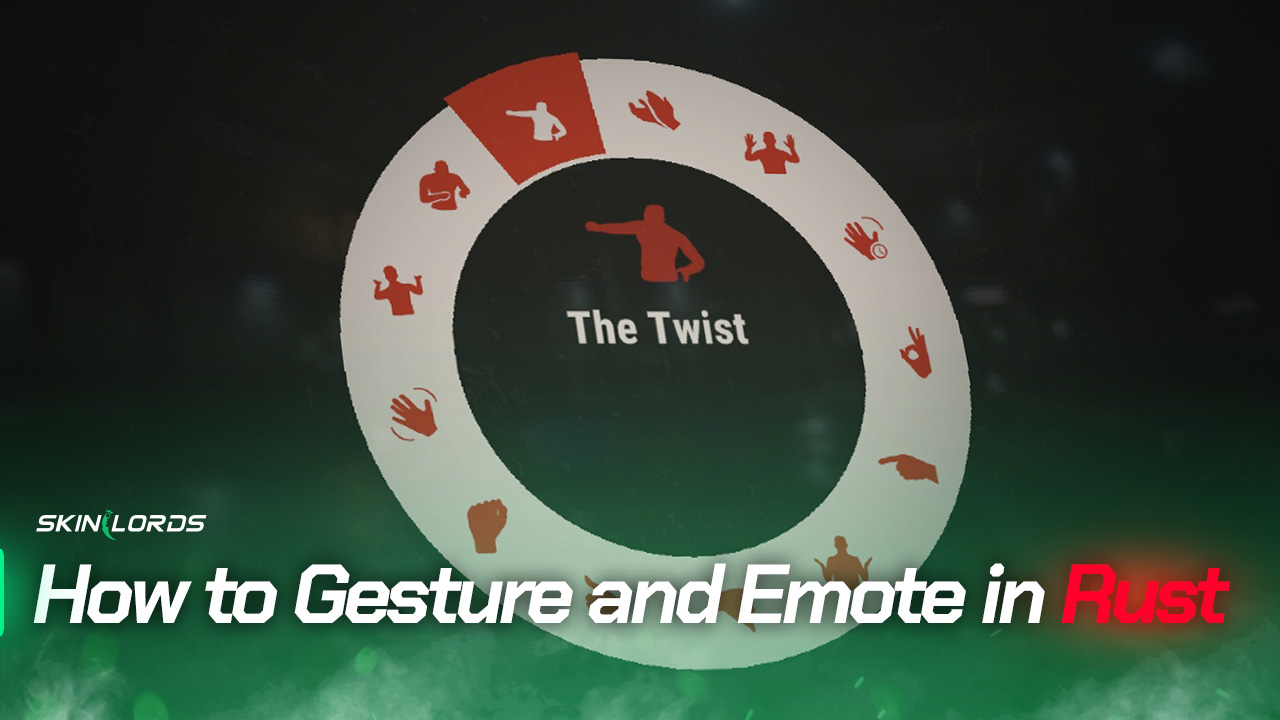
How to Gesture and Emote in Rust
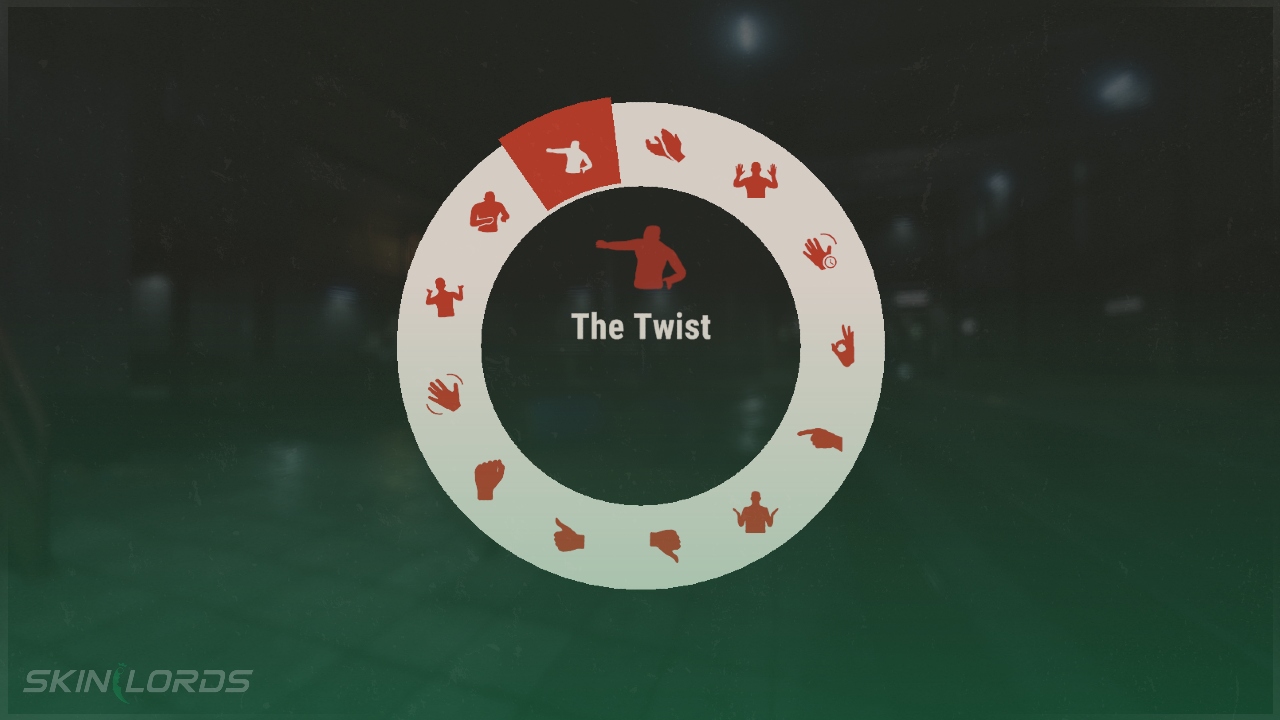
The gesture wheel in Rust allows players to communicate non-verbally with each other through gestures and emotes, which can be particularly useful if there is a language barrier between players. The wheel includes various gestures that players can use to convey different messages or emotions. Players who have purchased the Voice Props DLC have access to three additional dances in the gesture wheel, giving them even more options for non-verbal communication.

Check out more Rust guides on our blog
Change the Key to Open the Gesture Wheel
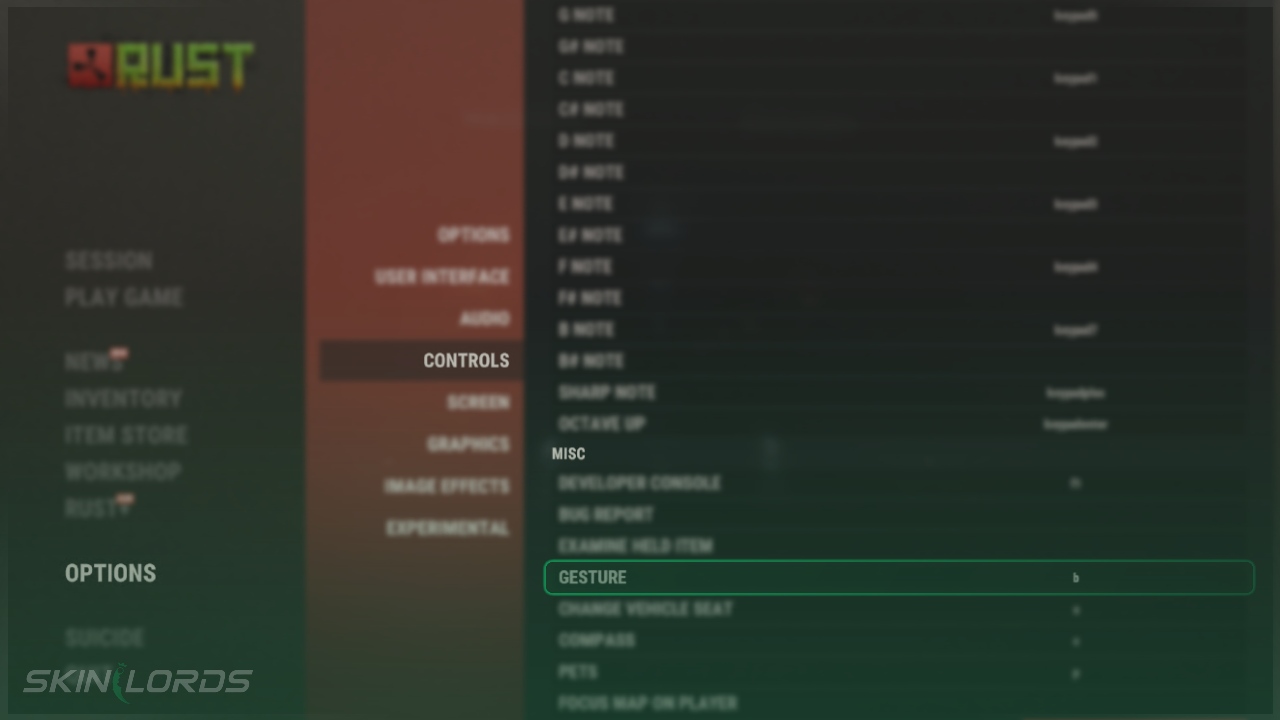
The default key is set to B for opening the gesture menu
- Open the Settings Menu and click on the Controls page
- Scroll toward the bottom of the Controls page until you see Miscellaneous
- Click on Gesture and press down on your desired key
We hope you enjoyed our quick guide on opening Rust’s gesture and emote menu. Feel free to comment if we missed out on an important setting or if you had any issues with our guide.

Similar Articles
See all
Rust Guides
How to Upkeep High External Walls in Rust
08.19.2026
0
8
Rust Guides
Rust Bar Games Pack DLC: How to Purchase And What’s Inside
08.19.2026
0
8
 Stake
Stake
Leave a reply