













































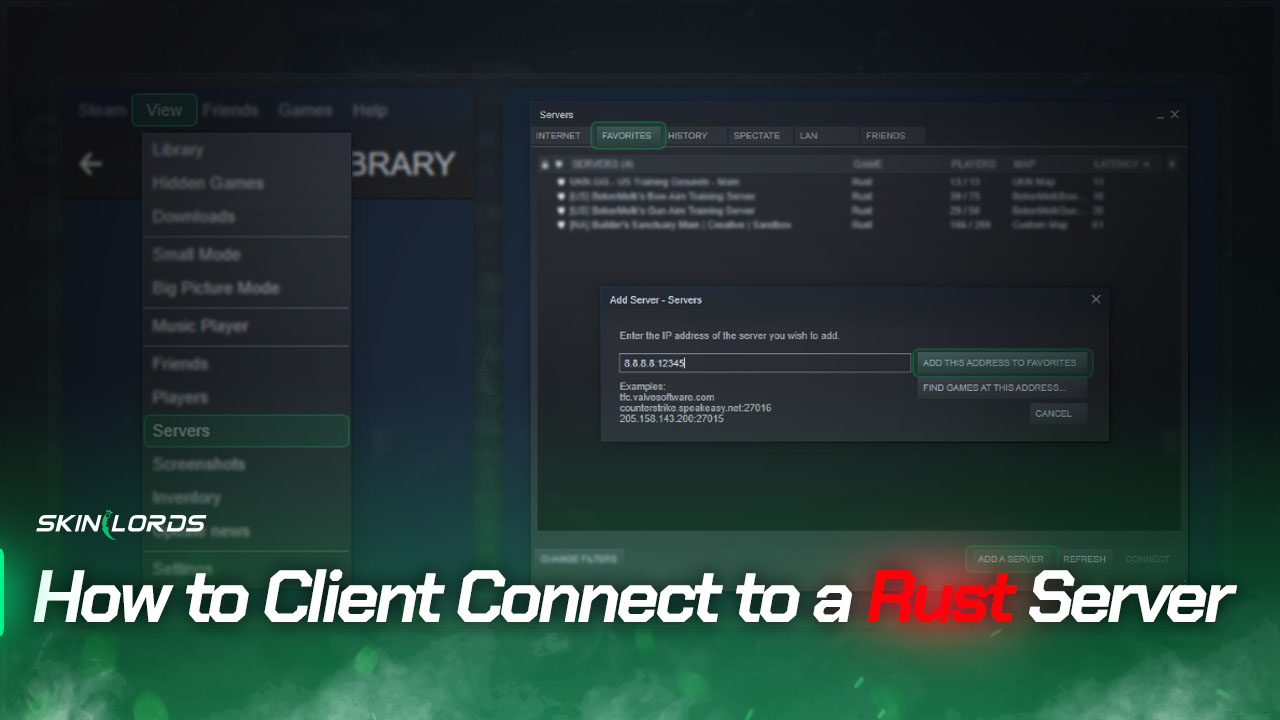
How to Client Connect to a Rust Server
It’s a common sight on Rust servers to see them fill up to their player limit within seconds of their map wiping. The early birds often use the client connect command effortlessly to connect to the server without navigating through Rust’s slow server list. This command also allows you to join your preferred server quickly.
Our quick guide will show you how to use the client connect command and join servers instantly from the developer console.

Check out more Rust guides on our blog
Follow the Steps Below
You must open the developer console by pressing F1 on your keyboard. Click here to learn how to change the key to open the console.
- Open the Developer Console
- Type
client.connect 8.8.8.8:12345into the console- Replace the IP address and port listed above with those of the server you intend to connect to
How to Add a Server to Your Favorites and Connect to it via Steam
If you’re playing Rust on a private server with your friends and wish to view the server from your favorited Rust server list, you’ll have to add the server to your Steam favorites manually. As for those who aren’t playing on a private server, joining directly from the Steam server list is an option, but it won’t provide any significant benefits in terms of loading speeds.
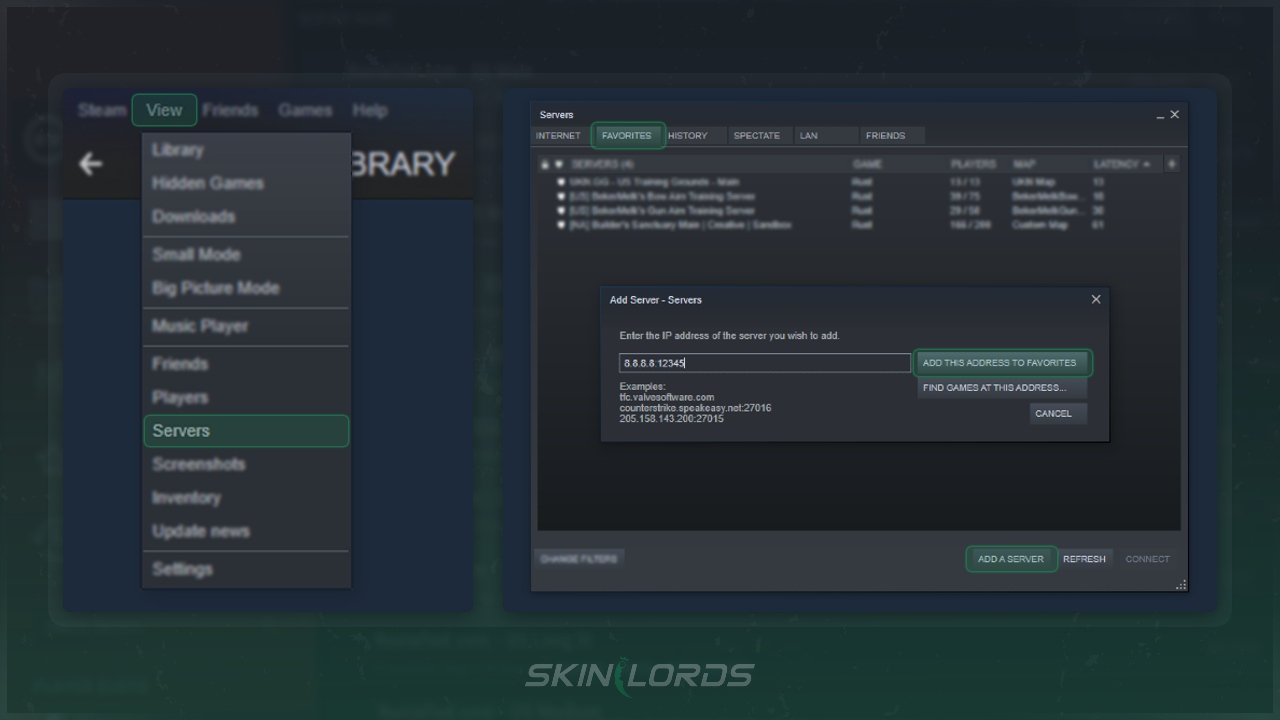
- Open your Steam application
- Click on View located in the top-left corner. Next, locate the Servers option in the dropdown menu
- Once you’re in the Servers section, select the Favorites page.
- Click on Add A Server in the bottom-left
- Enter the hostname and port of the server you intend to add
- Example
8.8.8.8:12345
- Example
We hope our straightforward guide on using the client connect command and adding a Rust server to your favorites via IP has been helpful. Please feel free to share your feedback in the comments section, including any issues you may have encountered or difficulties with our guide.





Leave a reply
Similar Articles
See all
Rust Guides
Rust Workbench Upgrades: Every Upgrade and How to Get Them
08.07.2026
0
32
Rust Guides
Rust Apartment Complex: How to Rent and Use Shops
08.07.2026
0
30
 Stake
Stake
any better way to find the server IP?