





































Rust Box Sorting Guide
In Rust’s November Pivot or Die update, new settings were added to Rust, allowing you to easily organize your Rust boxes as you choose. After years of relying on external mods for box sorting or spending hours organizing them manually, the developers has finally added a way to speed up the process. Follow along as we show you everything you need to know about Rust box sorting.

Check out the rest of the Pivot or Die update in our update guide:
How to Sort Rust Boxes
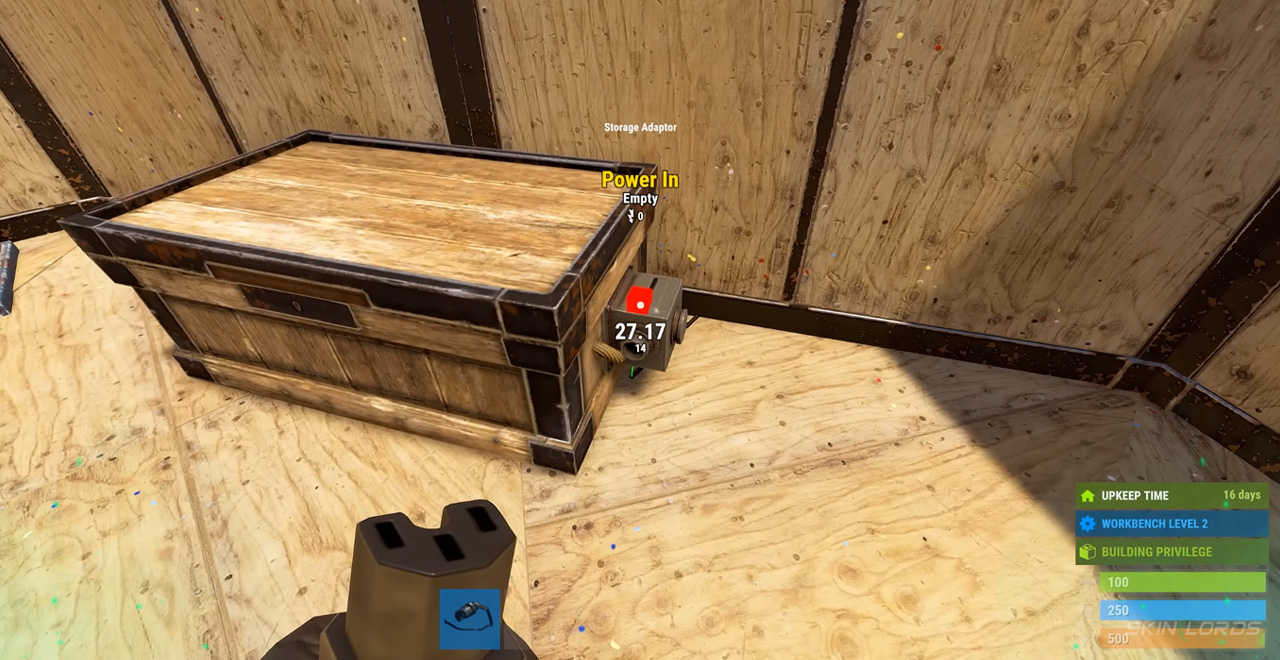
To sort boxes in Rust, first, you will need to acquire and power a Storage Adaptor. The Storage Adaptor can be attached to Large and Small Wooden Boxes, along with coffins and DLC storage items. Once powered, the adapter will feature several box sorting features to choose from and will begin sorting one second after players stop adding or removing items from the chosen storage container.
Rust Box Sorting Settings
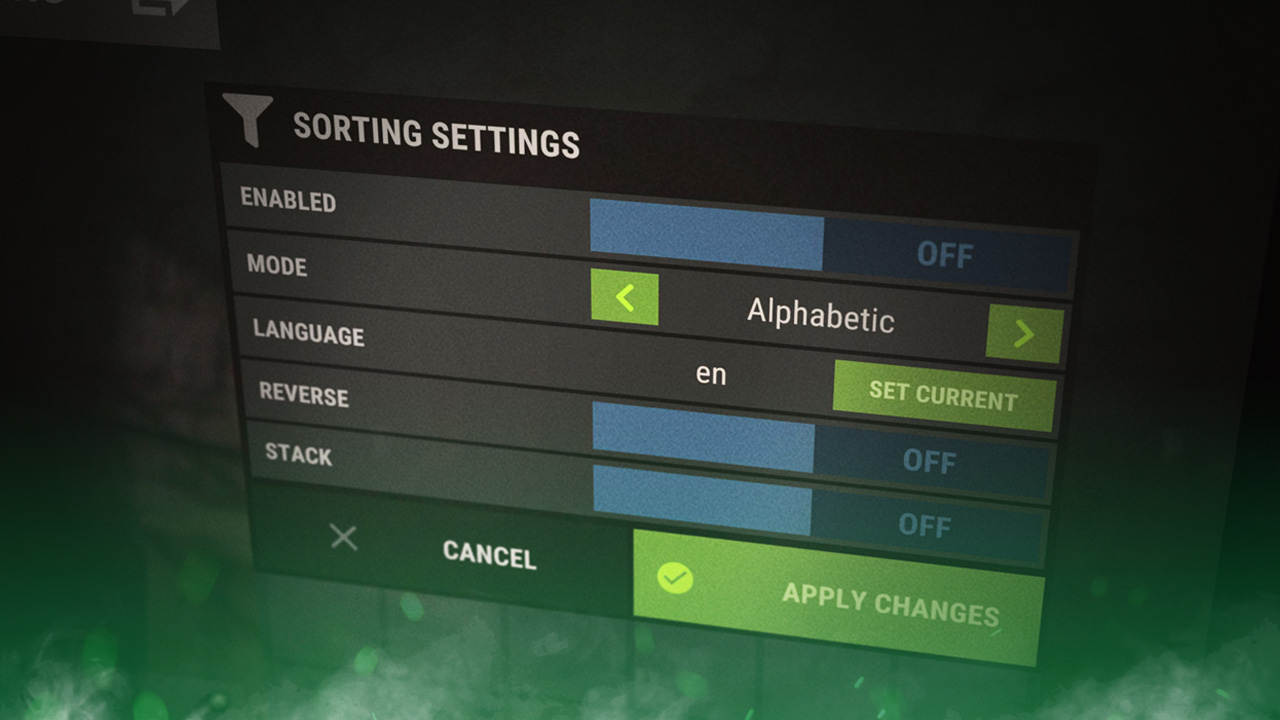
There are several box sorting settings in Rust, with the main one allowing you to choose your sorting mode once enabled. Players can choose from alphabetical, condition, count, category, and custom snapshot sorting modes. Along with those options are the settings to select item languages, enable reverse sorting, and toggle item stacking; these allow more customization inside the sorting process.
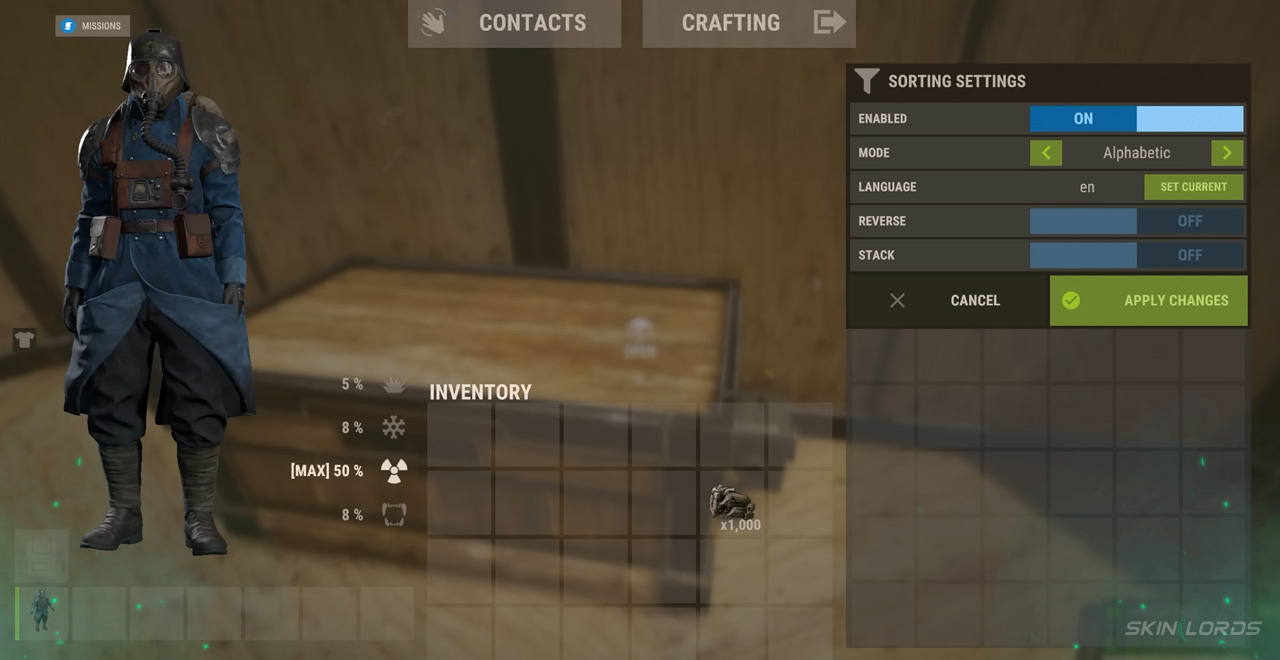
Once you’ve perfected your settings, do not forget to apply the changes before exiting the Storage Adaptor.
Box Sorting Custom Snapshots
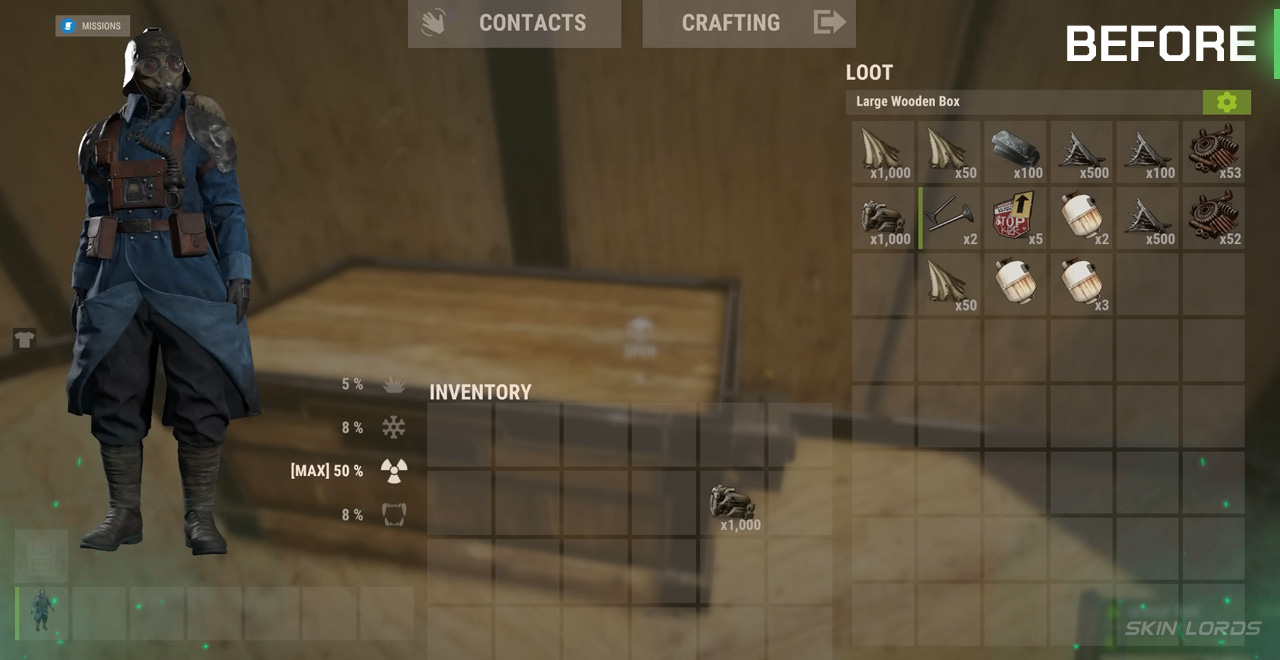
The custom snapshot sorting mode is a unique mode that allows you to have a completely custom sorting order. The mode snapshots the box layout once you have laid out the items as you please, and will attempt to sort the box as best as it can to match the image.
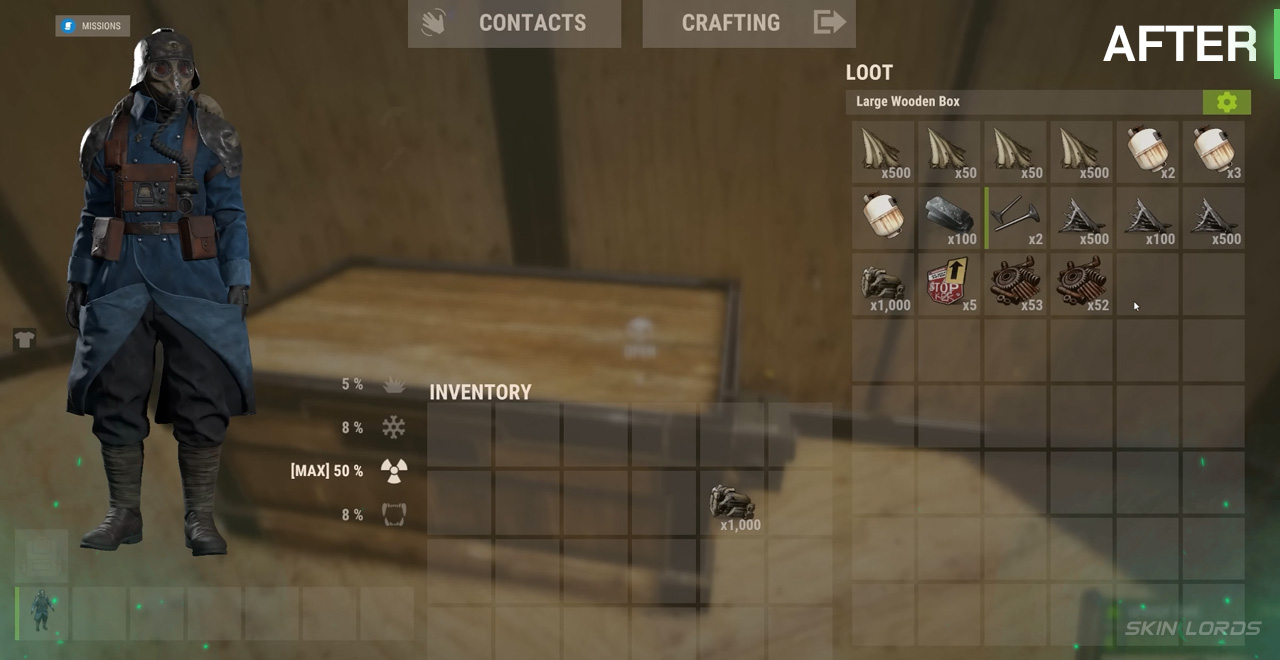
That covers all the box sorting features added by Rust’s Pivot or Die update. With that, you can now sort your boxes however you please. If you enjoyed this article, feel free to check out our Rust Horse Healing Guide. See you next time!

Similar Articles
See all
Rust Guides
Rust Clan System: How to Create, Join, and Use Rust Clans
07.15.2026
0
45
Rust Guides
Rust Glowing Wallpaper Pack: How to Purchase and What’s Inside
07.15.2026
0
46
Related Casinos
 Stake
Stake
Leave a reply