













































How to Mouse Wheel Jump in CS2
We have all seen it before, some pro on the big screen jumping around without even touching the space bar. How do they do it? Scroll wheel jumping is not only an art, but an extremely unique setting modification that can improve your gameplay. Today, we will be taking a look at how to enable mouse wheel jumping in CS2.

Check out more CS2 settings and gameplay guides on our blog:
How to Bind Jump to Mouse Wheel in CS2
Before any of this can be done, ensure the developer console is enabled, as developer console commands will be used throughout this process.

Don't have the developer console enabled? Check out this guide:
Once that is enabled, simply follow these simple steps:
Once in open CS2, click the default Developer Console bind (~)
Enter the following: bind mwheeldown +jump
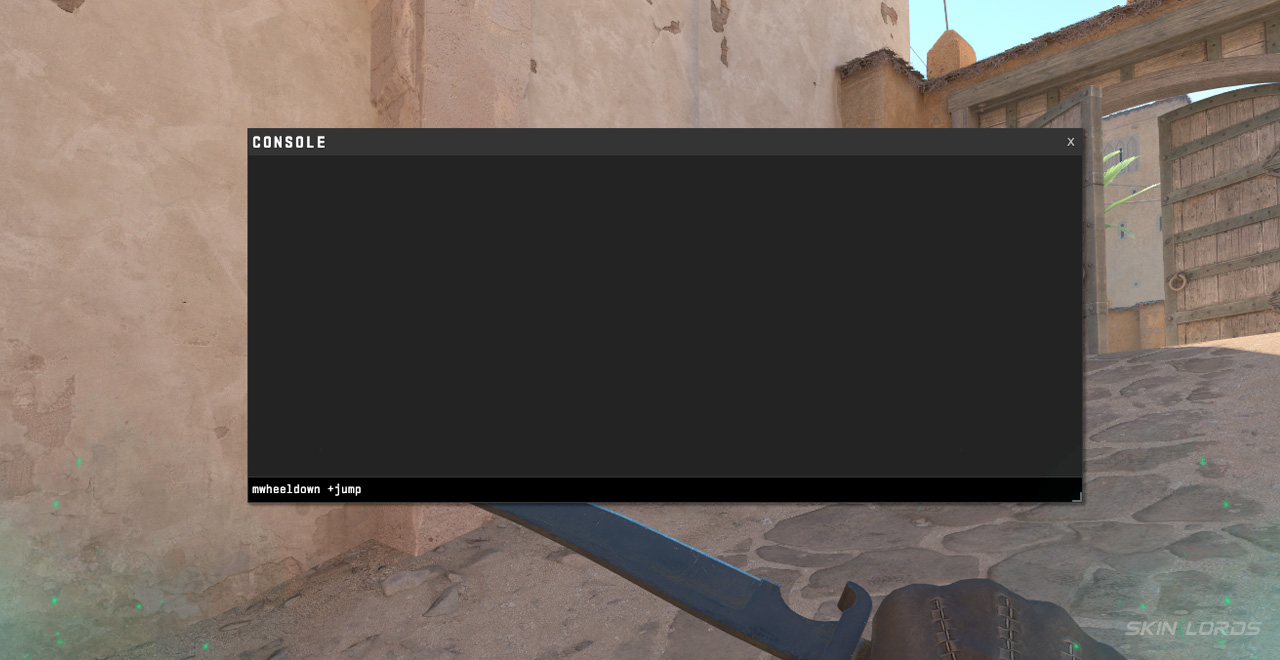
Enter the following: mwheelup +jump
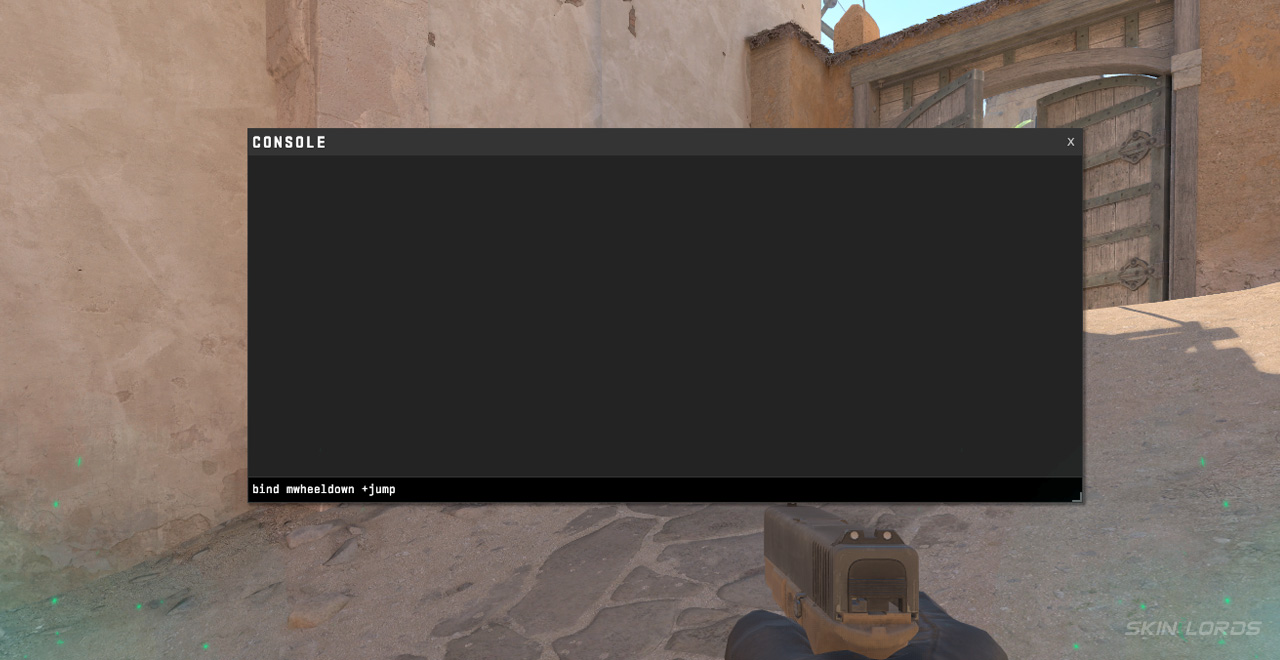
Once you’ve used those 3 simple steps, you can now use your scroll wheel to jump in CS2! Bind jumps like this can improve not only your gameplay, but some of the more fun aspects of the game, such as bunny hopping as well.
How to Reset CS2 Jump Settings
For some players, the jump to scroll wheel hopping can be quite intense; some choose to revert their jump settings back to default. If you would like to return your settings to default, simply:
Open the Developer Console using the (~) key
Enter bind space +jump
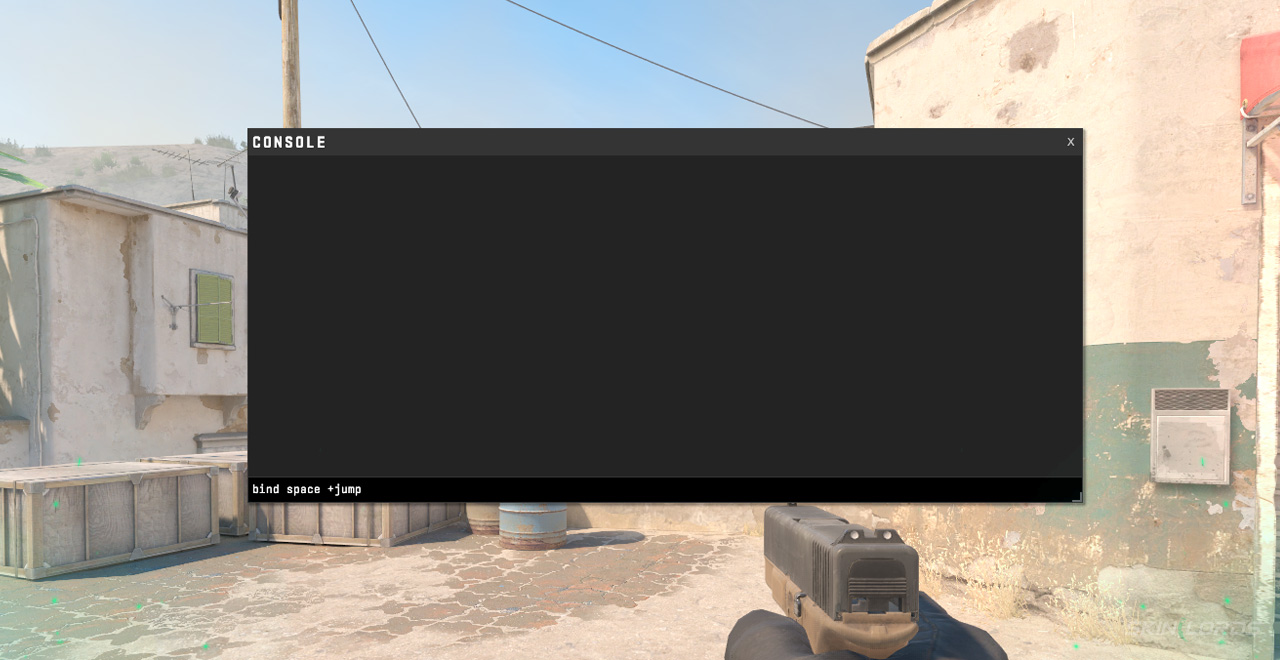
To return previous scroll wheel settings, such as weapon switching, use these commands: bind mwheeldown invnext, and bind mwheelup invprev
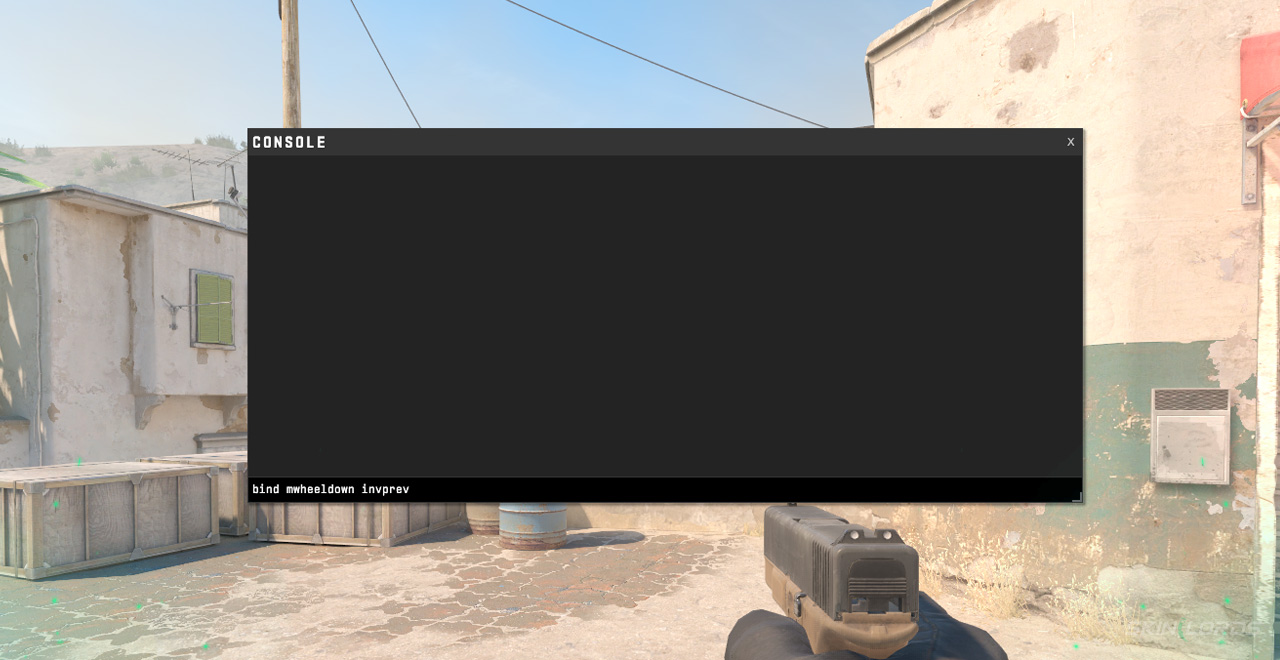

Scroll wheel jumping can be quite strange at first; many players struggle with it or even outright dislike it. Whether it’s your thing or not, you at least learned some more useful CS2 binds! Don’t give up too easily on the scroll wheel bind jump, though. Practice makes perfect! If you have enjoyed this guide and would like to see more like it, please feel free to leave a comment down below on the guide you’d like to see next!

Similar Articles
See all
CS2 Guides
Which CS2 Cases Have Bloodhound Gloves?
07.31.2026
0
32
CS2 Guides

Every CS2 Skin With A Blue Gem Pattern
07.31.2026
0
43
Related Casinos

 Stake
Stake
Leave a reply