













































How To Import CS2 Crosshairs
Crosshairs are used in just about every first-person game out there. Importing Crosshairs between games is a great way to transfer talent. Easing the differences between other shooters, or even training platforms, importing CS2 crosshairs can improve your CS2 experience exponentially. Today, we will look at how to import CS2 Crosshair settings.

Check out more CS2 settings and gameplay guides on our blog:
How to Import a CS2 Crosshair
Importing a CS2 crosshair is as simple as copying and pasting a simple code. Simply do as follows:
- Open the settings menu and under “game,” scroll to crosshair settings
- Locate the button “Share or Import” on the preview image, and select it
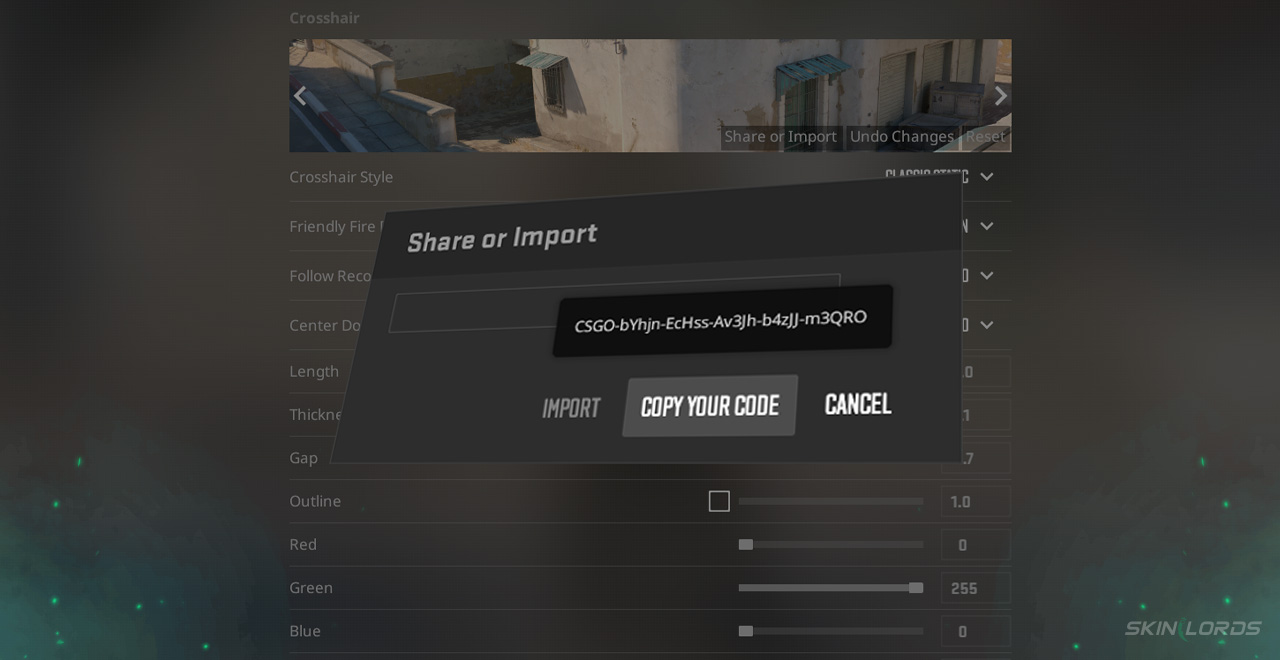
- Paste a Crosshair Code into the provided space and click import
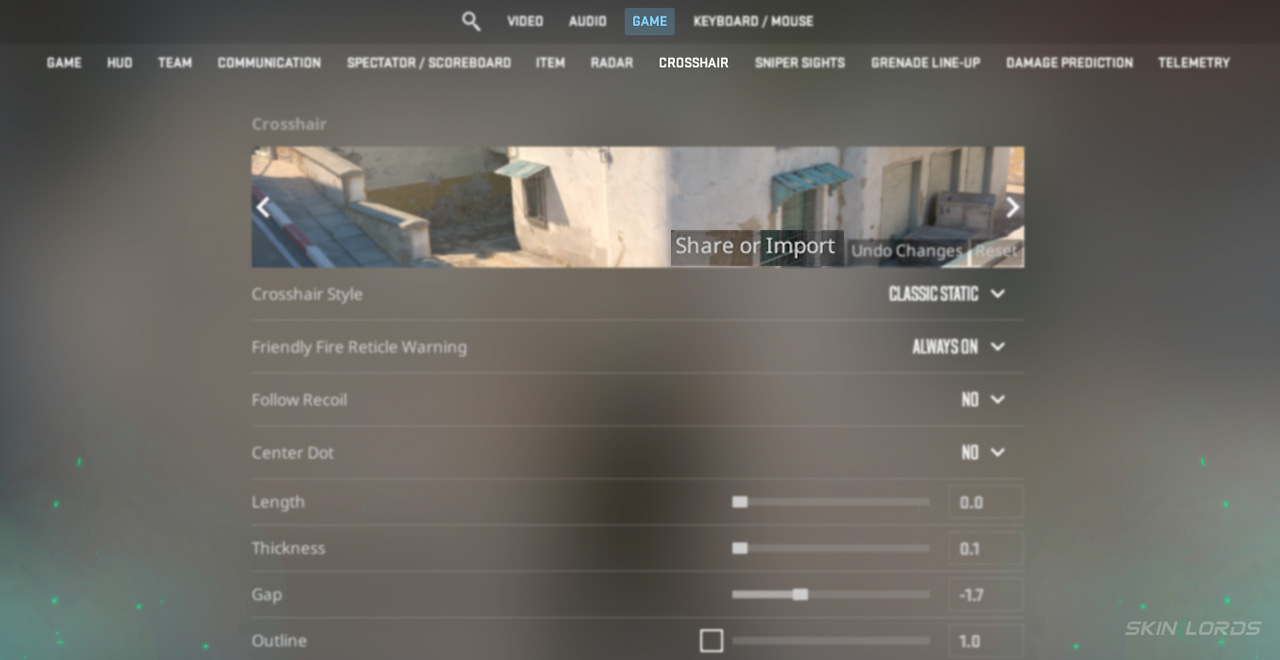
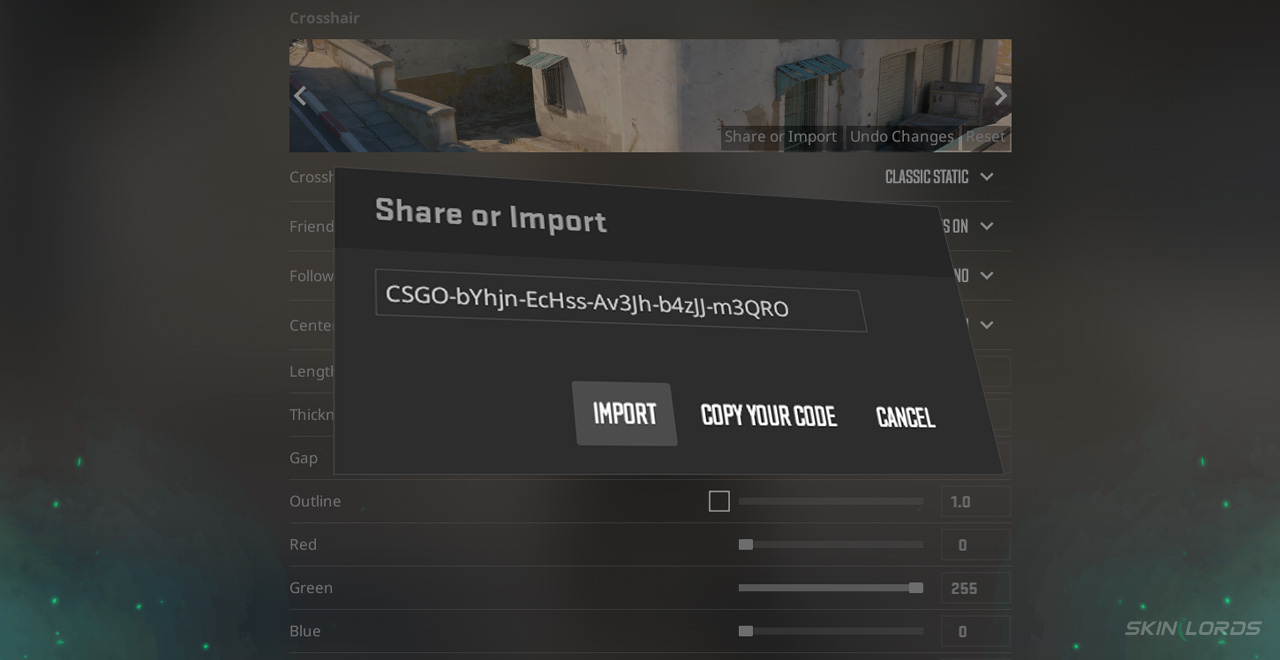
Assuming a valid Crosshair code is being used, a new crosshair will now be applied, visible via the preview provided in settings.
Where to Find CS2 Crosshair Codes
Finding CS2 crosshair codes is best done through research online. If you’re looking for a specific player’s crosshair, sites like this can be found across the internet, allowing users to find the game settings of just about any pro player.
Crosshairs, although small, can have a massive impact on one’s gameplay. Be sure to find the perfect one for you and import it to CS2 for the best competitive experience. If you have enjoyed this article and would like to see more like it, please feel free to comment down below on what you’d like to see covered next!

Similar Articles
See all
CS2 Guides
Which CS2 Cases Have Bloodhound Gloves?
07.31.2026
0
32
CS2 Guides

Every CS2 Skin With A Blue Gem Pattern
07.31.2026
0
42
Related Casinos

 Stake
Stake
Leave a reply