













































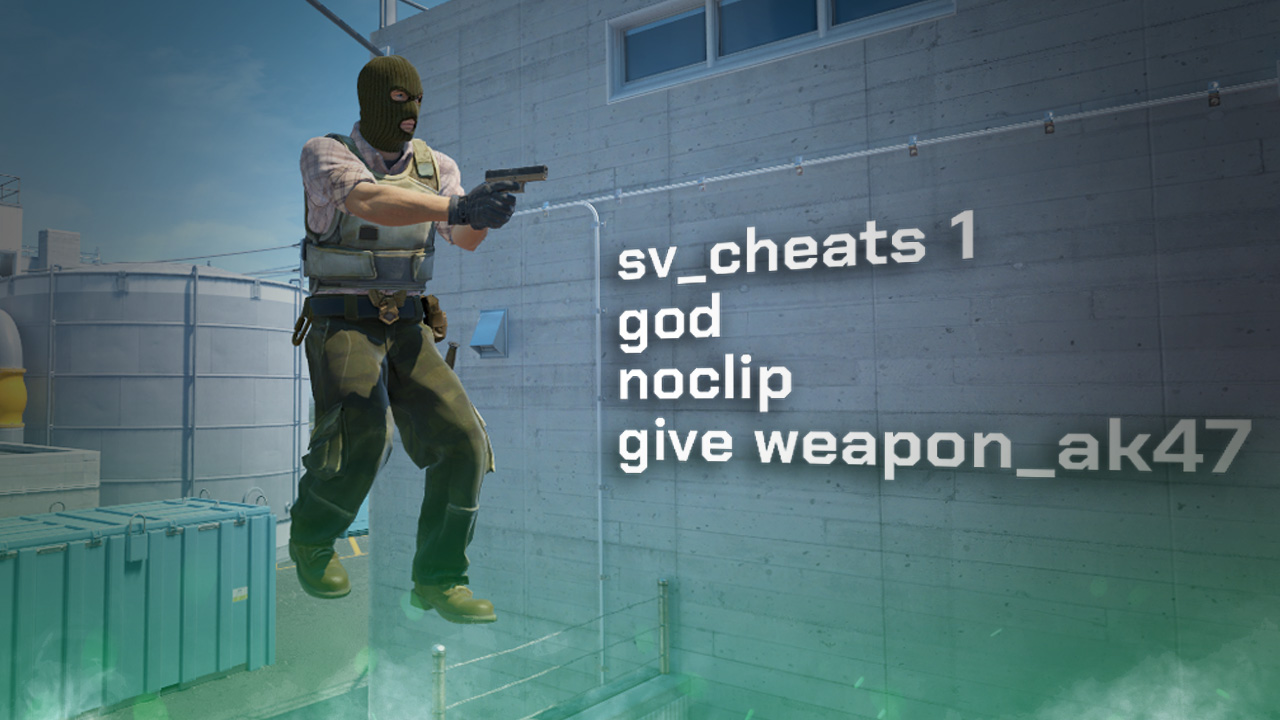
How to Enable Cheats in CS2
Using the Developer’s Console can become an absolute game-changer, especially when discovering console commands in the cheat category. By learning a few short codes, a whole world can be opened up to you. Today, we will take a look at how to enable cheats in CS2.

Don't know how to activate the developer console? Use this guide:
CS2 Enable Cheats Command
The process is actually quite simple —follow these short, easy steps and be done in no time!
- Launch CS2 and enter a private server or map of your choice
- Enable Developer Console. Under game settings, go to Developer Console, and select “Yes”
- Open the console in-game using the default keybind (~
- Type “sv_cheats true“
As you can see, after only a couple of steps, you can gain full access to an entirely new side of CS2.

Useful Commands to Use in CS2 “Cheat” Mode
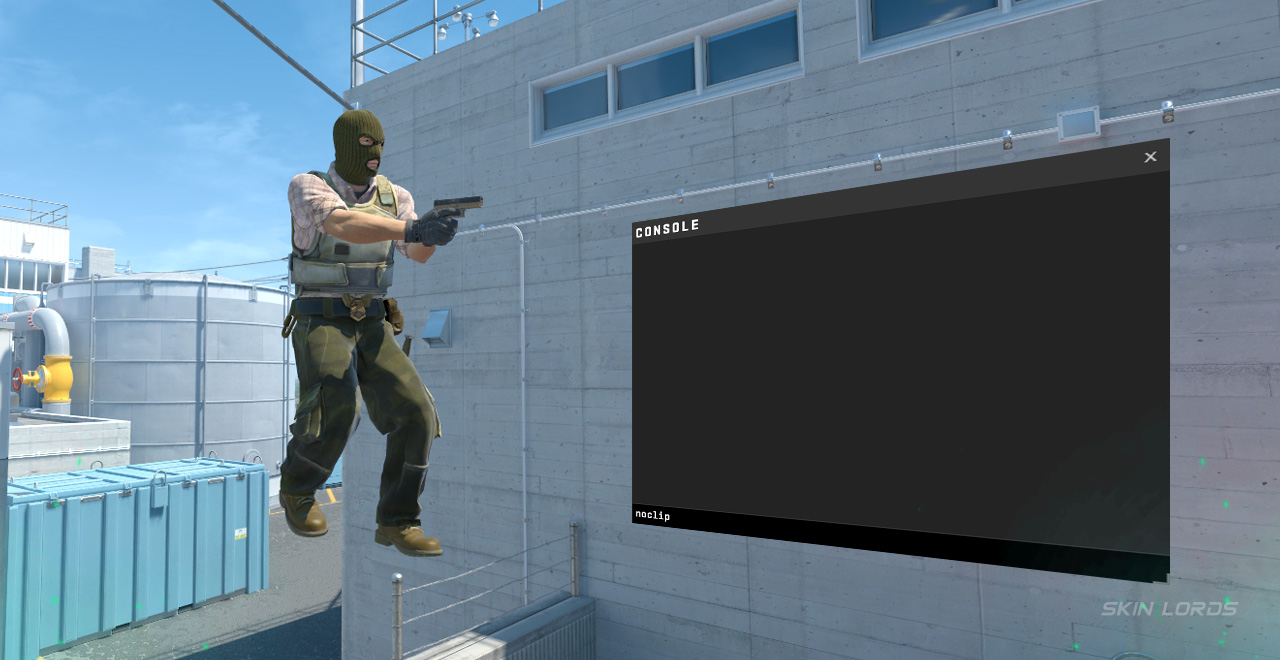
- “noclip”- Allows players to fly around the map and through walls
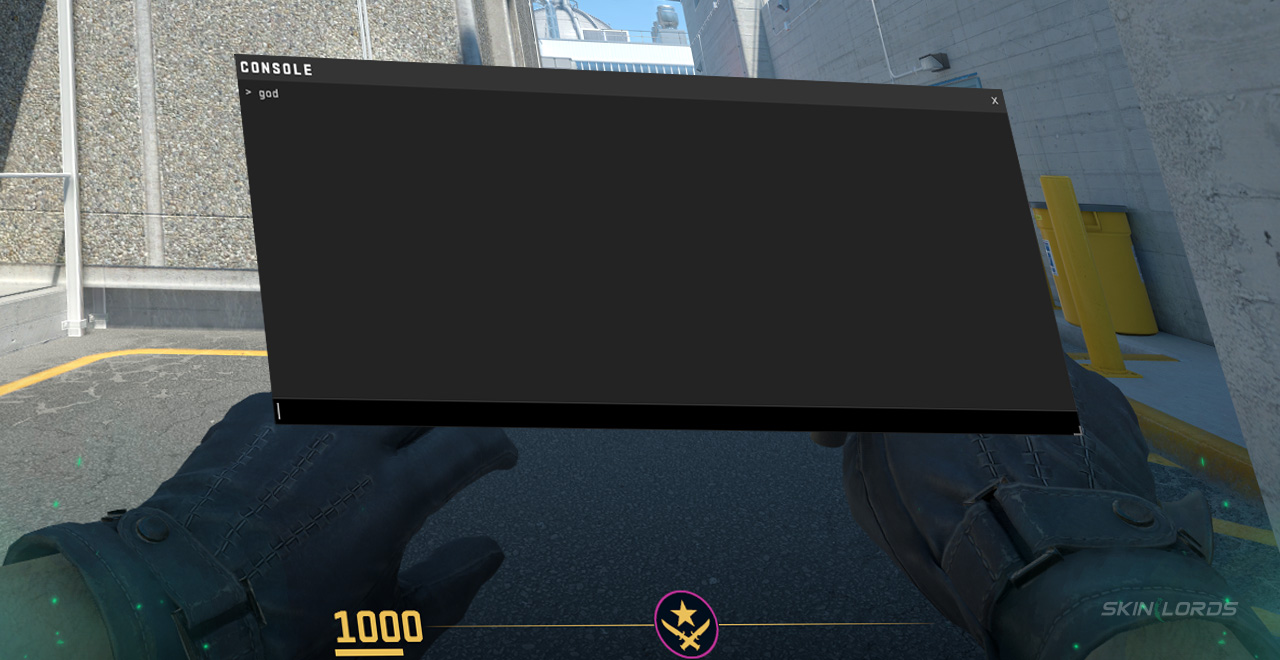
- “god”- Makes the player invincible
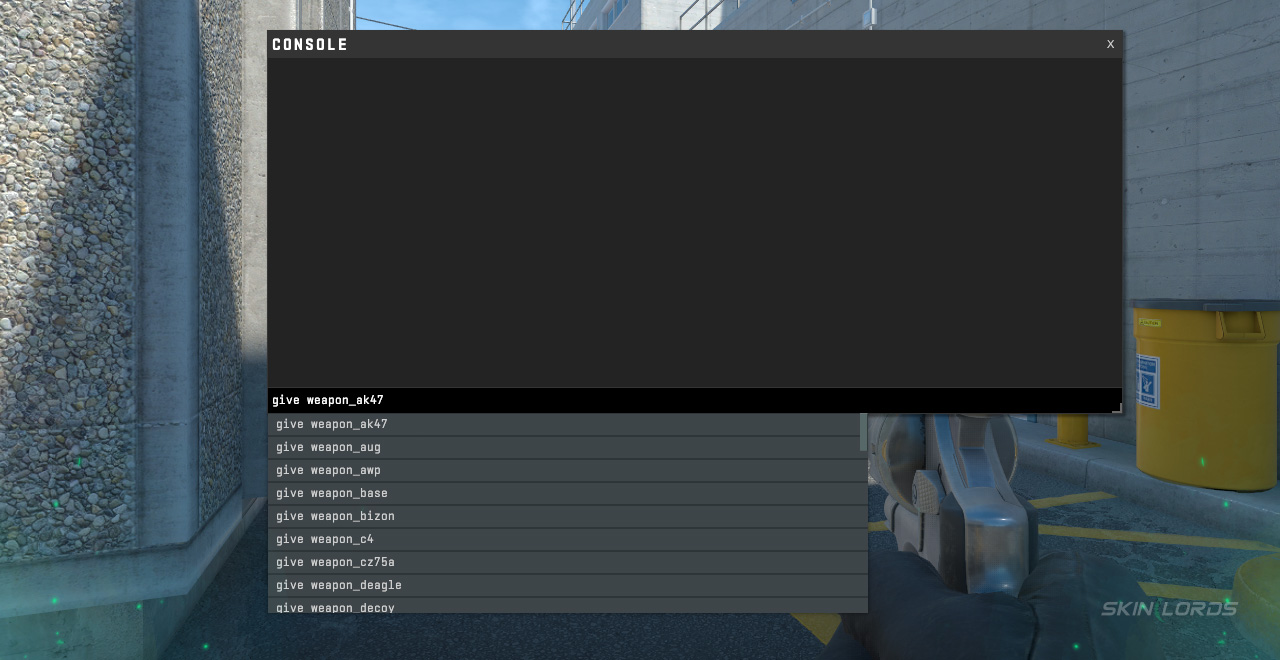
- Give weapon_[weapon name]- Instantly spawn a weapon of your choice
Why Use sv_cheats in CS2?
Using sv_cheats not only lets you, as a player, learn a map better through private practice or exploration, but also provides hours of fun through strange challenges or even chasing friends around in noclip. sv_cheats is definitely not a necessary command, but when used properly, it can be quite useful for most players.

Check out more CS2 settings and gameplay guides on our blog:
Don’t let this newfound knowledge go to waste. Go try it for yourself! As you explore your favourite maps, or become invisible in that difficult 1v1 with a friend, you too can learn how fantastic enabling cheats in CS2 is. If you have enjoyed this guide and would like to see more like it, please feel free to leave a comment below with which guide you’d like to see next!

Similar Articles
See all
CS2 Guides
Which CS2 Cases Have Bloodhound Gloves?
07.31.2026
0
32
CS2 Guides

Every CS2 Skin With A Blue Gem Pattern
07.31.2026
0
42
Related Casinos

 Stake
Stake
Leave a reply