













































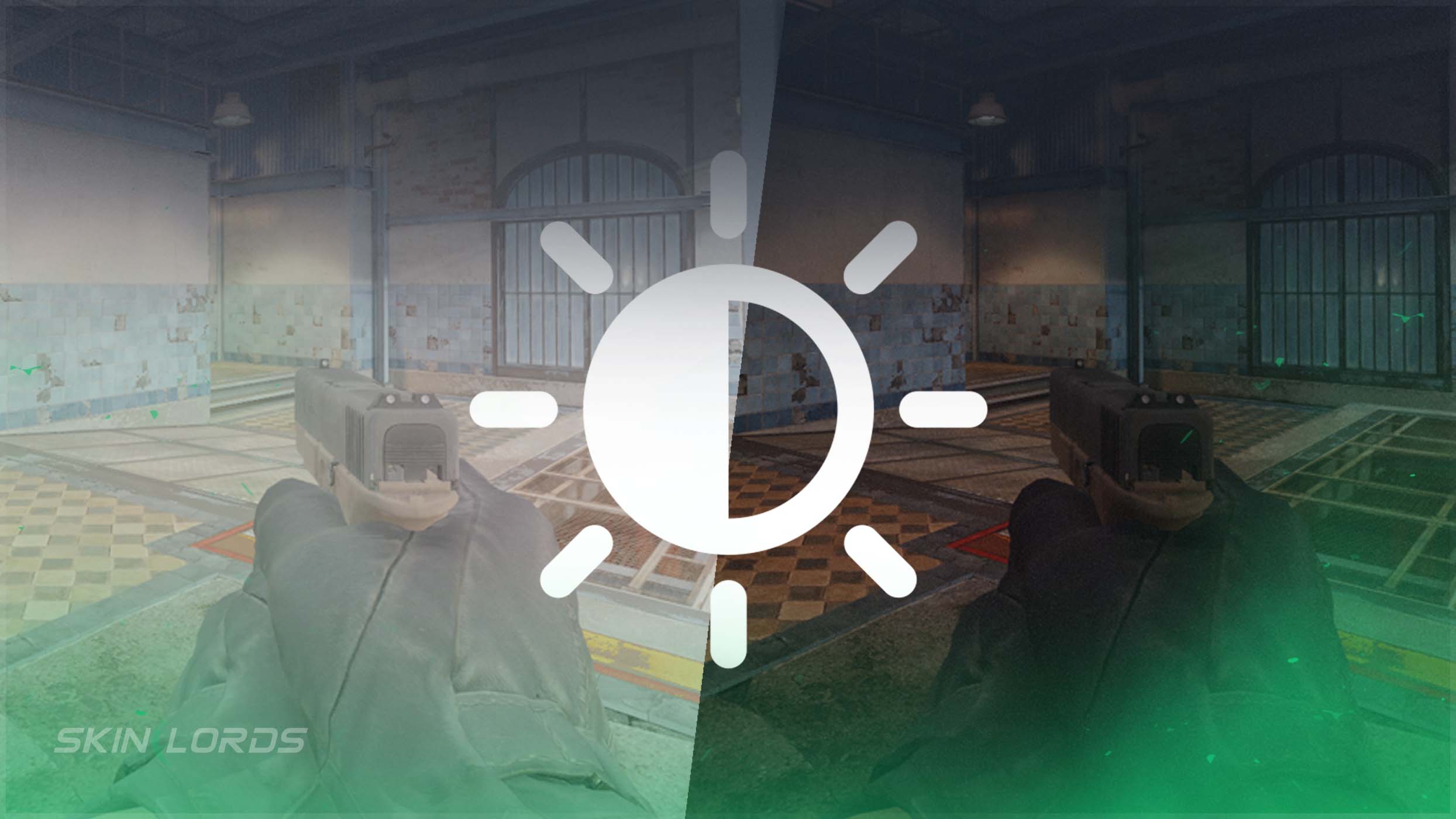
How to Change Your Brightness in CS2
Today, we will take a look at how you can adjust your CS2 Brightness for the best possible performance. Whether you like the game to be a bit darker or lighter, adjusting your video settings to personal preference is essential to your CS2 experience.

Check out more CS2 settings and gameplay guides on our blog:
How to Change CS2 Brightness Settings
A quick and easy job, changing this setting will leave you wondering how you didn’t customize it sooner! Simply:
- Boot CS2 and locate the settings icon in the top left corner of the menu
- Navigate to Video Settings
- At the bottom of the tab, locate the “Brightness” slider
- Brighten or Darken your game by dragging the slider to your liking
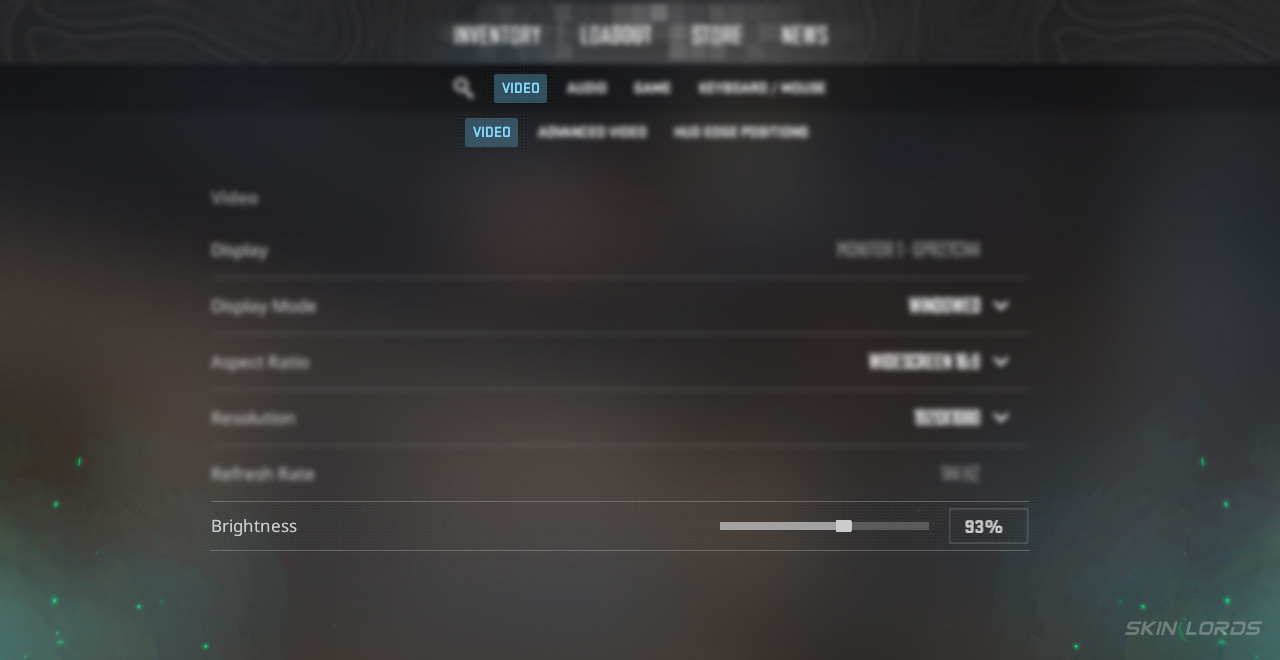
Just like that, you can change your video settings in a few short moments, bringing light to your eyes (or possibly darkness). Brightness has more of an effect than you might think!
Why Change Your CS2 Brightness?
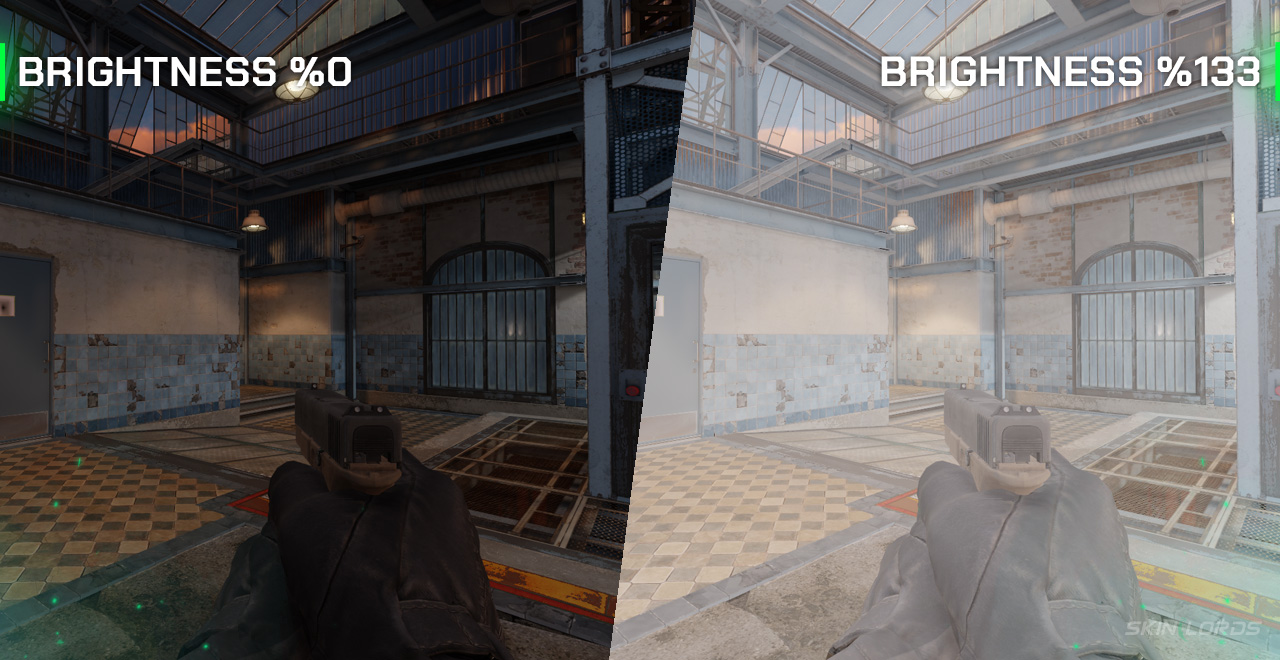
Adjusting brightness settings provides an advantage in competitive play; proper brightness helps see details clearly, such as enemies hiding in shadows or essential objects in dark areas. If the screen is too dark, it’s easy to miss key moments. If your settings are too bright, colors can look washed out and strain your eyes unnecessarily. Proper brightness will vary from individual to individual. Still, the right balance will not only improve visibility and reaction time, but also overall comfort as staring at the screen becomes easier and less straining.
Having this simple tool in your pocket is extremely useful, as you can alter your settings at a moment’s notice, now that you have learned! CS2 settings are not only fun to play with, but rewarding to use. To achieve your best possible CS2 level, we highly recommend adjusting small settings such as brightness. If you would like to learn more about CS2 video settings or any settings, feel free to leave a comment below with what you’d like to learn next!

Similar Articles
See all
Guides
Which CS2 Cases Have Bloodhound Gloves?
07.31.2026
0
32
Guides

Every CS2 Skin With A Blue Gem Pattern
07.31.2026
0
42
Related Casinos

 Stake
Stake
Leave a reply