





















































Overview and History
NOTE: BitSkins has recently announced that it is shutting down. Players have until July 14th, 2026 to withdraw all items and balance from the site before it is permanently closed.
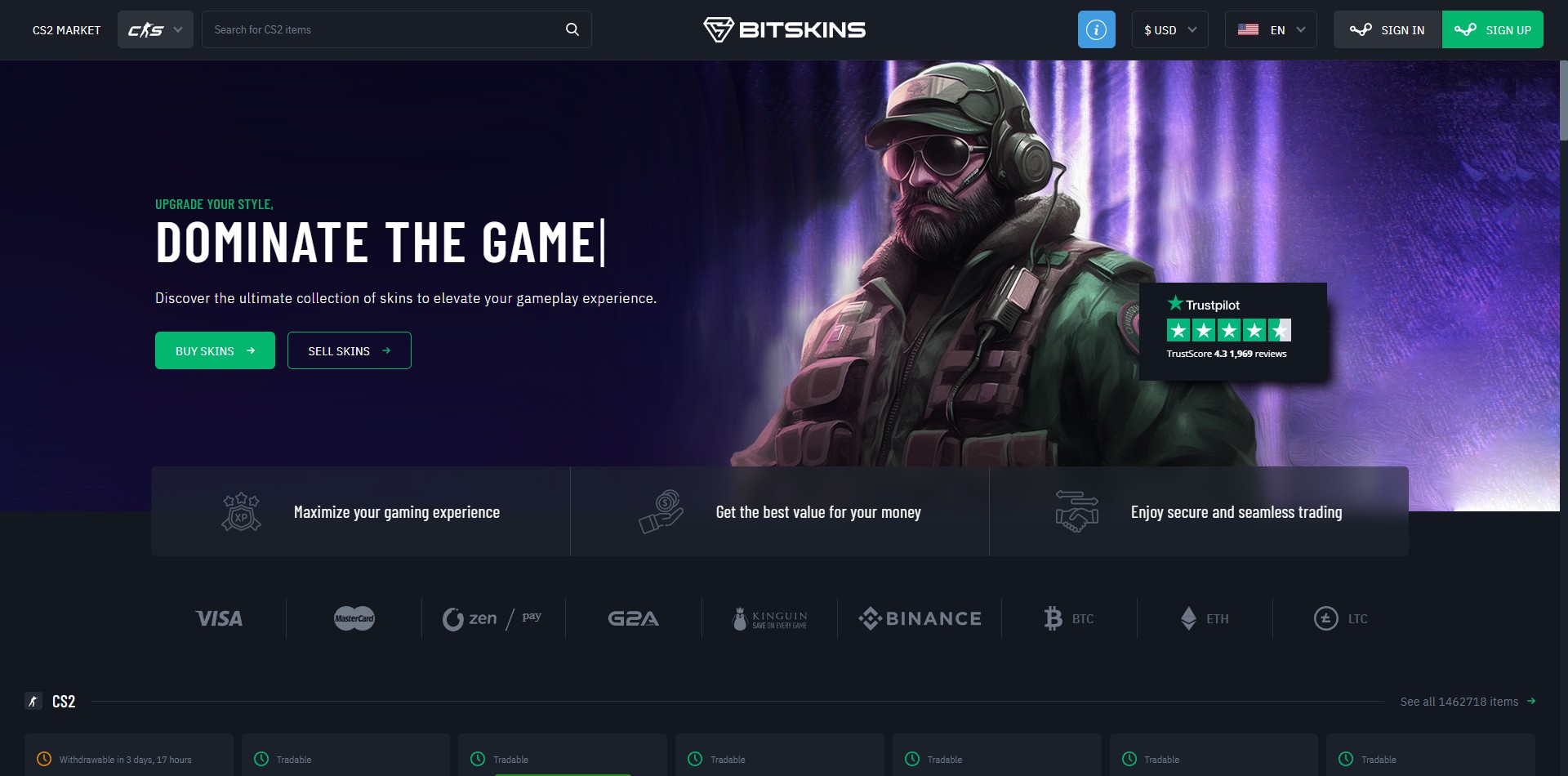
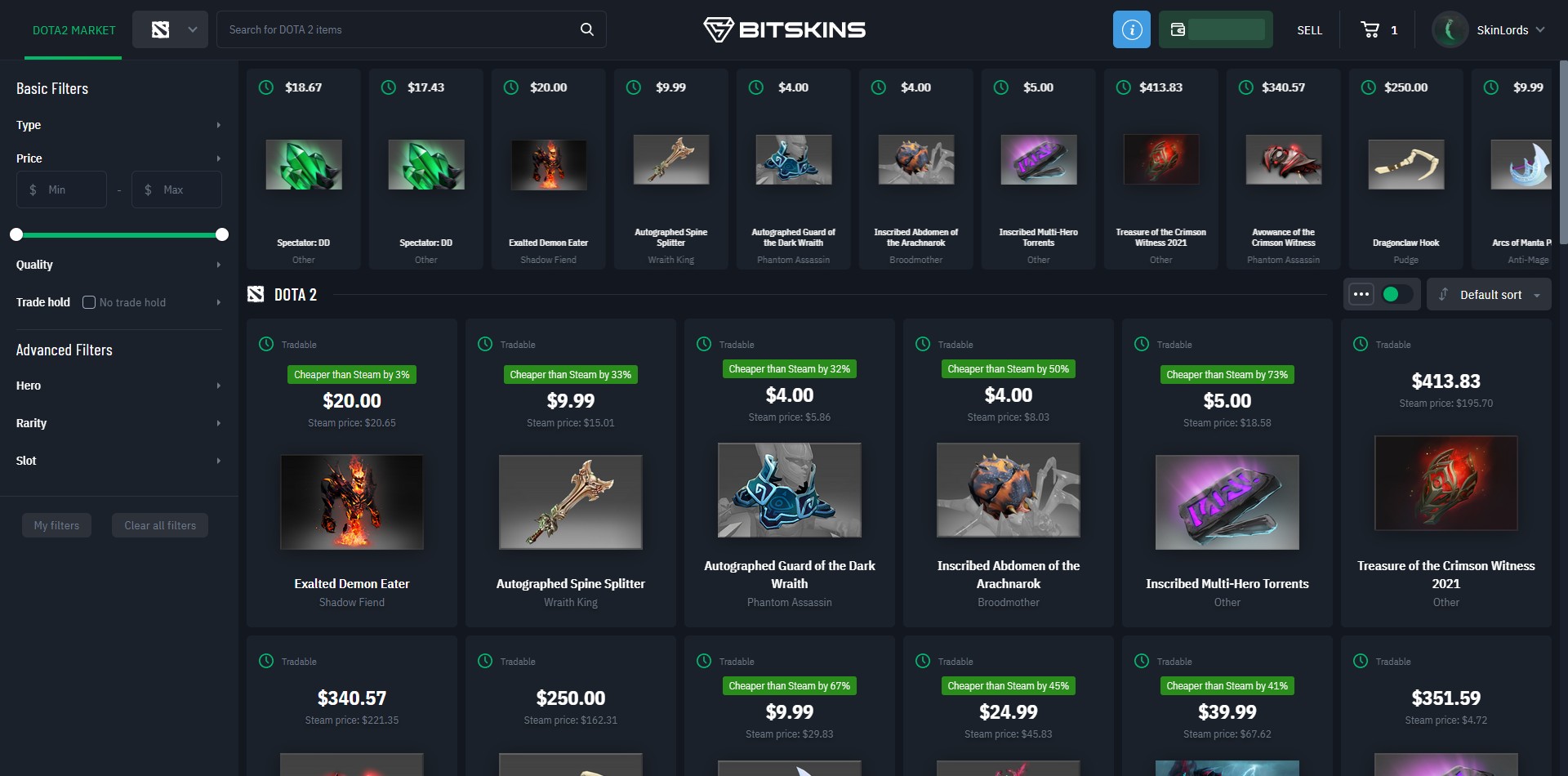
BitSkins is one of the oldest third-party marketplaces for buying and selling CS2, Rust, Dota 2, and TF2 skins. Launched in 2015, the platform quickly became popular thanks to its low fees and simple, straightforward design. After 9 years of operation, BitSkins modernized in 2024, completely overhauling its user interface to catch up with the competition.
Unlike peer-to-peer marketplaces, BitSkins functions as an escrow or bot-based system for buying and selling skins, meaning that skins are held by the platform bots while they are listed for sale, then traded to the buyer’s Steam account once the sale is confirmed. This makes BitSkins completely resistant to scams, making BitSkins a legit, trustworthy platform where you can list your skins without ever having to trade directly with the buyer. However, due to the CS2 skin trade hold, skins listed on the marketplace are on trade hold in the bot’s inventory for 8 days, so if you purchase a skin, you may have to wait up to 8 days to receive it.
Experience, Fees, and Limits
Buying Skins on BitSkins
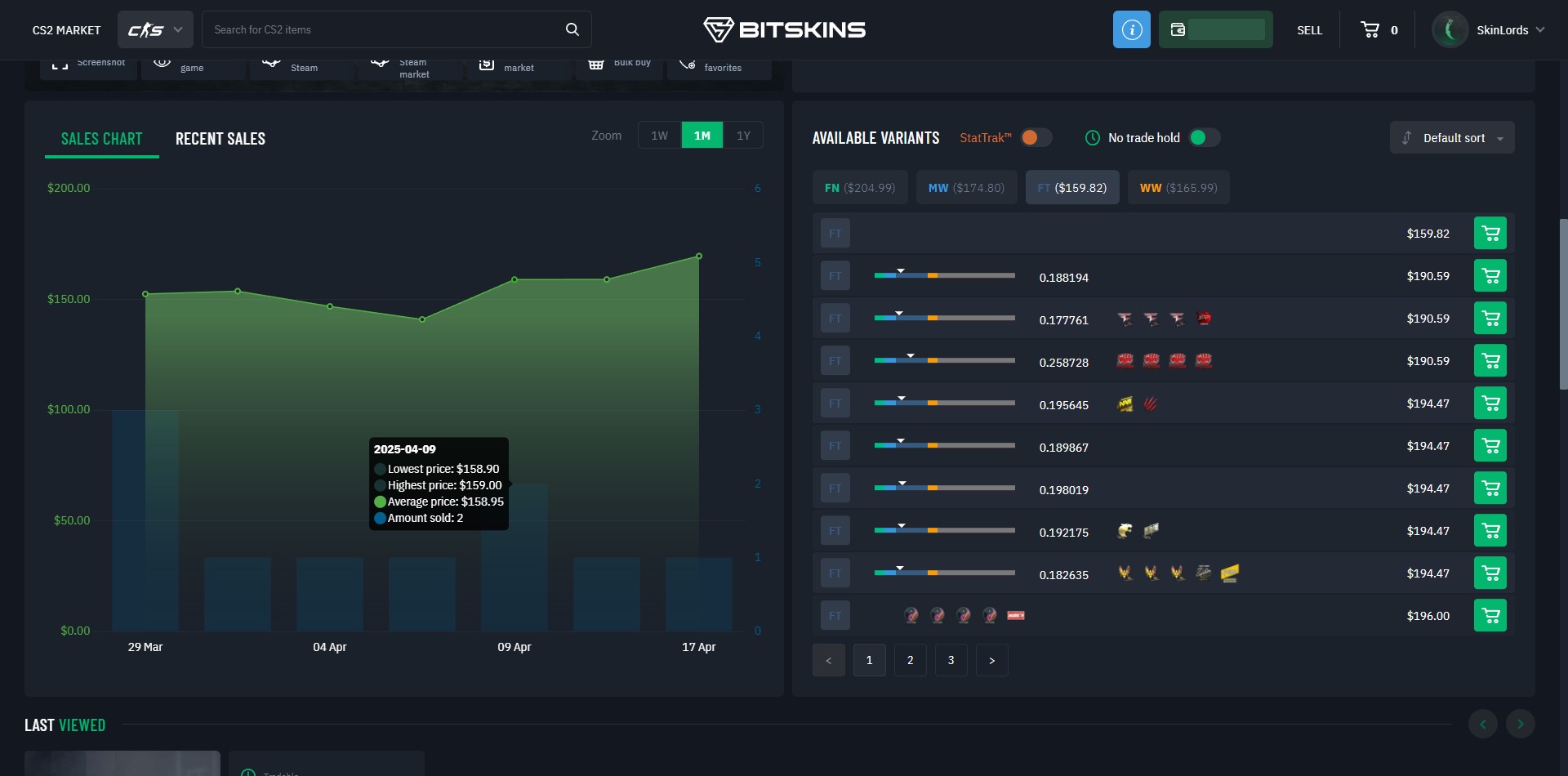
Buying skins on BitSkins is quite simple, thanks to their modern UI and item filter options. Follow these steps to buy skins on BitSkins:
- 1Go to BitSkins. Ensure you follow the correct link to avoid impersonation sites
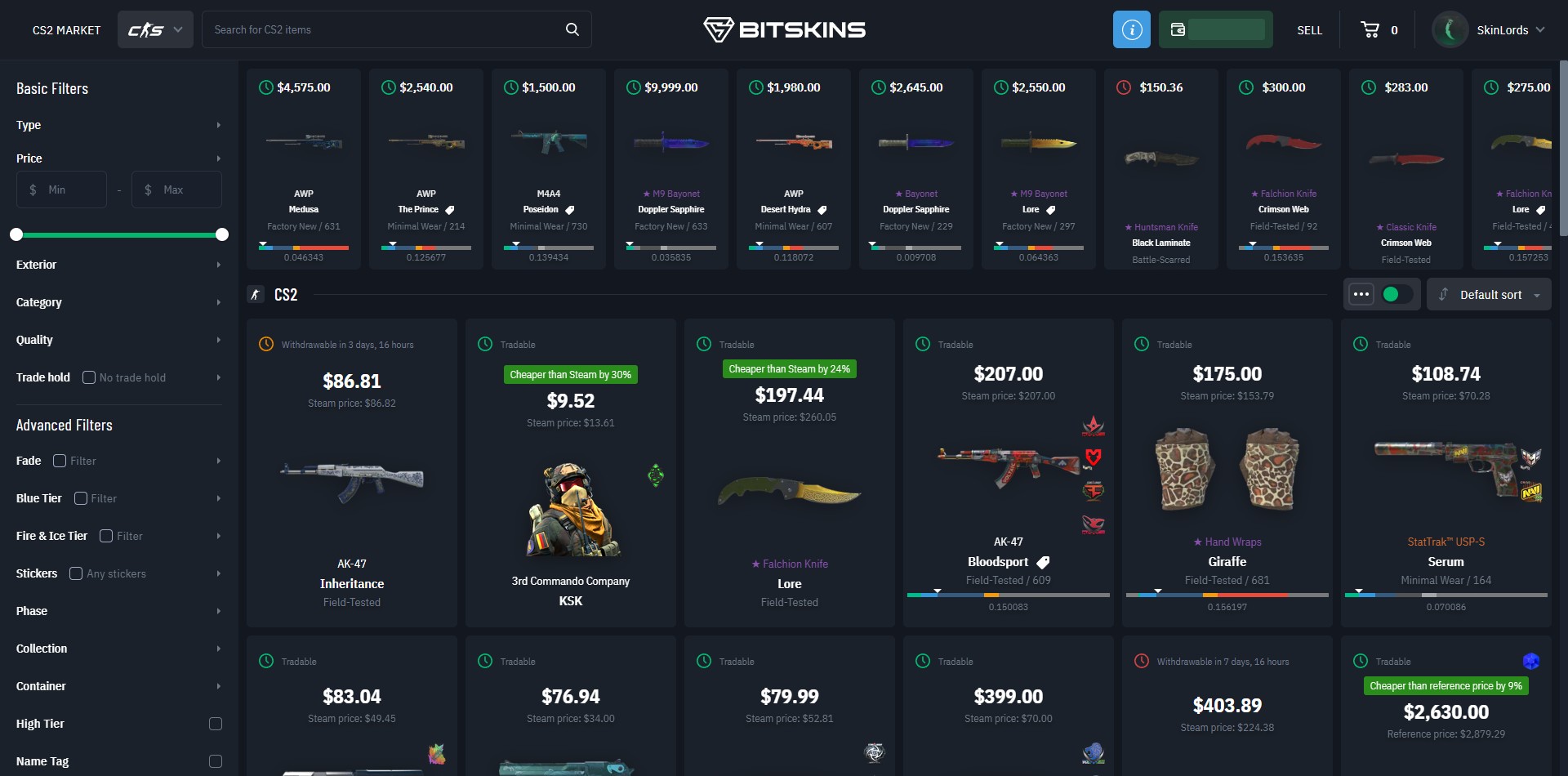
- 2Search for the skin you want to buy with the search feature and advanced filters
- 3Look for the best price. You can sort by price or discount and also see how much cheaper the item is compared to the Steam Market price.
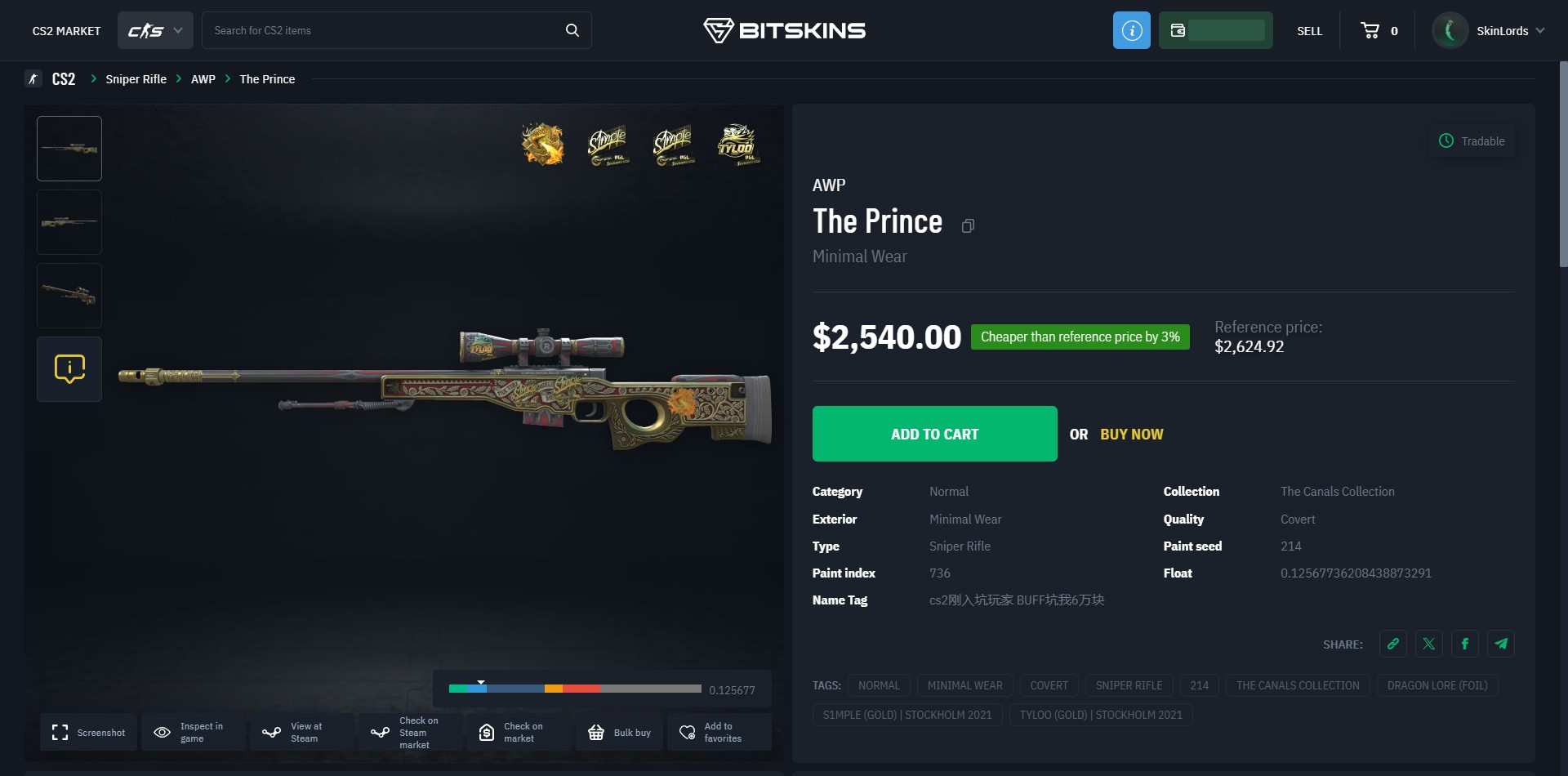
- 4Click add to cart, then checkout. You can pay with a Credit/Debit card or crypto. Once you purchase the skin, it will be sent to your BitSkins inventory.
- 5If the skin is off trade hold, you can withdraw it to your Steam inventory immediately. Otherwise, you will have to wait until the trade hold expires to withdraw the skin.
Selling Skins on BitSkins
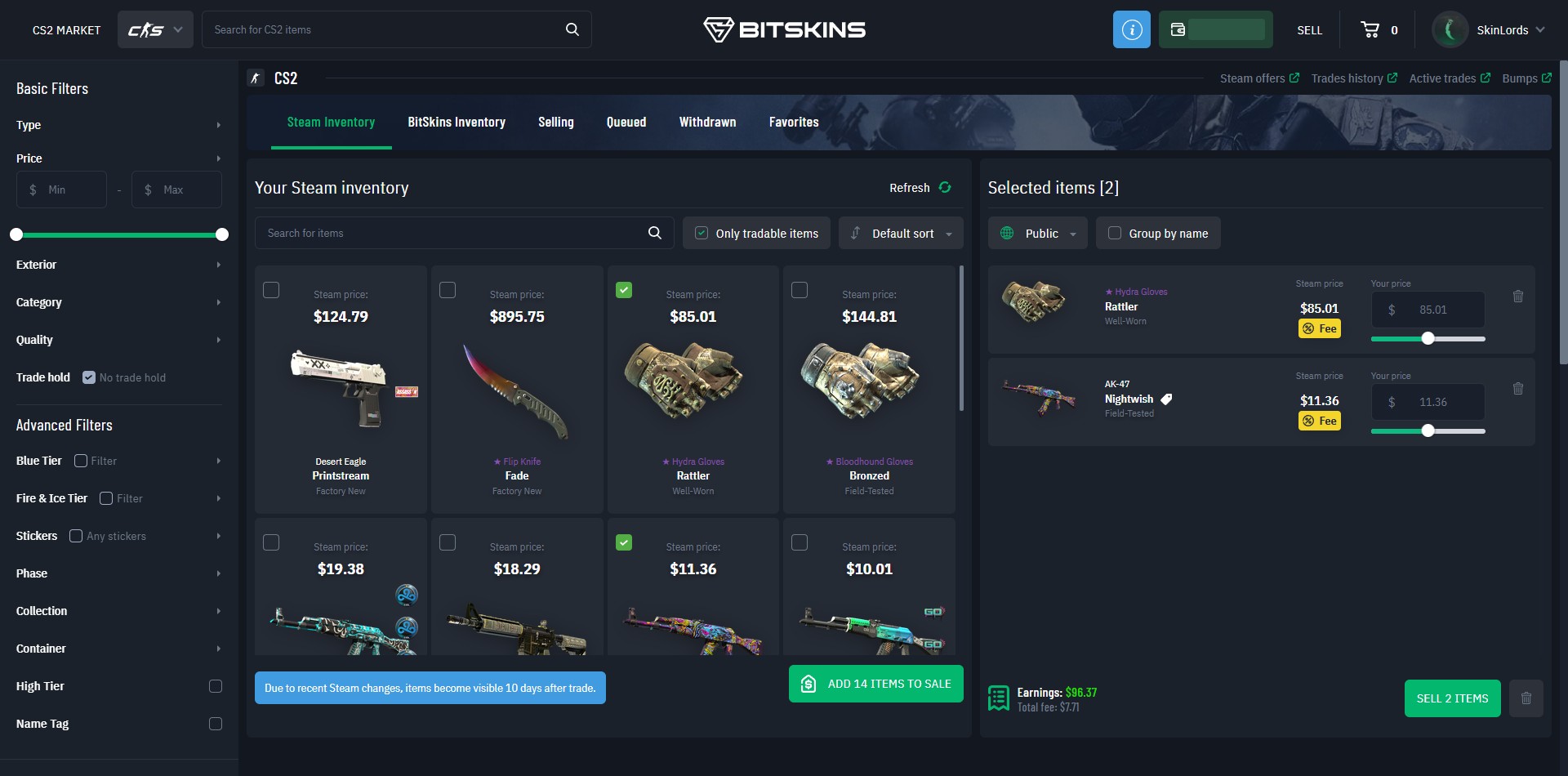
To sell skins on BitSkins, follow the steps below:
- 1Click Sell, then select the items in your inventory that you want to sell
- 2Set the price you want to sell the item for. BitSkins will disclose the total fee that will be paid for the item sale in the sell menu.
- 3Select Public or Private sale. A private sale won’t be listed for everyone to see, so it should only be used when you want to use BitSkins as a middleman when trading between two users.
- 4Click Sell Items. Then, follow the prompts from BitSkins and accept the trade offer sent by the BitSkins bot on Steam and your Steam Mobile Authenticator.
- 5Once the items are sold, the balance will be credited to your account and can be withdrawn via Cryptocurrencies or a Visa card.
Fees and Limits
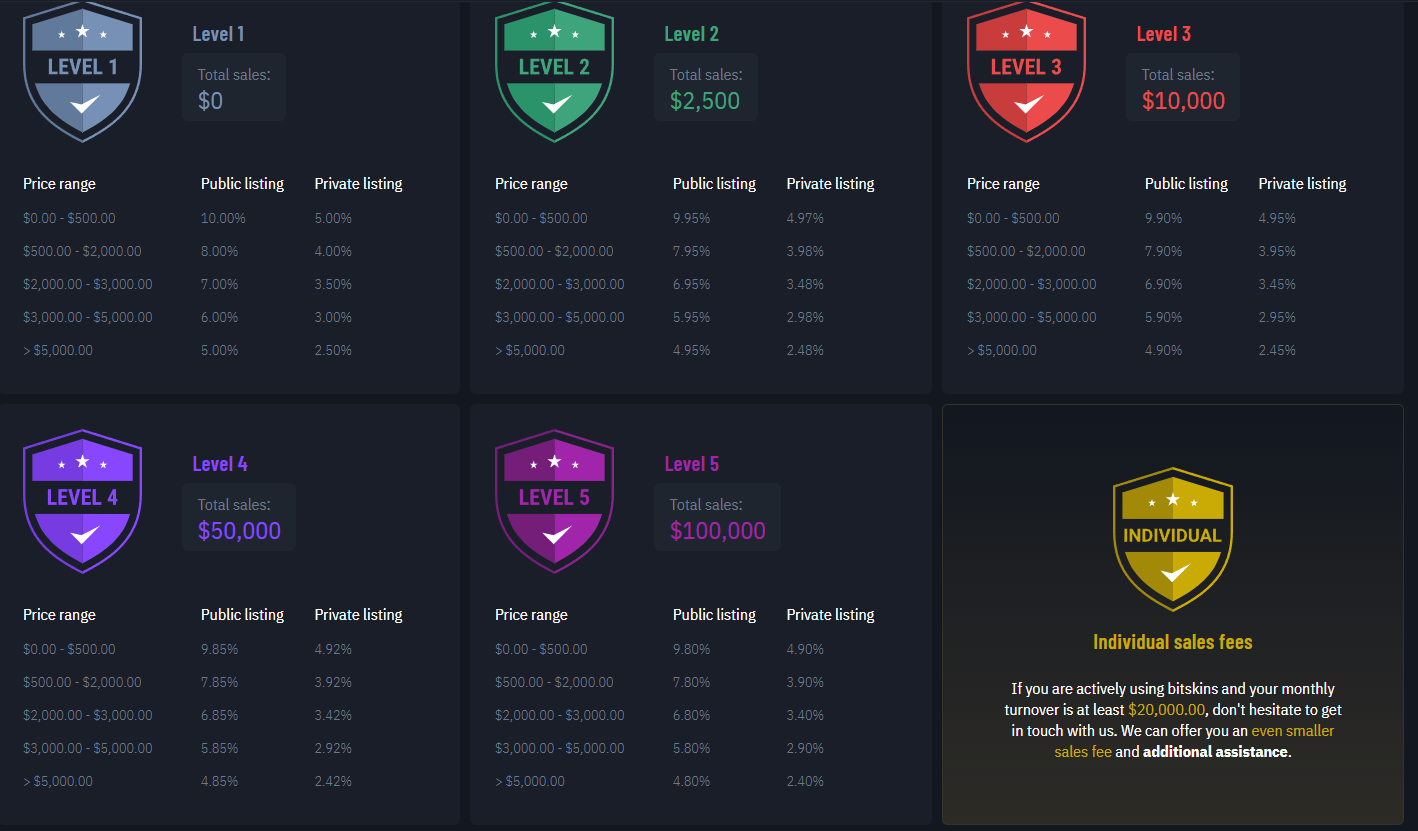
BitSkins uses a complicated fee system that gives users lower fees when they sell more. Items of higher value also have lower fees. See the image below for a full breakdown of BitSkins’ fee system:
Users don’t have to complete KYC on BitSkins to withdraw, but they may be asked to complete KYC to withdraw at certain amounts. Users who complete two levels of KYC have no deposit or withdraw levels, but without completing KYC you are highly limited in the amount that you can deposit and withdraw every day.
BitSkins also has transaction fees on deposits and withdrawals. The fee is 4% for Crypto withdrawals, 2.7% + $0.30 for Card deposits, and 3% + $1.10 for Card withdrawals. Card withdrawals are also not available in several countries, including the United States, Canada, and more.
How Popular is BitSkins?
Ownership & Licenses
BitSkins is owned and operated under BitSkins Limited, registration number 2899468, which is based in Hong Kong and led by CEO Anna Zamorniak-Urbaniak. We are not sure what licenses BitSkins possesses, but they comply with European Know Your Customer (KYC) and Anti Money Laundering (AML) laws.
 Stake
Stake