























































What Is SkinsMonkey?
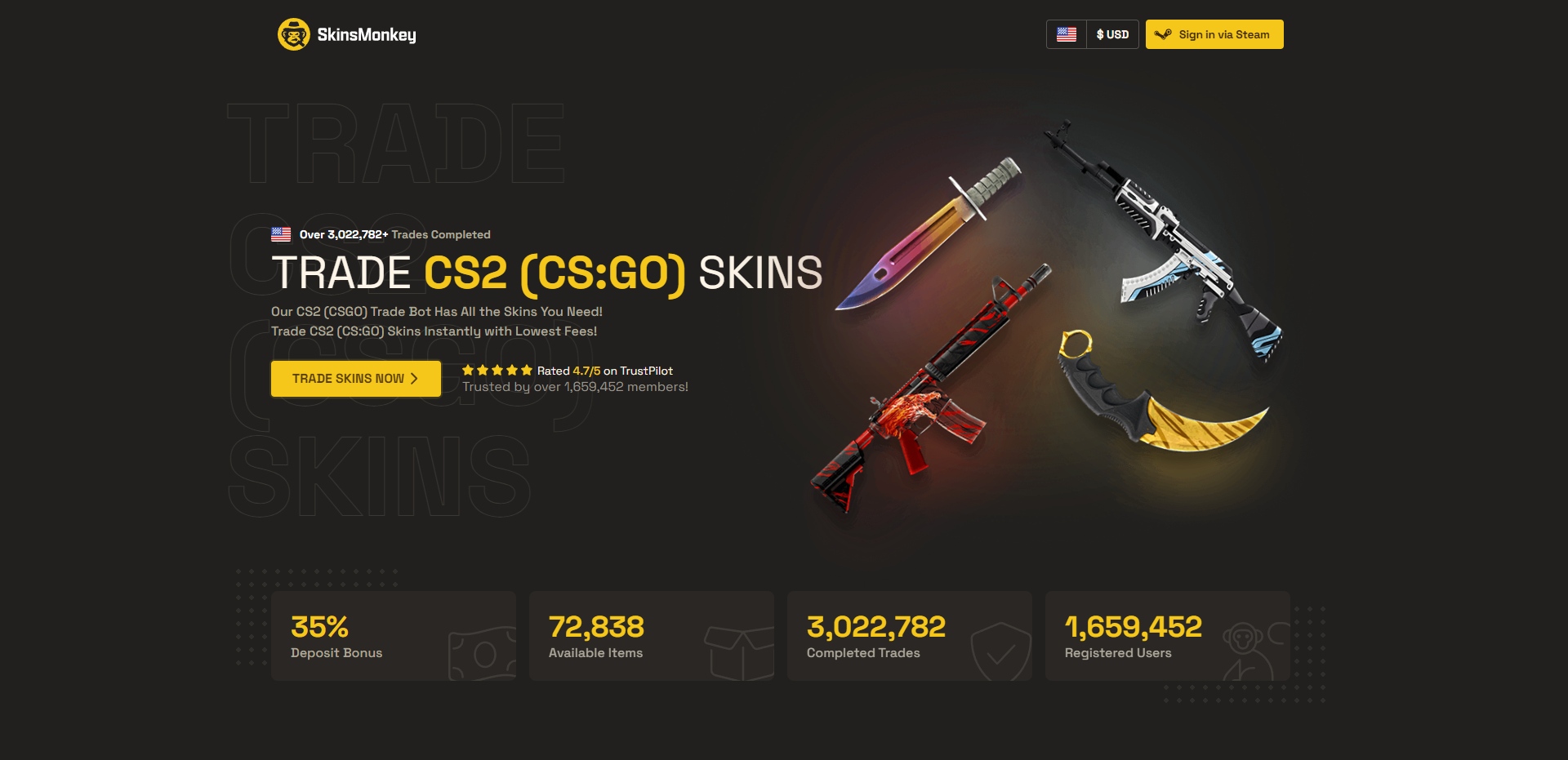
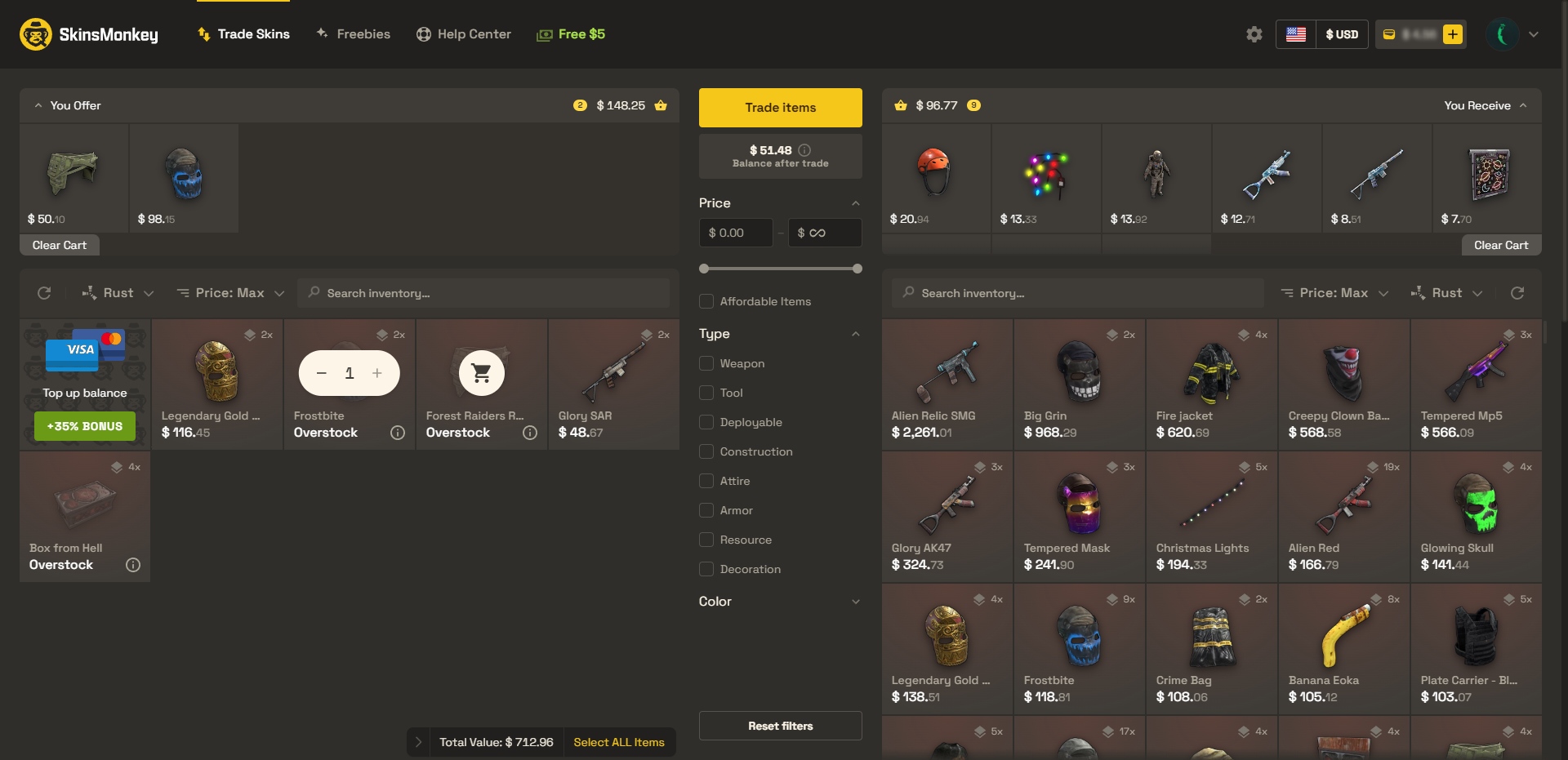
SkinsMonkey is a fast-growing platform that enables users to trade, sell, or buy CS2, Rust, and Dota 2 skins. The system used by SkinsMonkey is known as a bot-to-player system, or B2P, in which skins are sent to a bot inventory. Items sent to said inventory can then be traded or sold on the site without the need for human delivery. Unlike a player-to-player (P2P) system, B2P offers a smooth and quick experience, making it easier for trading skins. With its clean interface and automated bot trading, the process is made fast and accessible, even for beginners.
What Are Some Rewards and Promotions?
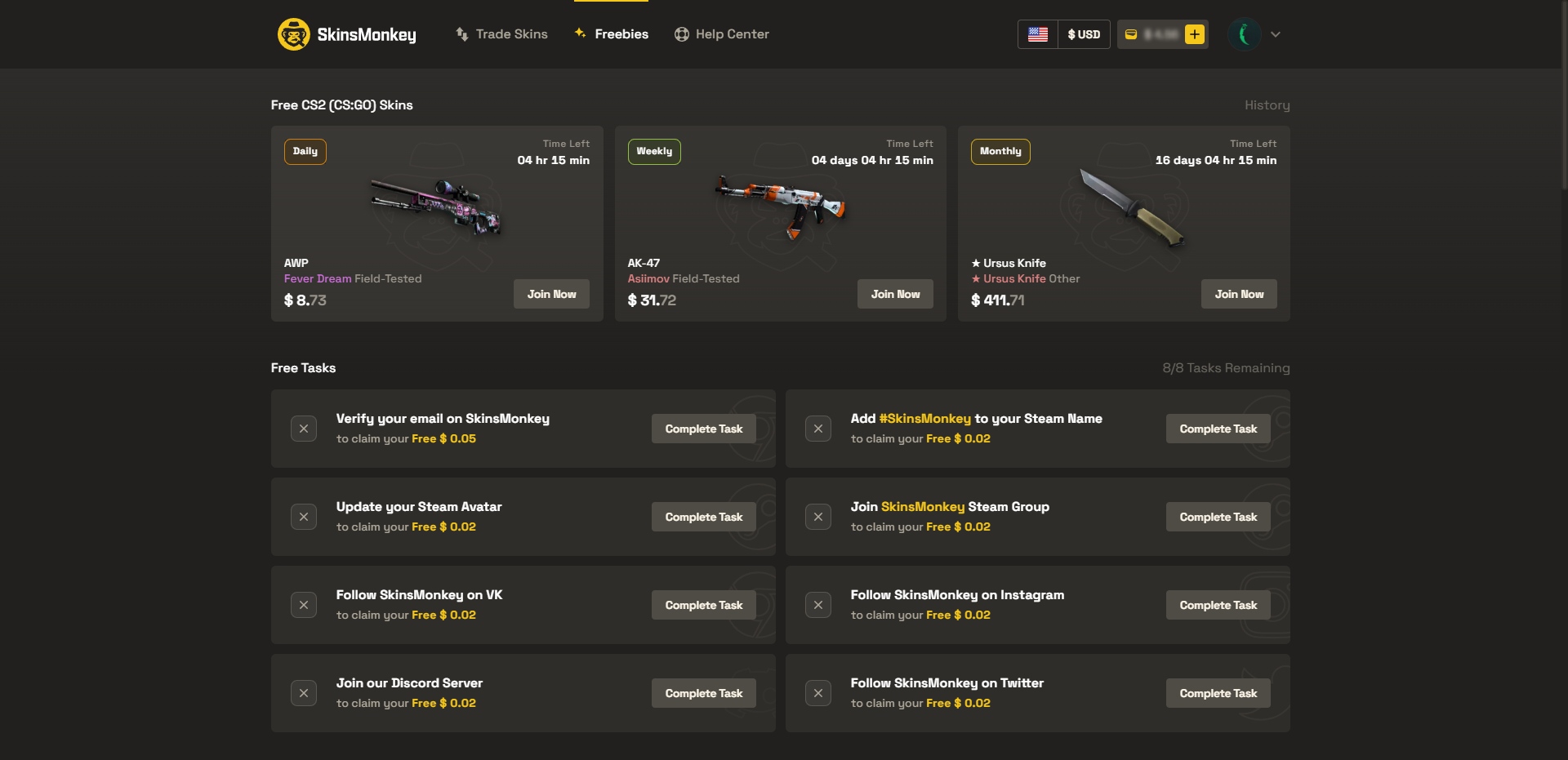
SkinsMonkey offers a plethora of rewards and promotions, primarily designed to cater to and provide users with better value. Included in its rewards, SkinsMonkey has a “freebies” page in which players can either complete free tasks, such as following official social media accounts in exchange for site currency, or enter giveaways through the completion of simpler tasks! One of the best current affiliate offers is the 5% trade bonus and deposit bonus you receive when using the promo code LORDS, giving you extra value when exchanging skins. These promotions make trading more rewarding and encourage users to stay active on the platform. SkinsMonkey additionally offers signing bonuses such as an additional 5$ bonus on a user’s first trade. SkinsMonkey provides a 35% general deposit bonus, but this results in a balance of somewhat overpriced items.


Buying, Selling, and Trading Skins on SkinsMonkey
Primarily focused on being a skin trading site, SkinsMonkey offers a significant amount of trade items, as well as easy ways to sell unwanted skins.
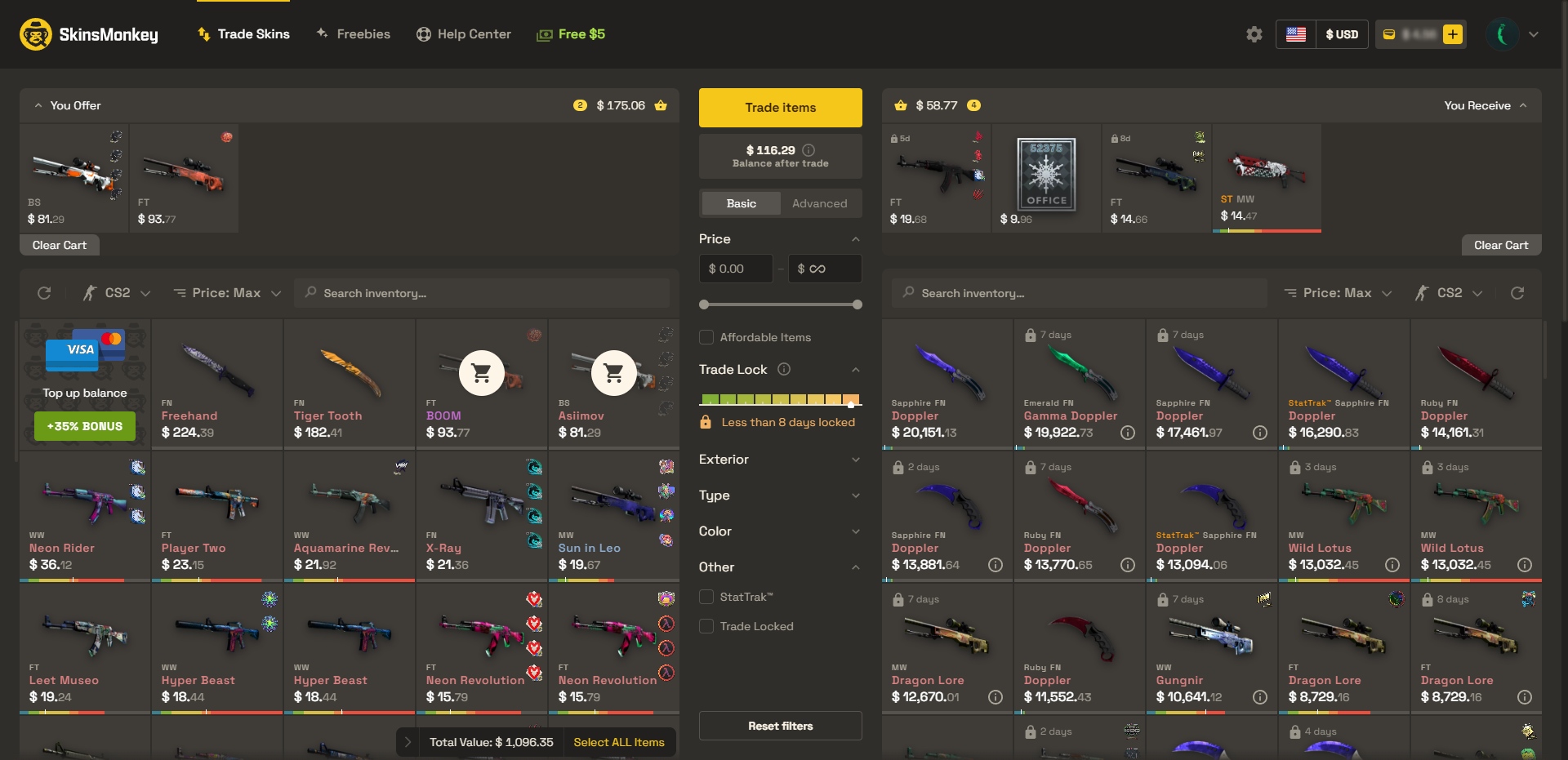
Trading Skins on SkinsMonkey
- Log in with Steam and choose the “Trade Skins” feature
- Add the skins you want to exchange and select the desired items for the trade
- Confirm the trade and accept the offer from the SkinsMonkey bot
Buying Skins on SkinsMonkey
- Browse the marketplace for available items
- Deposit funds using your preferred payment method
- Purchase the skin and accept the trade offer via Steam straight from the SkinsMonkey bot
Selling Skins on SkinsMonkey
- Log in via Steam and select the “Sell Skins” option
- Choose the items you want to sell from your inventory
- Select a payout method (PayPal, crypto, etc.) and confirm the trade
Payment Methods and Fees
Selling skins to cash out has no platform fee, meaning you receive the full credited value. Skin-for-skin trades are adjusted to be about 5–10% below market value to cover platform costs. Depositing funds via cryptocurrency incurs no fees, while credit card deposits incur a fee of around 3–8%, and Skrill/Neteller payments range from 7–12%, depending on the provider.
How Popular is SkinsMonkey?
Ownership and Policies on SkinsMonkey
Who Owns SkinsMonkey?
Site ownership is held by Virtual Asset Empire Ltd, a company based in 13 Kypranoros Str., Evi Building, 1st Floor, Office 102, 1061 Nicosia, Cyprus, under registration number HE 412509.
Does SkinsMonkey KYC?
SkinsMonkey operates with straightforward policies focused on user security and transparency. There are no KYC requirements, meaning users don’t need to submit personal documents to trade, buy, or sell skins. However, users must be 18 years or older to use the platform.
Is SkinsMonkey Safe?
SkinsMonkey enforces strict anti-fraud measures, including automated trading bot detection and transaction monitoring, to ensure trades are safe. All trades are final once confirmed, so it’s important to carefully review items before accepting a trade offer. These user-friendly and straightforward policies make the platform quick and hassle-free compared to others that require verification steps.
 Stake
Stake