









































Rust Stone Sculpture DLC: How to Purchase and Carve The Stone Sculpture
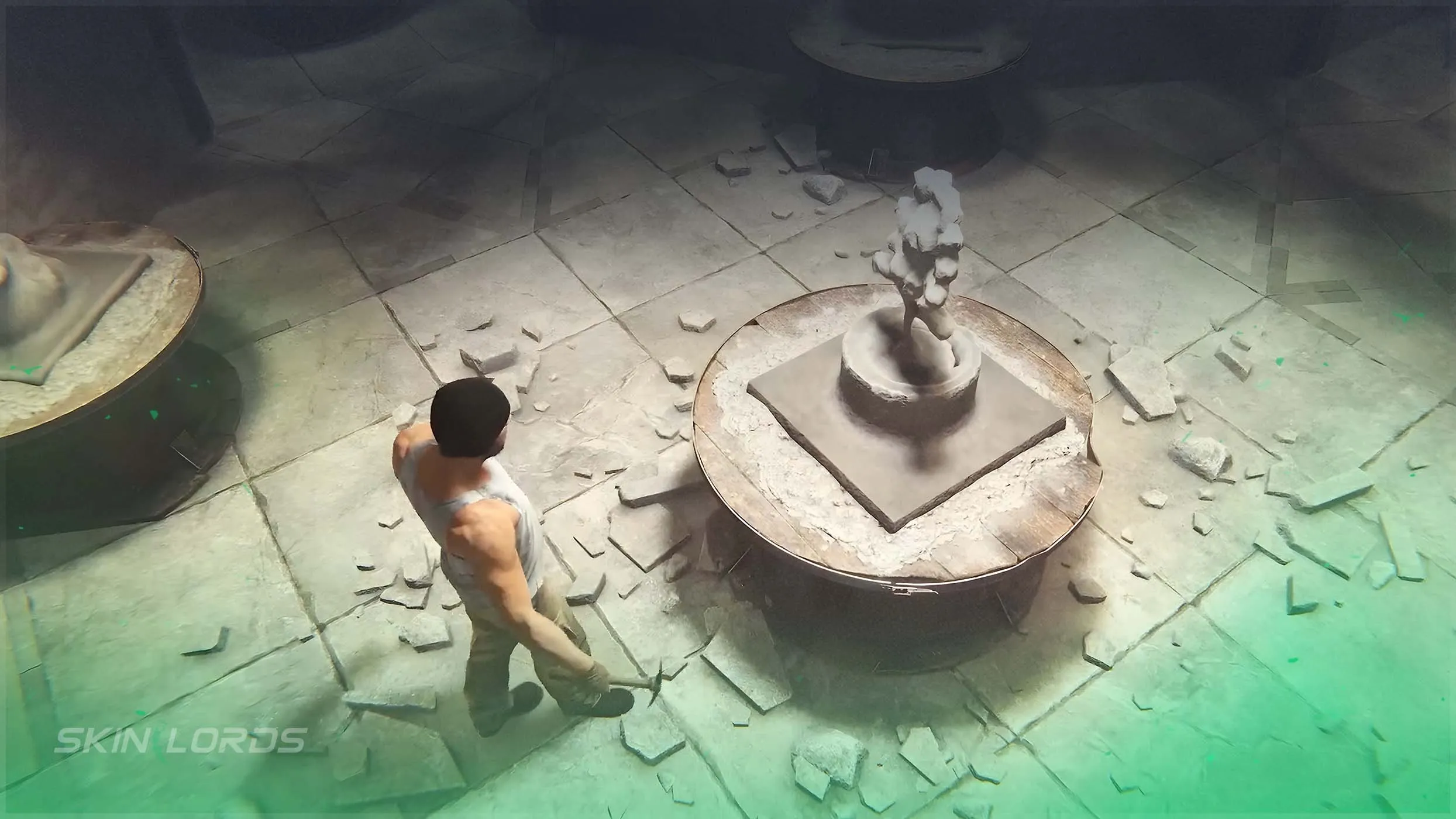
With Rust’s Power Trip update, two new DLC’s were added, including the Bar Games Pack DLC and the Stone Sculpture DLC. The new Stone Sculpture DLC allows you to purchase, carve, and customize your very own sculpture. Follow along as we teach you everything you need to know about the DLC.

For more coverage of everything in this Rust update, check out our blog
How to Purchase the Rust Stone Sculpture DLC
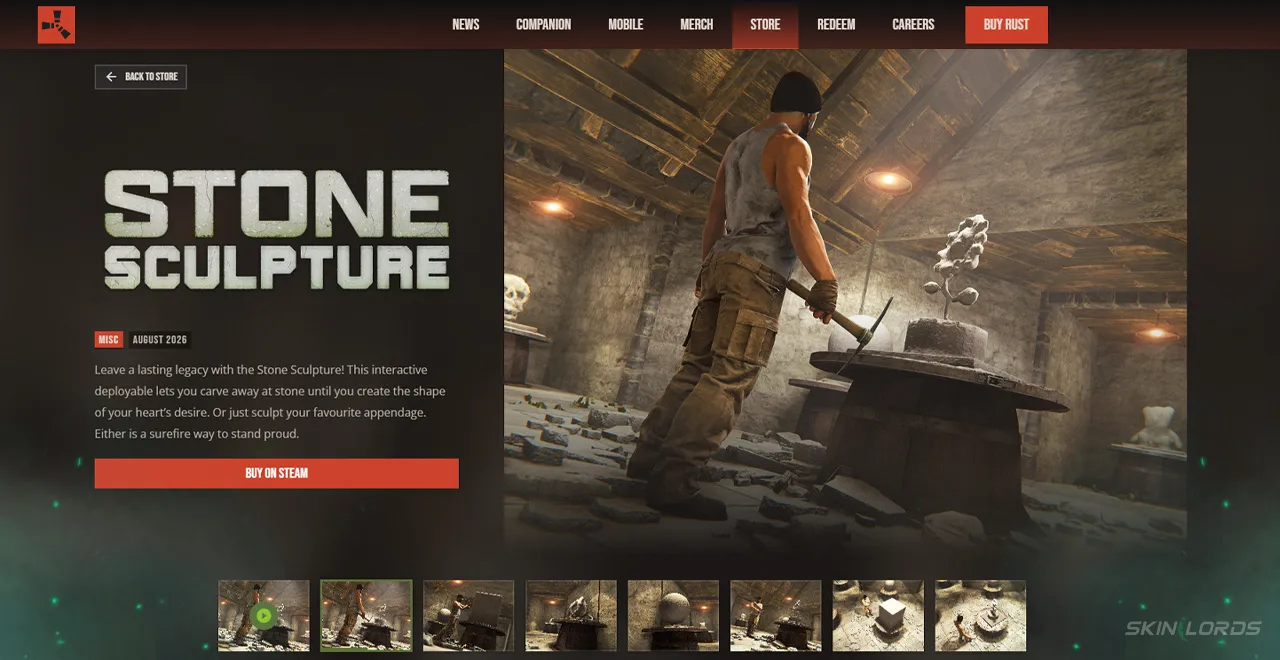
The Rust Stone Sculpture DLC can be purchased from the Rust item store or the Rust Discord Game Store. The price is similar to other single-item Rust DLCs such as the Pattern Boomer, costing a total of $7.99. The Stone Sculpture itself is the only item included
How to Craft The Rust Stone Sculpture
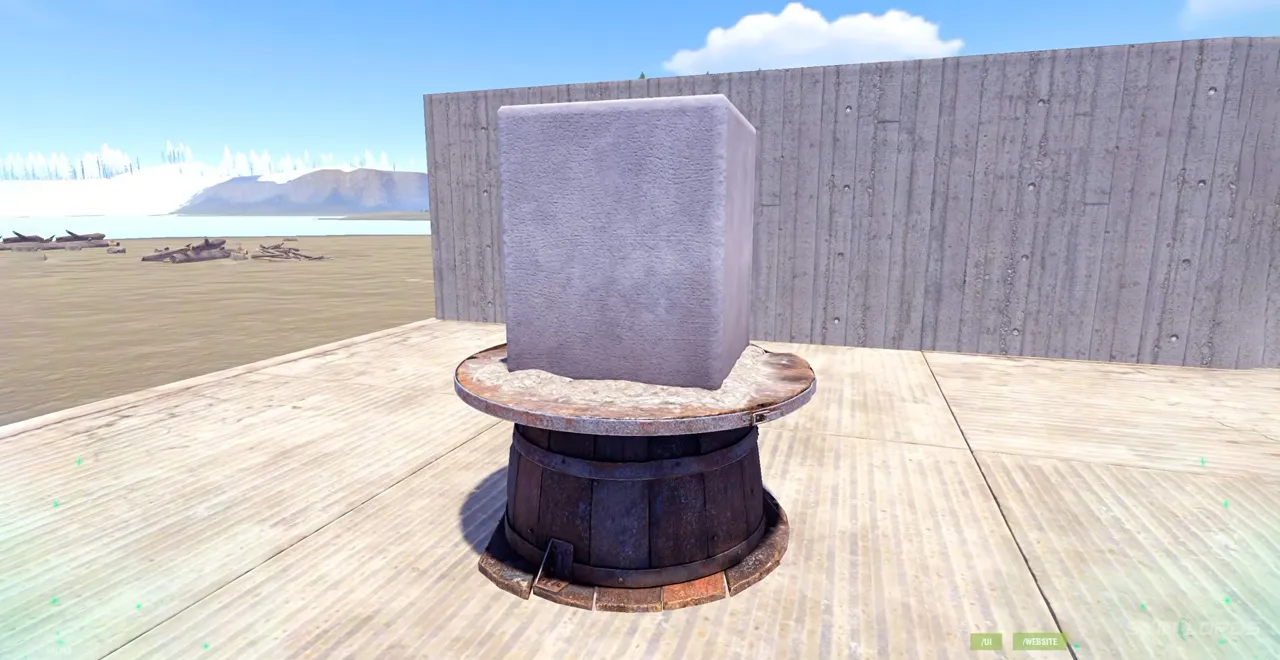
The Stone Sculpture can be crafted immediately after purchasing it. The recipe does not require a workbench, only needing 200 stone and 100 wood. Once crafted, the stone sculpture must be placed on a stable surface such as a foundation.
How to Carve The Rust Stone Sculpture
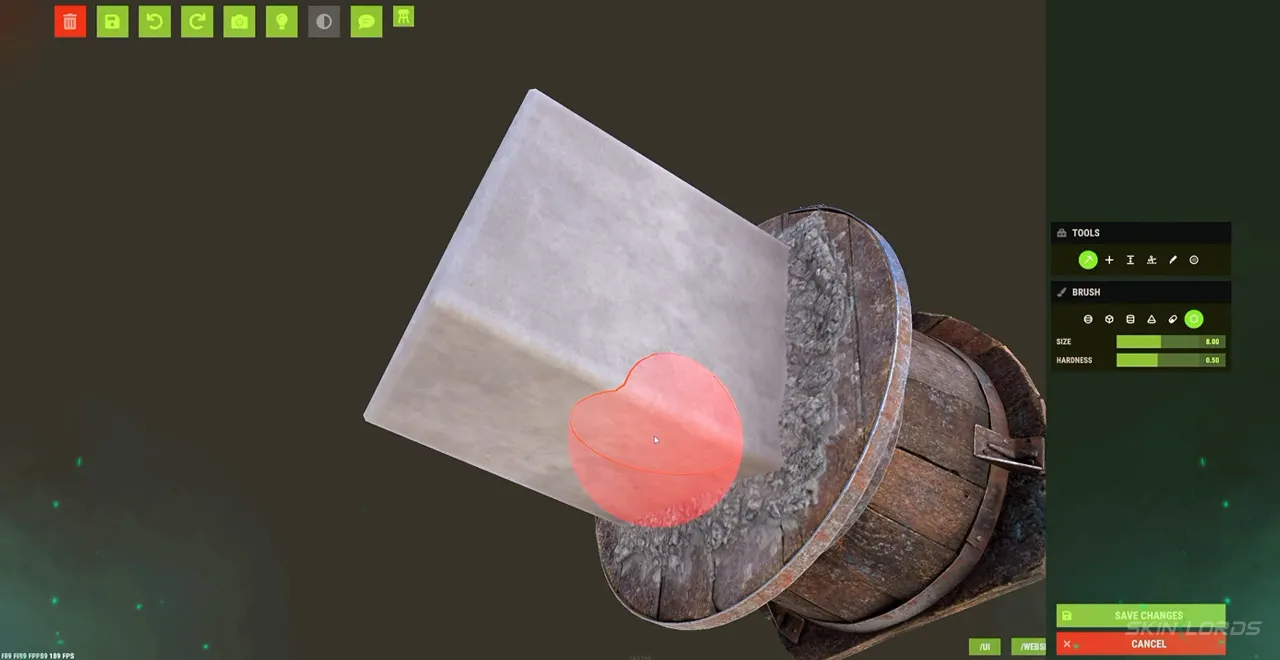
The Stone Sculpture uses the standard painting system UI but with its own unique settings. It features multiple modes including Carve Mode, Additive Mode, Push/Pull Mode, Slab Mode, Clip Curve, and Smooth Mode. Each of them allows you to modify the sculpture in different ways. The brush also features multiple shapes and settings to choose from. You are able to modify the size and hardness of the brush and select from a Sphere, Cube, Cylinder, Pyramid, Cone, Capsule, or Hexagonal Prism shape.
That covers everything you need to know about the new Stone Sculpture DLC. If you enjoyed this blog, feel free to leave a comment letting us know what you think about the DLC and check out our other blog covering Rust’s RPG Launcher DLC. See you next time!

Similar Articles
See all
Rust Skins
How to Upkeep High External Walls in Rust
08.19.2026
0
6
Rust Skins
Rust Bar Games Pack DLC: How to Purchase And What’s Inside
08.19.2026
0
6
Related Casinos
 Stake
Stake
Leave a reply