













































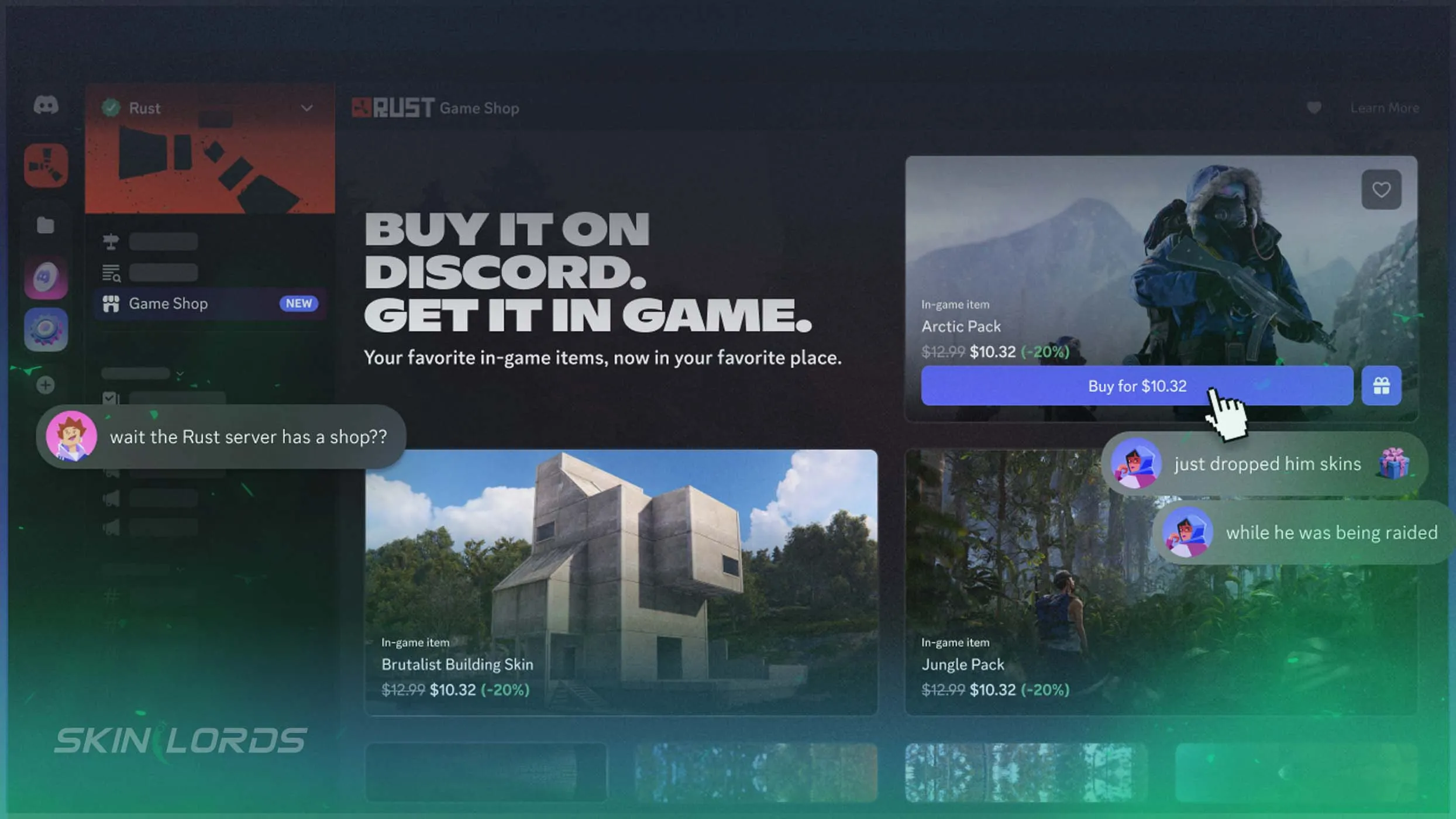
Rust x Discord Collab With In-App Shop
A new collaboration has sprung between Rust and Discord, introducing an in-app game shop for players to use. The new shop can be found directly inside of Discord, allowing users to easily purchase DLCs or gift them to friends. Follow along as we teach you everything you need to know about the new Rust x Discord shop.

For more coverage of everything in this Rust update, check out our blog
Where to Find The Rust x Discord Shop
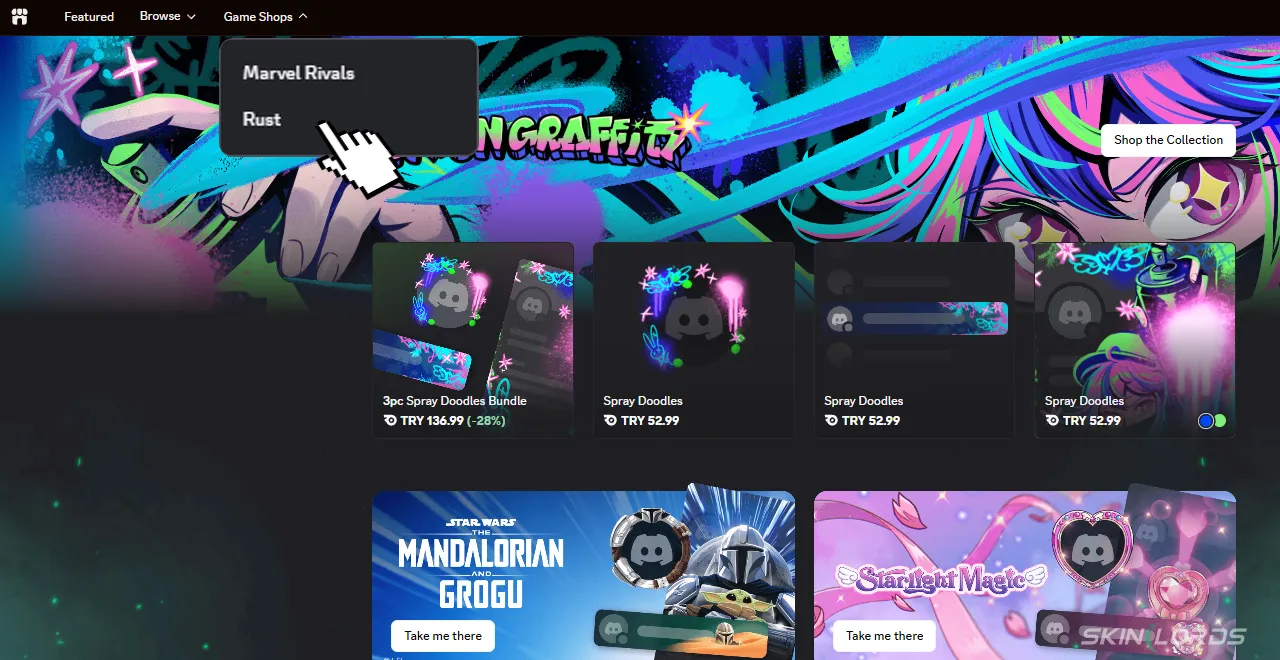
The new Rust x Discord shop can be found directly inside the in-app shop. After navigating to the shop, simply click the “Game Shops” button next to the shop search bar and select Rust. Rust’s game shop can also be accessed directly through the Rust Discord, in which it has its own channel.
How to Use The Rust x Discord Shop
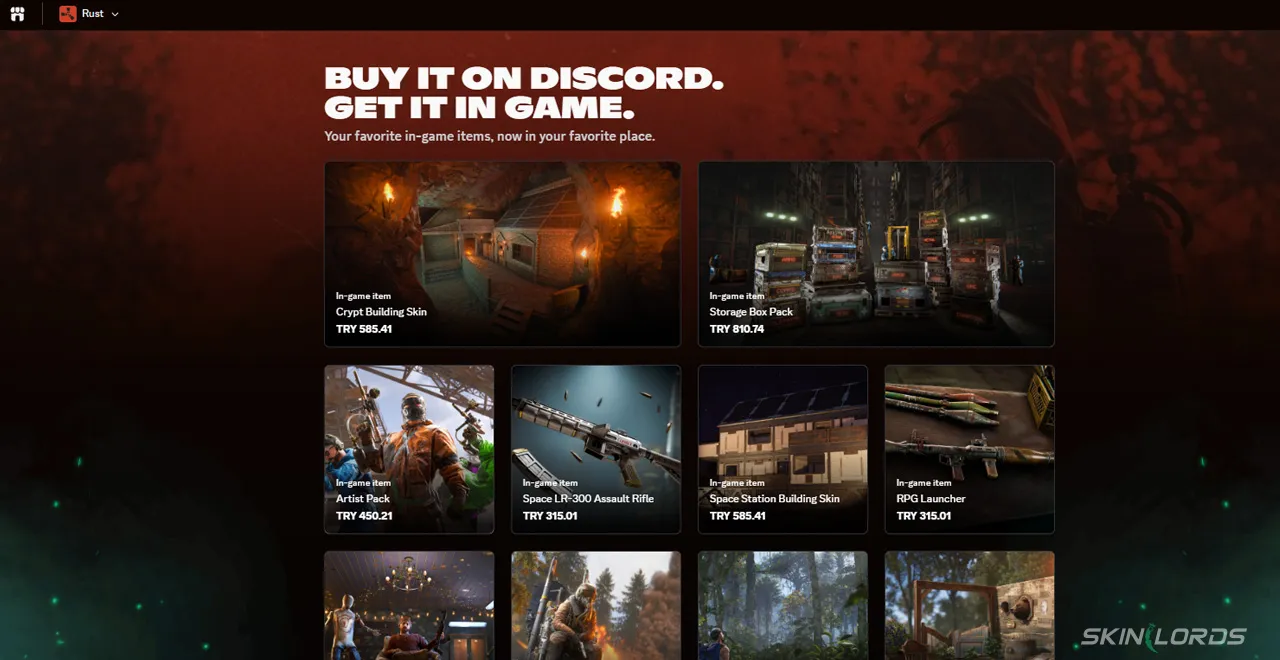
Once in the Rust Discord shop, you will see a variety of Rust DLCs for purchase. It is currently not possible to view which DLCs you already own in the shop without manually checking your Steam inventory. Purchased DLCs will automatically enter your Steam inventory as long as you have your Steam and Discord accounts connected.
How to Gift DLCs With The Rust x Discord Shop
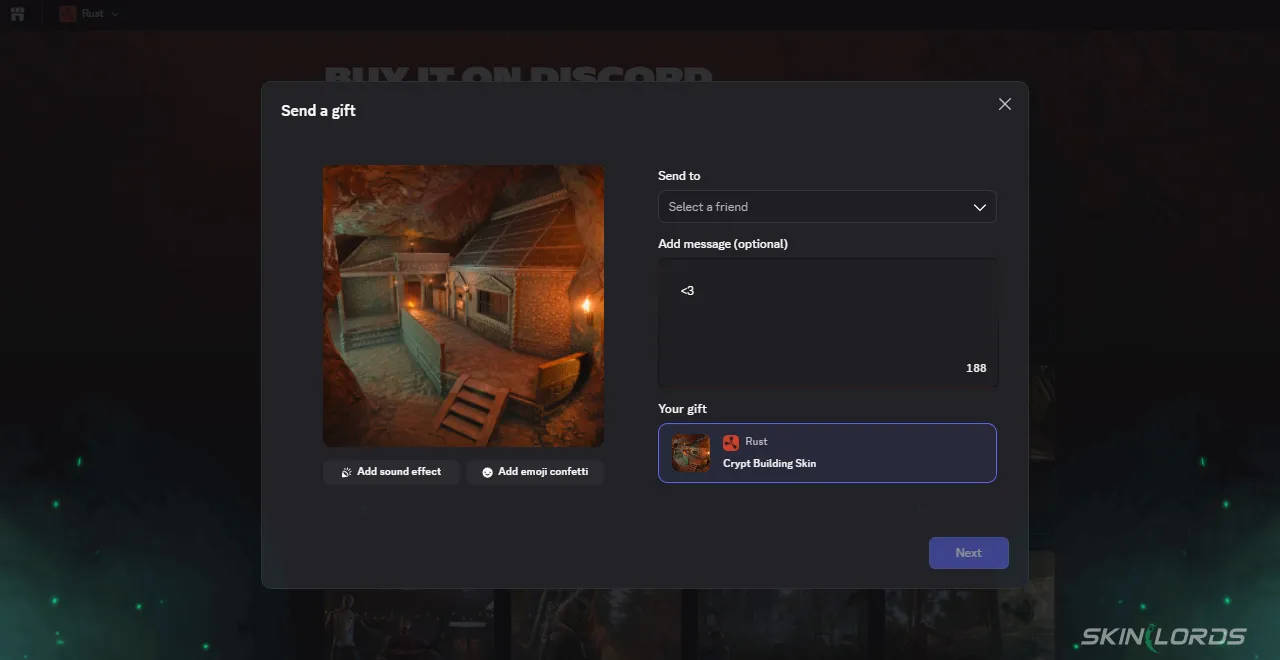
DLCs can also be gifted to friends, allowing for special surprises. It is important to note that you must manually check what DLCs your friend already owns. DLCs can also be wishlisted by checking the heart-shaped button when hovering over the chosen DLC. You can view which DLCs a friend has wishlisted by viewing the wishlist found on their Discord profile, simplifying the gift-giving process. If you gift a DLC to a friend who does not own Rust, the DLC will sit in their Steam account until they purchase the game.
That covers everything you need to know about the new collaboration between Rust and Discord. Enjoy the quality of life features of the store as it becomes easier than ever to buy and gift your favorite Rust DLCs. If you found this blog helpful, check out our blog covering the Rust x Youtooz collaboration from a while back. See you next time!

Similar Articles
See all
Rust Guides
Rust Workbench Upgrades: Every Upgrade and How to Get Them
08.07.2026
0
11
Rust Guides

Rust Apartment Complex: How to Rent and Use Shops
08.07.2026
0
11
Related Casinos
 Stake
Stake
Leave a reply