













































How to Change Round Start Time in CS2
Today, we will look at how to change the round start time in CS2 using commands in the developer console. Effectively using commands can vastly improve your casual experience by eliminating wasted waiting time. Perfect for enhancing a 1v1 experience, or other such practice map fun, changing the round start time is very important.

Check out more CS2 settings and gameplay guides on our blog:
CS2 Round Start Time Command
mp_freezetime #
Replace # with the desired number of seconds for the round start time.
How to Use mp_freezetime # To Change the Round Start Time in CS2
- Enable Developer Console
- Enable sv_cheats true
- Type the command into the Developer Console
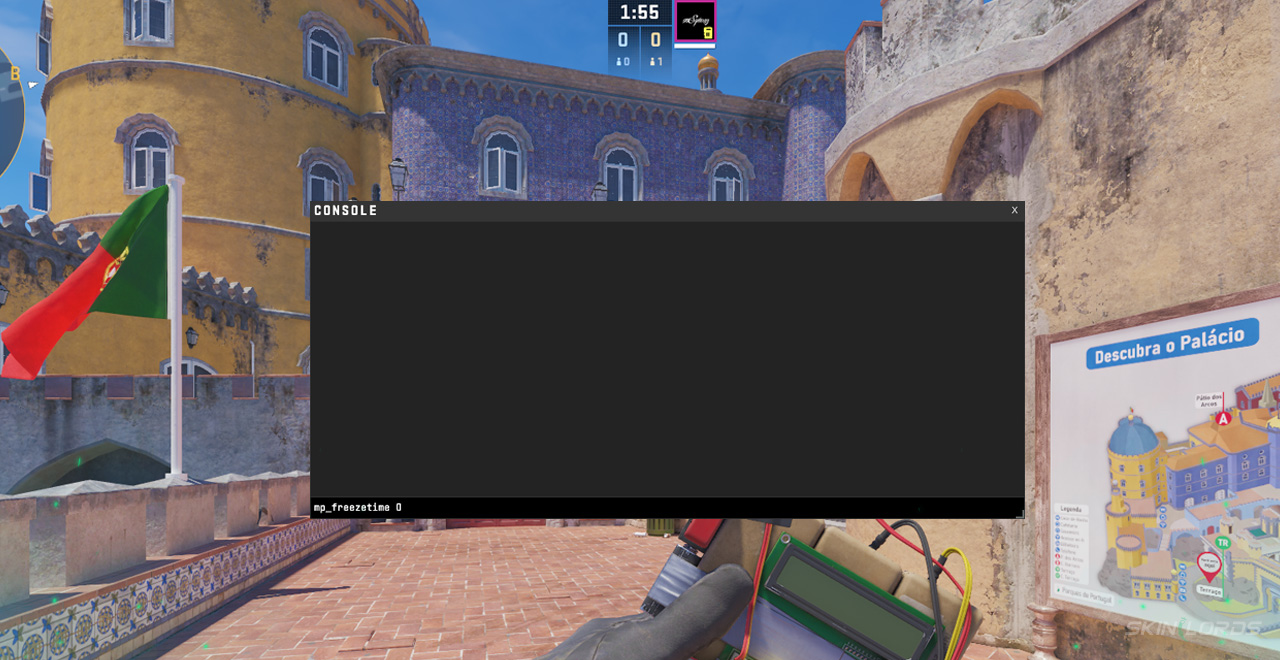
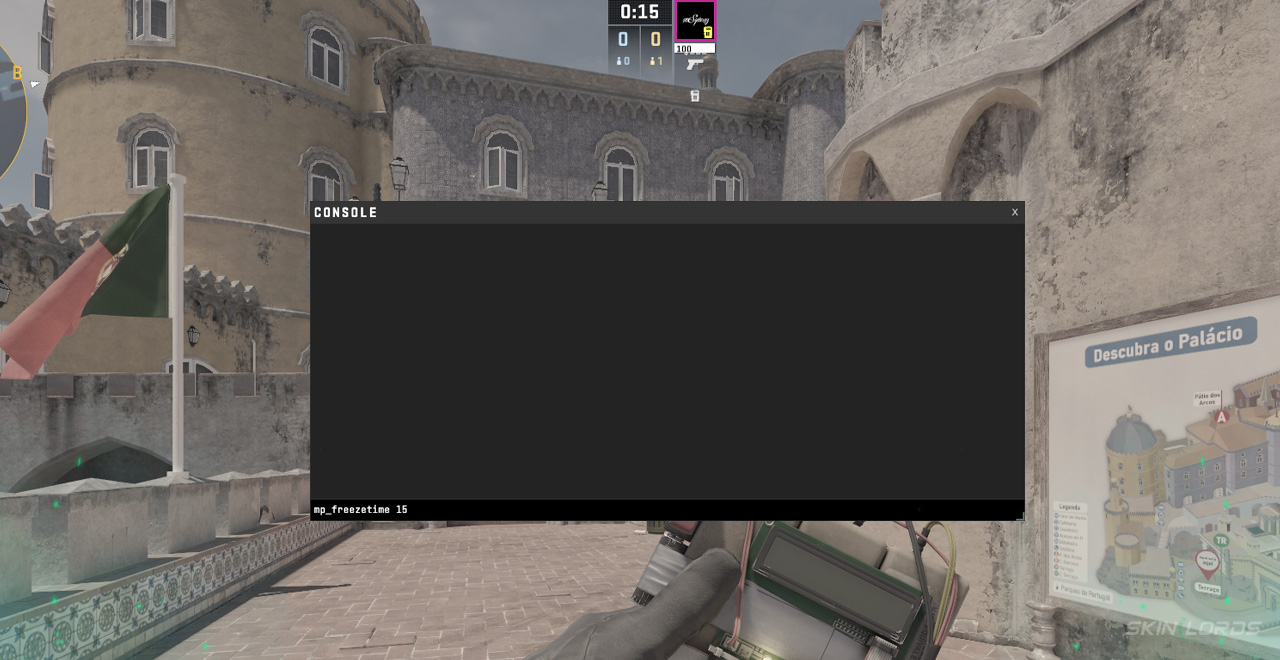
To adjust the round time, change the number; the value you choose will be the number of seconds spent in warmup. For example, mp_freezetime 15 would set the timer to 15 seconds at the start of the round. Adjustable to be either instantaneous or longer, this command is quite helpful in workshops or practice maps. It is important to note that this command cannot be used in any public lobby, whether it be competitive or casual.
Why Adjust CS2 Round Start Time?
When playing on workshop maps, such as one-versus-one battles or other round-based maps where you don’t need the whole time, waiting a full 15 seconds before each round is simply a waste of time. This command lets you adjust the start time to as short or as long as needed, improving not only your customs experience but also your friends’ experience. Nobody wants to wait a full fifteen seconds in a warmup, so why not spend the 3 seconds it takes to enter this command once instead?
A practical yet straightforward command, it is pretty nice to have mp_freezetime # memorized to change round start times on the go in your everyday match! If you have enjoyed this article and would like to see more like it, please feel free to leave a comment below on the settings and commands you’d like to see next!

Similar Articles
See all
Game Customization
Which CS2 Cases Have Bloodhound Gloves?
07.31.2026
0
32
Game Customization

Every CS2 Skin With A Blue Gem Pattern
07.31.2026
0
42
Related Casinos

 Stake
Stake
Leave a reply