













































How To Submit To The Steam Workshop
The Steam Community Workshop page, or simply the Steam Workshop, is where creators of all kinds can show off their creations for the public to enjoy and, in special cases, catch the eyes of game developers to get their own player-created content into various titles.

Find more Steam Guides on our blog!
Now, suppose you were able to create something you deem worthy to be included in the long list of workshop collections for your favorite game. How exactly would you go about submitting this to the Steam Community Workshop? Well, the answer honestly might be easier than you think.
How To Submit to the Steam Workshop – Step-by-Step Guide
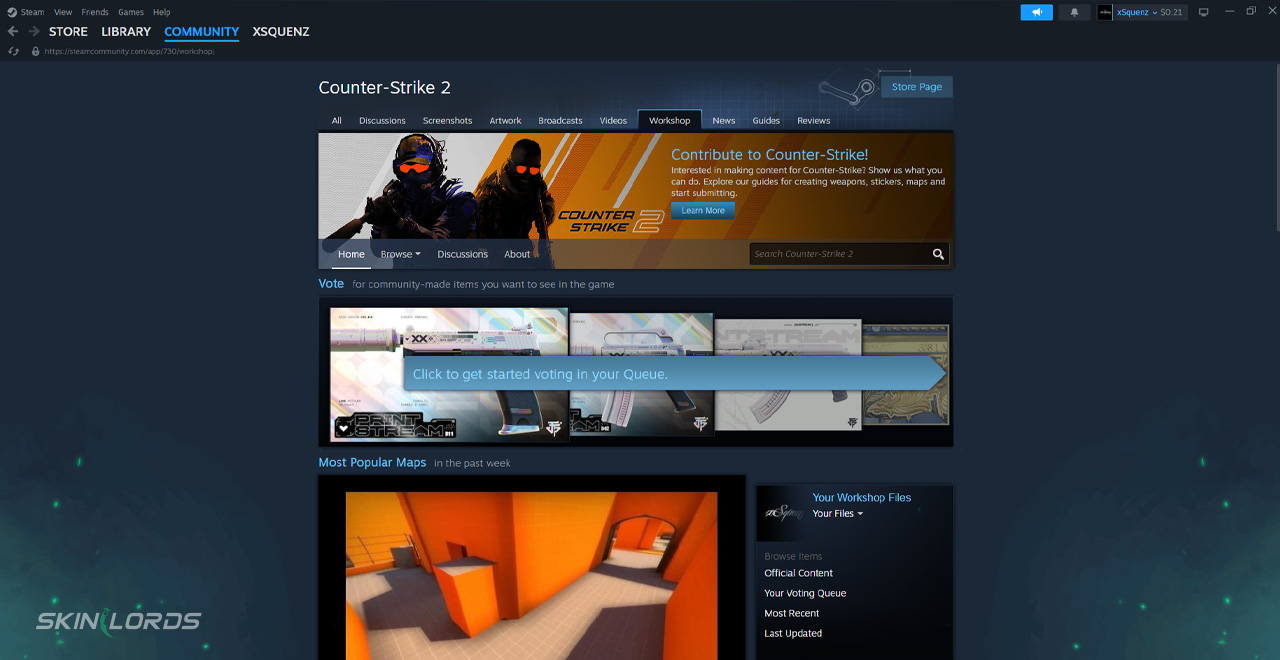
The first step to this whole process is to make sure that the game title you want to make a submission for has Steam Workshop support. Many of the flagship titles found on the Steam client, such as Counter-Strike 2 and Team Fortress 2, fall into this classification.
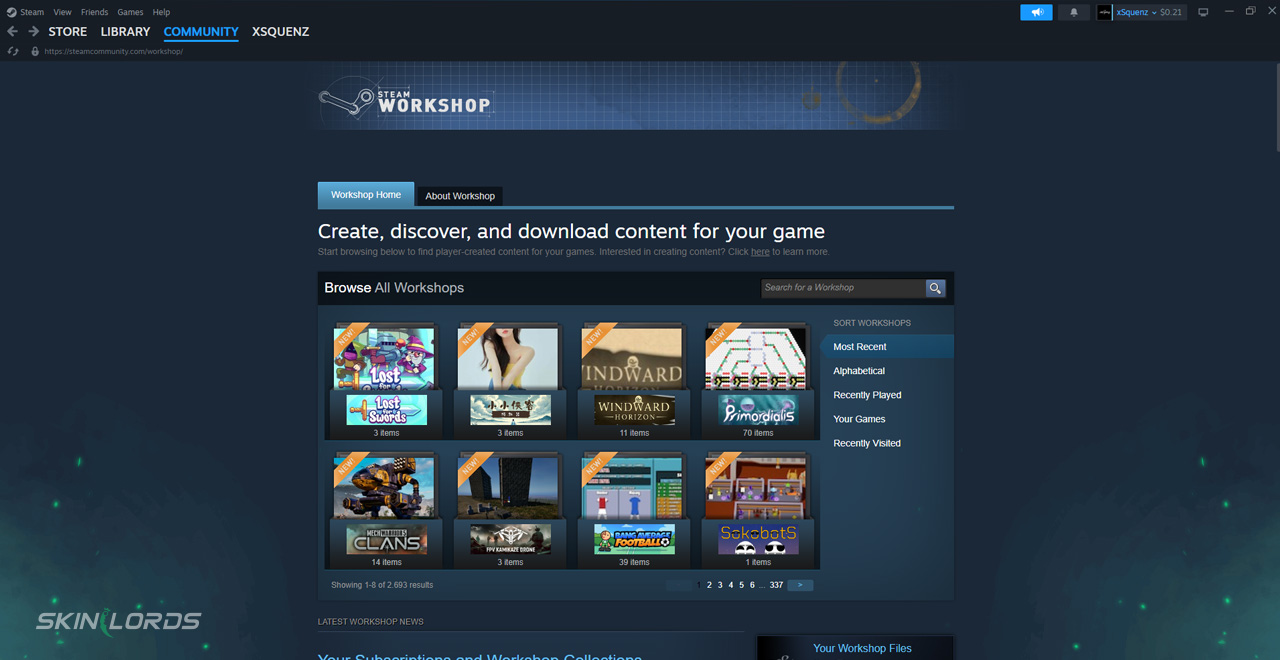
The next step of the Steam Workshop submission process varies from game to game. Some already have a built-in feature that allows you to submit user-generated content from the game itself, while others, such as CS2, have separate tools needed to upload content. From there, simply fill out the necessary information before submitting. After everything is all set, Steam will give your submission a workshop page, and your work will officially be seen in the game’s workshop section.
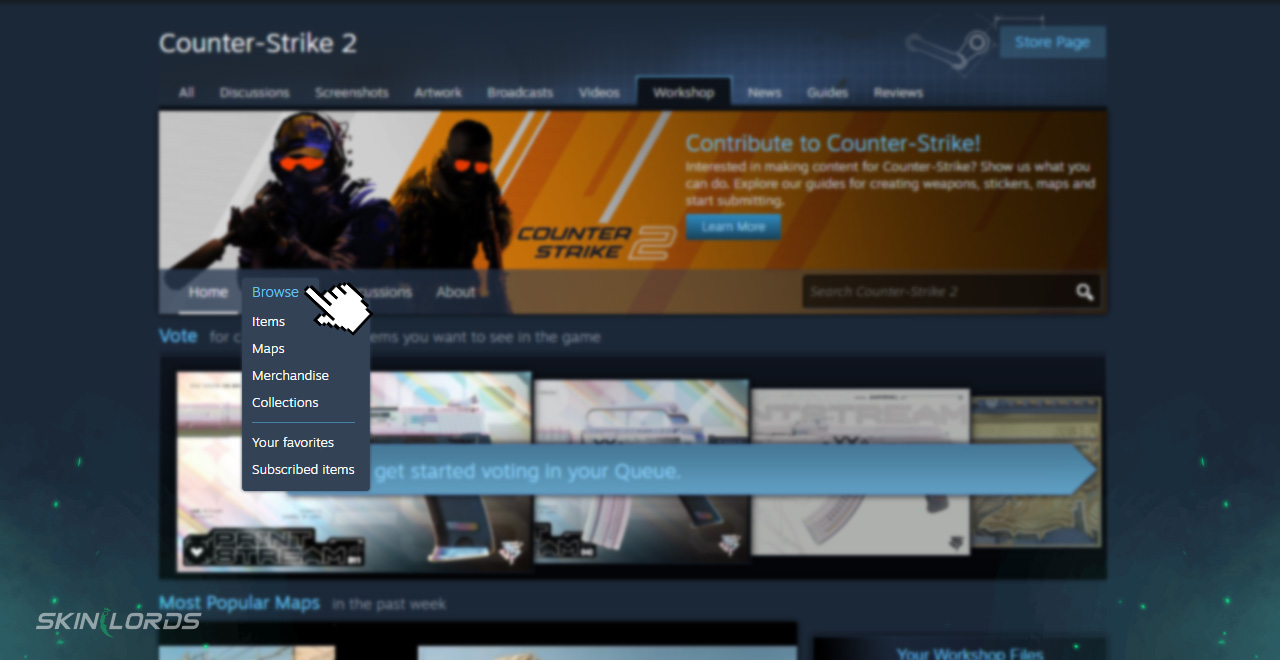
You can still edit the description and other information of your workshop item after it has been published, but the overall content will remain there permanently.

Similar Articles
See all
Steam Guides

Valve Releases Steam Community Market UI Update in Beta Testing
08.23.2025
0
648
Steam Guides

How To View Steam Wallet Activity
08.18.2025
0
670
Related Casinos


 Stake
Stake
Leave a reply