













































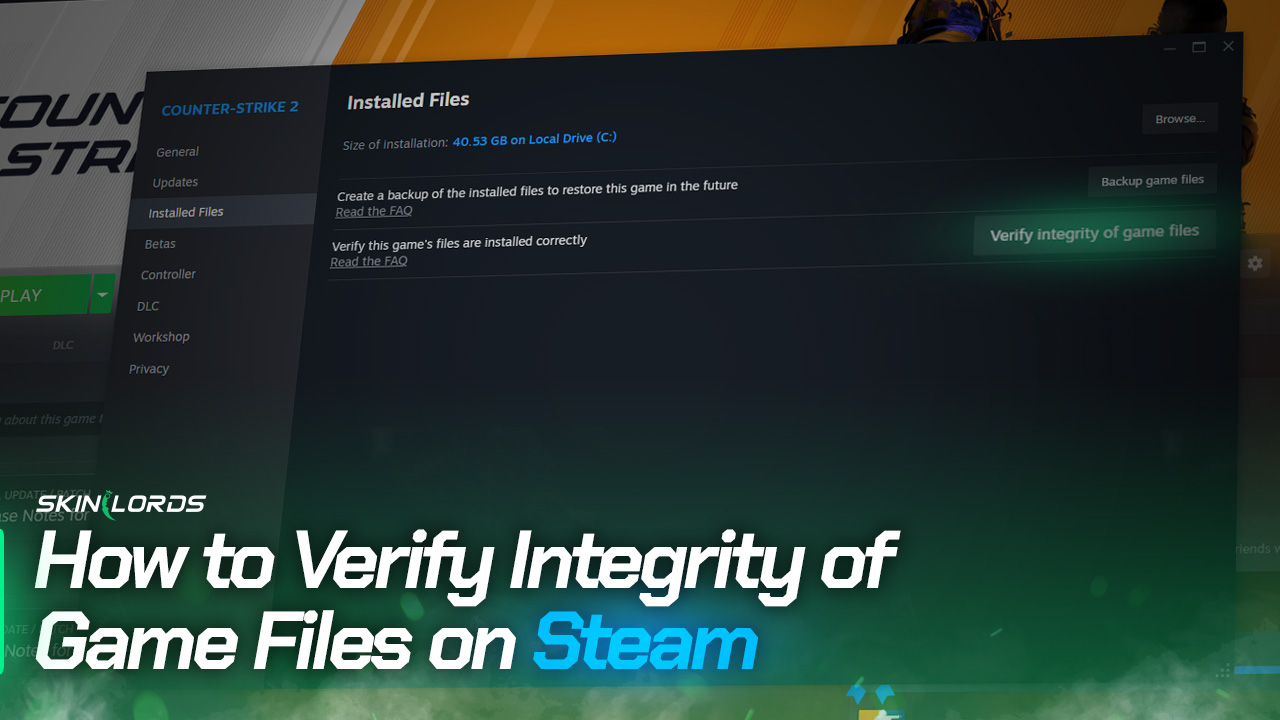
How to Verify the Integrity of Game Files on Steam
If you’re having trouble starting a game or it keeps crashing during gameplay, verifying the integrity of game files can help, and you might be surprised that some of your files had to be replaced. When you verify the integrity of your game files, Steam checks your computer to ensure nothing is corrupted or missing in your game files.

Find more Steam Guides on our blog!
Follow the Steps Below
-
1Launch the Steam app on your computer
-
2Click on Games in the top-left corner and go to View Games Library
-
3Right-click the title of the game you are attempting to troubleshoot
-
4Click on Properties in the expanded menu

Game Files Overview
-
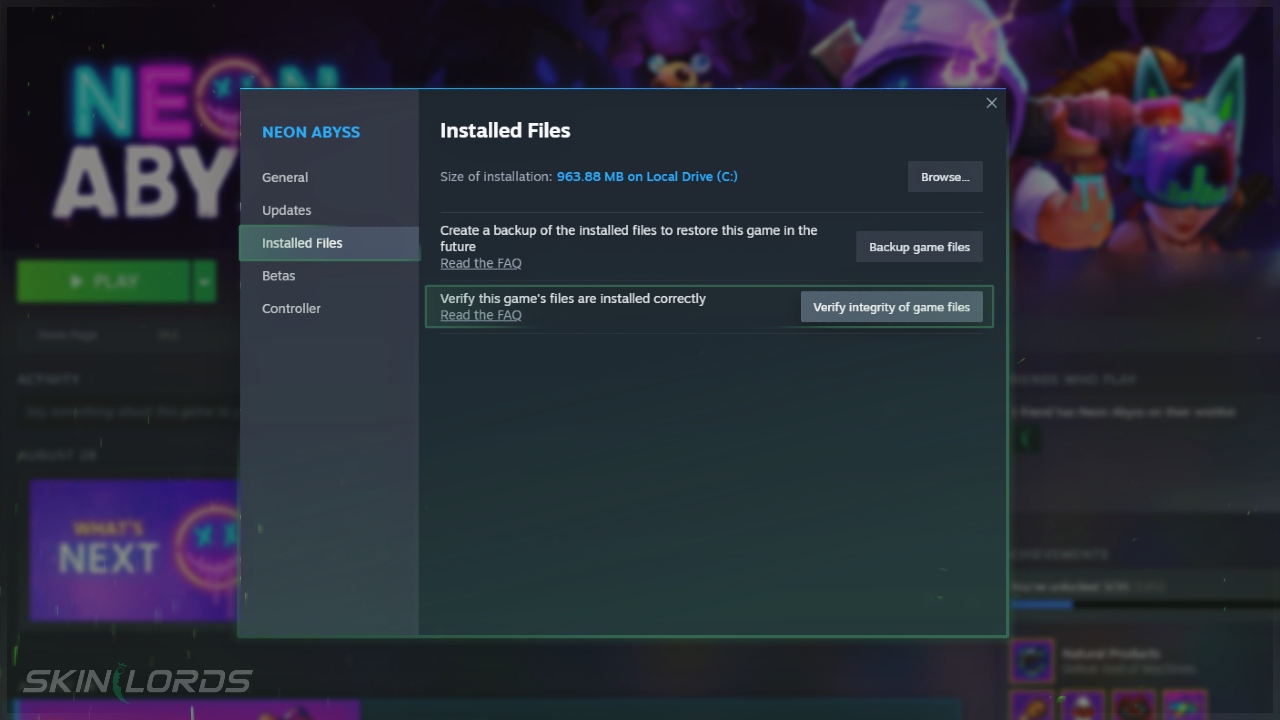
1In the game properties menu, find and open Installed Files in the left-hand menu
-
2Click on ‘Verify integrity of game files’
This might take a few minutes, and the time can vary based on your computer’s power and the game’s size.
We hope you enjoyed our guide on verifying the integrity of your game files on Steam. If you have problems following our instructions or need further assistance, please share your feedback in the comments. Find more helpful guides for Steam games on our blog!




Leave a reply
Similar Articles
See all
Steam Guides

Valve Releases Steam Community Market UI Update in Beta Testing
08.23.2025
0
618
Steam Guides

How To View Steam Wallet Activity
08.18.2025
0
651
 Stake
Stake
neon abyss, god tier game