





































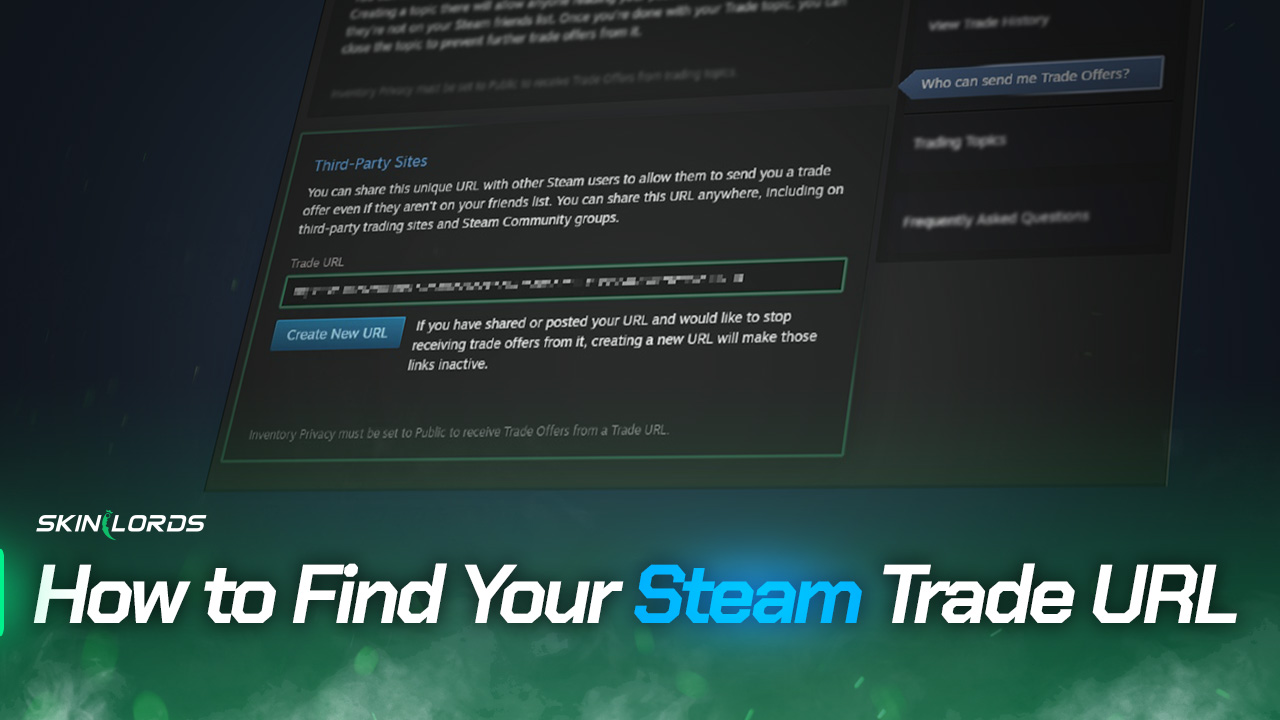
How to Find Your Steam Trade URL
If you want to trade items on Steam with users whom you are not friends with, you’ll need a special link called your Steam Trade URL. This link opens a trade menu. You can easily find your Steam Trade URL in our guide by clicking a link or going through your Steam Inventory pages.

Find more Steam Guides on our blog!
Follow the Steps Below to Quickly Find your Steam Trade URL
-
1Sign into SteamCommunity.com in your web browser
-
2Click on this link
http://steamcommunity.com/my/tradeoffers/privacy -
3Scroll down to the bottom of the the page until you see “Third-Party Sites”
-
4The link shown here is your own Steam Trade URL
Locate Your Steam Trade URL Manually
If you prefer using the Steam app or don’t want to click the direct link, you can quickly get your Steam Trade URL with just a few simple steps.
-
1Visit your Steam Inventory page
-
2Click the blue ‘Trade Offers’ button on the right
-
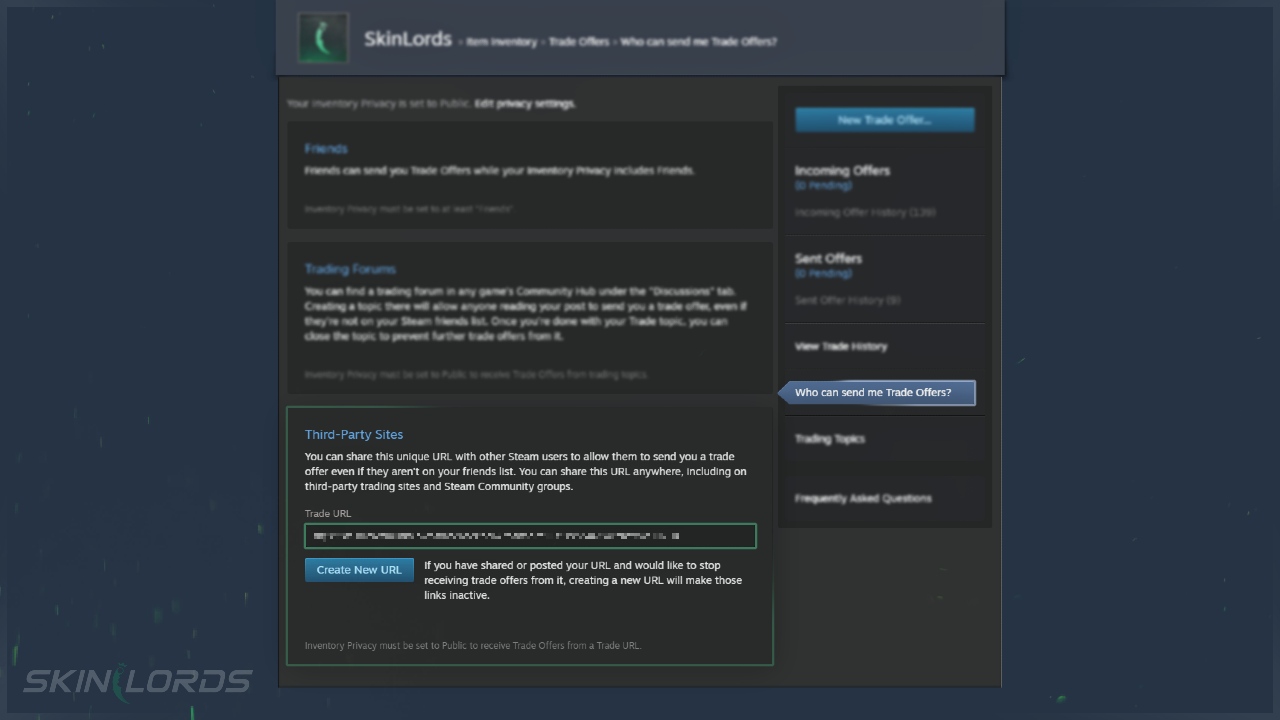
3Go to the right-hand column and click on ‘Who can send me Trade Offers?’
-
4Scroll down to the bottom of the page until you see ‘Third-Party Sites’
-
5The link shown here is your own Steam Trade URL
We hope you enjoyed our simple guide to finding your Steam Trade URL. If you encounter an issue while following the instructions in this guide, please feel free to leave a comment.
Join daily skin giveaways on our Twitter/X!
@SkinLords on X
Similar Articles
See all
Steam Guides

Valve Releases Steam Community Market UI Update in Beta Testing
08.23.2025
0
601
Steam Guides

How To View Steam Wallet Activity
08.18.2025
0
607
 Stake
Stake
Leave a reply