













































How to Make CS2 Windowed Fullscreen
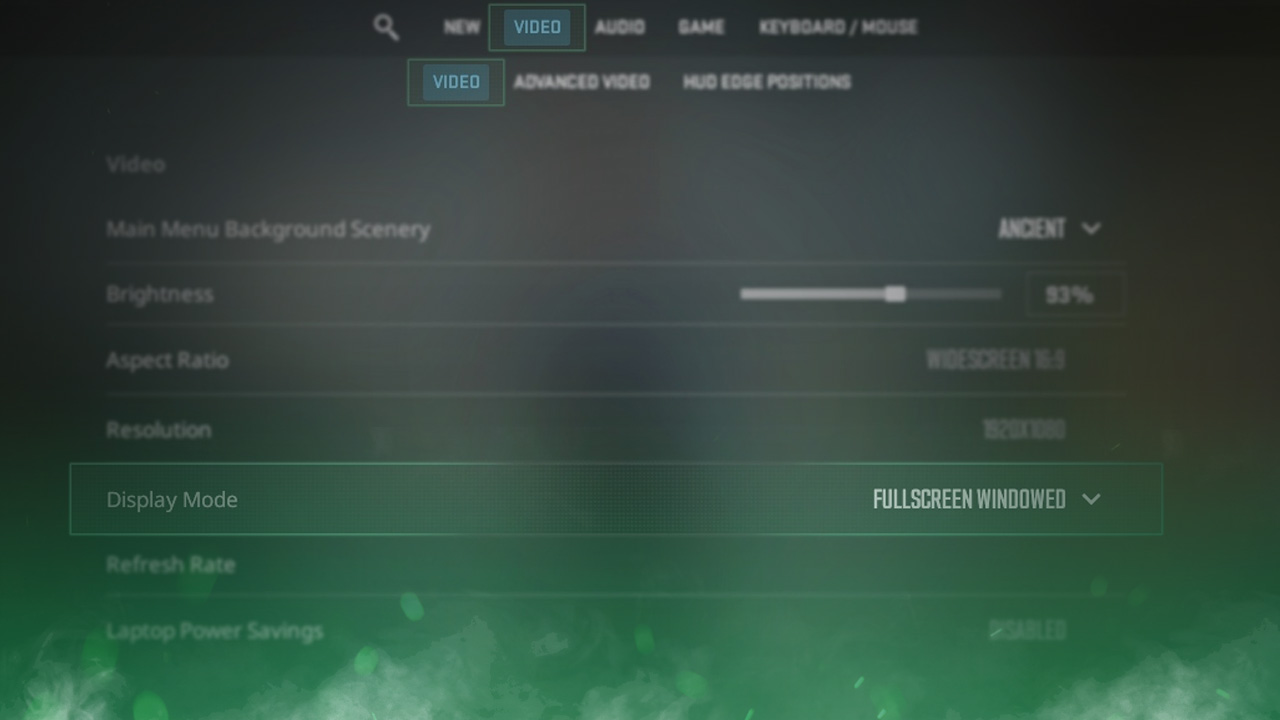
Switching to the Windowed Fullscreen display mode in Counter-Strike 2 can make it easier to tab in and out of the game. If you want to change the display mode in CS2, you can use the following simple guide to help you do it:
Follow the Steps Below
- Open Settings and go to Video
- After this click on Video under the previous
- Find Display Mode and click on your preset. Select your desired display mode

Find more CS2 guides on our blog!
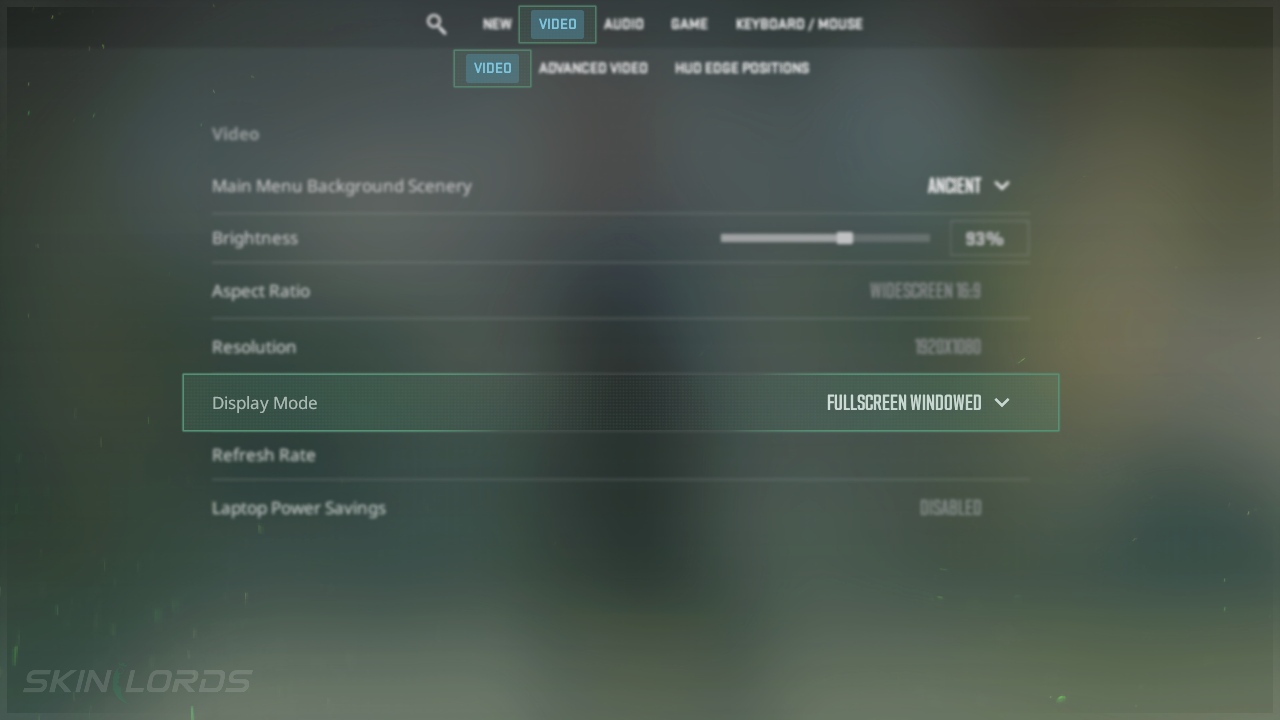
We hope our simple guide on how to play Counter-Strike 2 in Fullscreen Windowed mode was useful to you. If you encounter any issues while following the instructions in this guide, please don’t hesitate to leave a comment.

Similar Articles
See all
Game Customization
How to Change CS2 Sniper Crosshair Thickness
04.16.2026
0
220
Game Customization
How to Disable CS2 Silencer Removal
04.16.2026
0
697
 Stake
Stake
Leave a reply