













































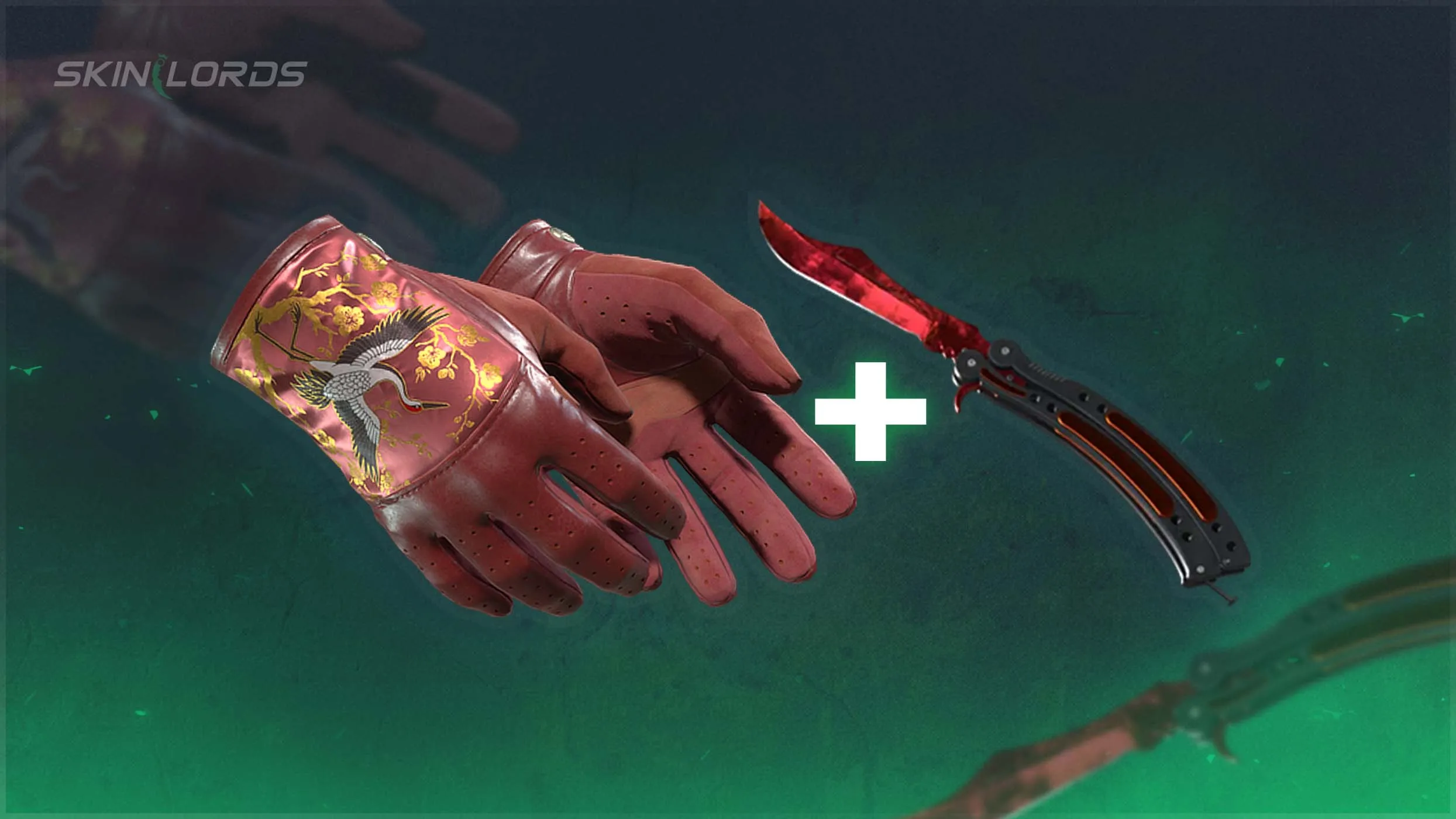
Best CS2 Knives for the Driver Gloves Brocade Crane
Today, we will showcase some of the best CS2 knives to pair with the Driver Gloves Brocade Crane. A member of the new Dead Hand Collection, the Driver Gloves Brocade Crane are a unique set of red gloves, unlike any in the game until the addition of the Dead Hand Terminal. Featuring a fantastic crane design and surrounded by brilliant gold lace, these gloves have endless potential.

For more CS2 skins content, check out our blog:
Top 3 CS2 Knife + Driver Gloves Brocade Crane Combinations
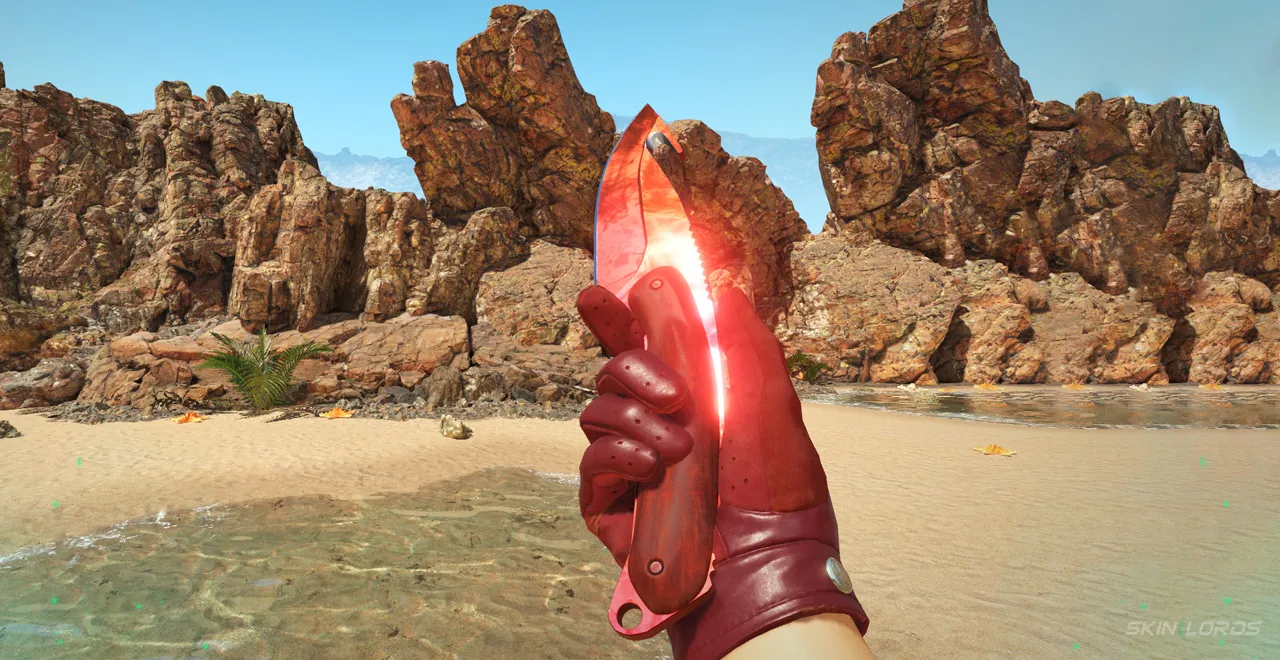
3. Driver Gloves Brocade Crane + Gut Knife Ruby
A classic red-on-red combination, this knife-glove pairing has a little more than meets the eye. The reddish-brown wood on the Gut Knife’s handle creates a unique layered effect in the combination, similar to the different reds found across the gloves. The Gut Knife Ruby is also a fantastic way to get a gem knife without paying an arm and a leg like you would for a more high-tier knife in the Ruby finish.
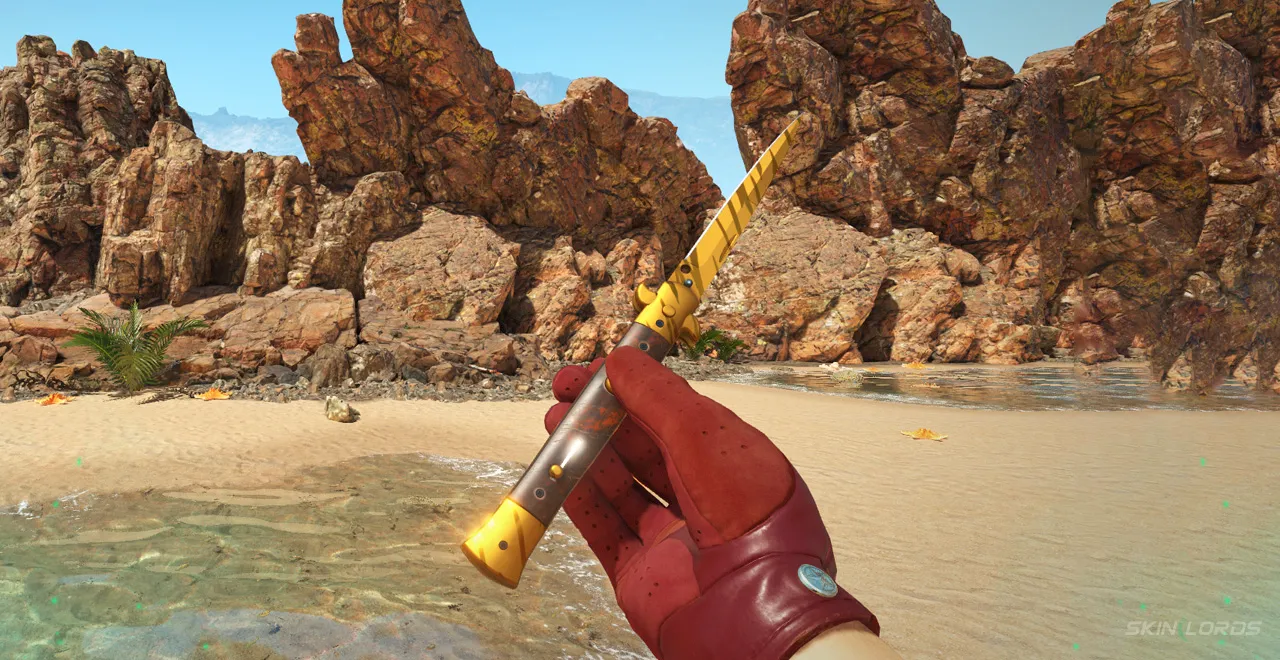
2. Driver Gloves Brocade Crane + Stiletto Tiger Tooth
Matching perfectly with the lace found across the Driver Gloves Brocade Crane, the gold of the Tiger Tooth is absolutely stunning in this combination. Usable with really any Tiger Tooth knife, the Stilletto Tiger Tooth does work quite well for this, as it matches the colors found on the crane as well. Additionally, this combination won’t cost an abnormal amount, as the knife is a more budget-friendly option.
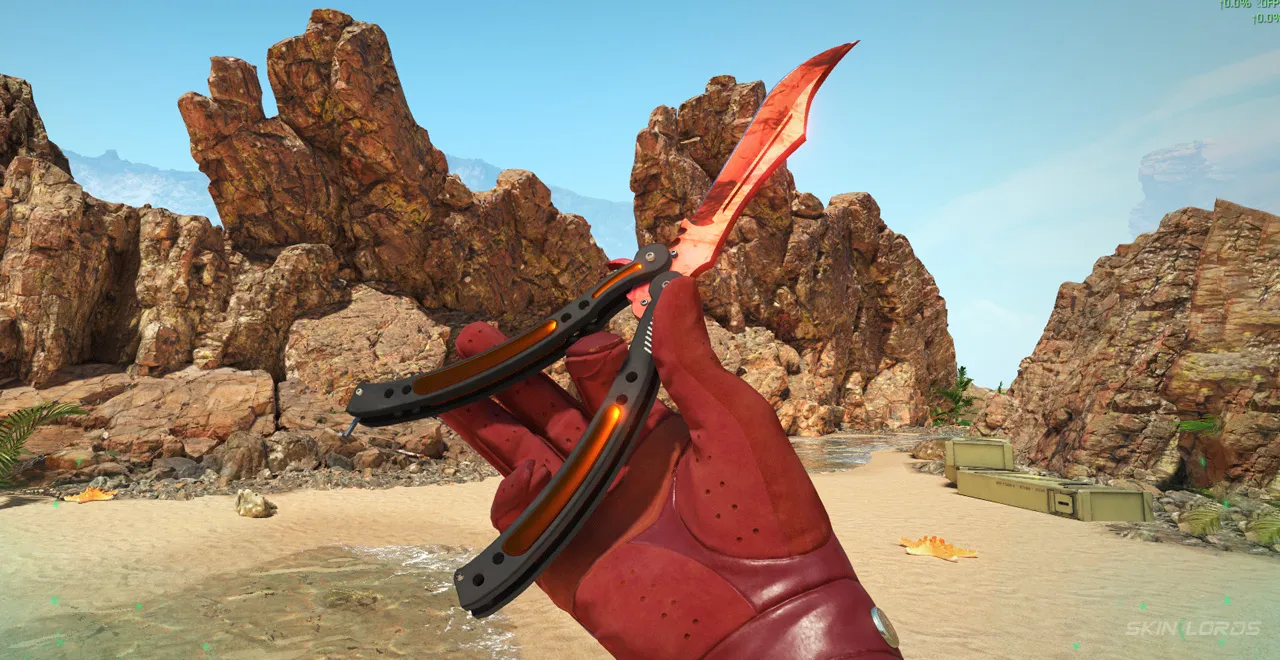
1. Driver Gloves Brocade Crane + Butterfly Knife Ruby
The peak knife for all red loadouts, the Butterfly Knife Ruby is stunning as always, no different with this combination. Going quite well with the Brocade Crane Gloves, the Ruby gets an almost elegant sense in the combination. This combination most definitely isn’t budget, but it looks simply fantastic.
Whether you’re pairing a CS2 Knife with the Driver Gloves Brocade Crane for a red sticker craft or even a yellow-themed loadout, no matter what you choose, you can’t go wrong as long as you have the Driver Gloves Brocade Crane. If you have enjoyed this article, feel free to leave a comment down below on the combinations you’d like to see next!



Similar Articles See all
Skin Guides

Skin Guides

What Makes CS2 Case Opening Sites Different From CS2 Cases?
09.09.2026
0
160
Related Casinos

 Stake
Stake
Leave a reply