













































Lower FOV and Increase Zoom When Aiming in Rust
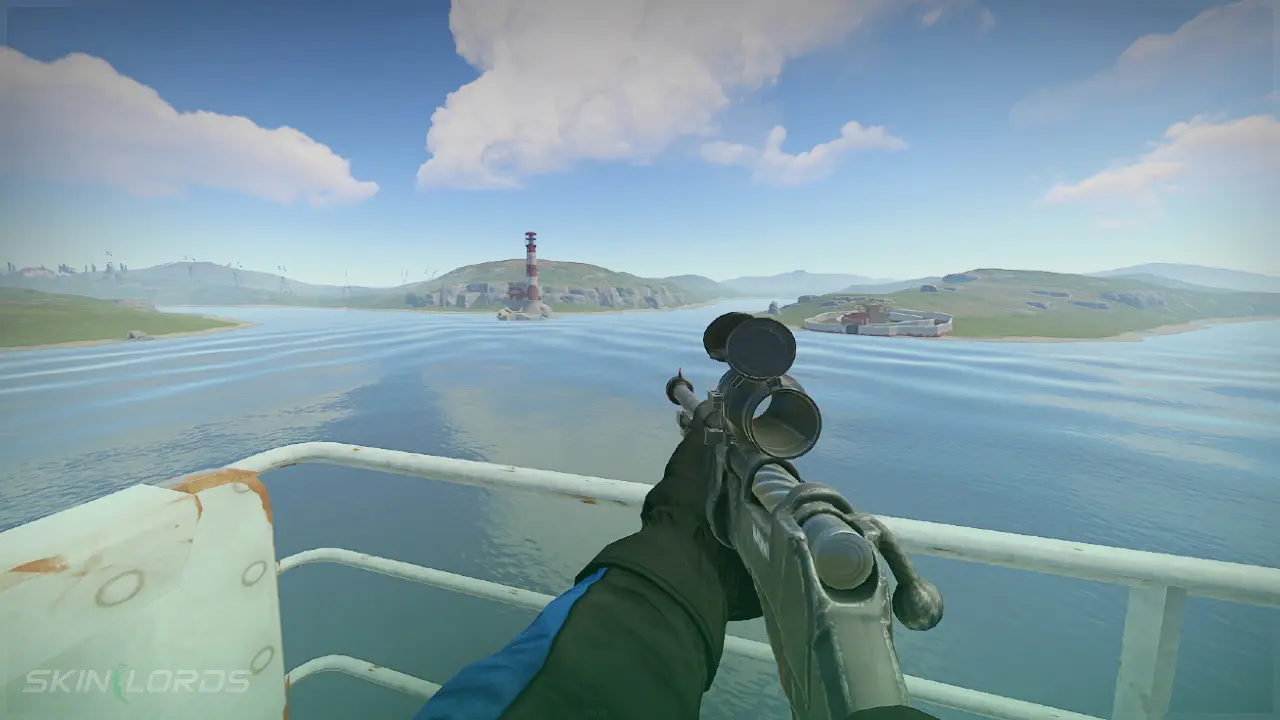
Making your FOV in Rust automatically lower when aiming down sights will give your weapon more zoom than it would normally have. This can be especially useful when spraying a gun at long ranges since it can increase visibility.
Unfortunately, this key bind will switch between FOVs whenever you right-click in Rust, which can be annoying when building or in bow combat. However, you can always remove and add the command back later.

Check out more Rust guides on our blog
Follow the Steps Below
You must open the developer console by pressing F1 on your keyboard.
- Open the developer console
- Copy and paste the command
bind mouse1 "+attack2;+fov 90;fov 70;"- To remove the key bind type
bind mouse1 +attack2into the console
- To remove the key bind type
Change FOV and Sensitivity
Some players prefer to lower their sensitivity when aiming to help better their gun control.
- Open the developer console
- Copy and paste the command
bind mouse1 "+attack2;+input.sensitivity .30;input.sensitivity .20;+graphics.fov 90;graphics.fov 70"- The first input sensitivity value is your normal sensitivity, and the second is your ADS sensitivity
- To remove the key bind type
bind mouse1 +attack2into the console
Not a fan of changing your FOV? View our guide on changing your ADS sensitivity.
We hope you enjoyed our quick guide on changing your field of view and sensitivity when aiming in Rust. Feel free to comment if we missed out on an important setting or if you had any issues with our guide.

Similar Articles See all
Rust Guides

Rust Guides

 Stake
Stake
Leave a reply